
Podcast Discord Server Setup, Channel by Channel

Open a Discord server with six channels, not sixteen: a welcome rule, an episode-discussion channel, a general chat, an off-topic channel, a feedback-and-questions channel, and one for sharing clips. Give each new episode its own thread and a small role. Then solve the only problem that actually kills a podcast Discord, the empty room, by seeding it with people before you announce it.
Most "how to set up a Discord" advice is written for gaming clans and tells you to make twenty channels and install five bots. For a podcast, that is exactly backwards. Your listeners do not arrive wanting a second job; they arrive wanting to talk about the thing they just heard. A small server where every channel has a recent message beats a sprawling one where nine channels sit at "no messages yet." This is a build guide for that small server, and a plan for the first thirty days when it would otherwise feel like a ghost town.
Should a podcast even have a Discord?
Only if you have something close to your first 100 engaged listeners and you can show up daily for the first month. A Discord is a high-touch channel, it rewards a host who replies, and punishes one who disappears. Below roughly 100 listeners, your energy is better spent on the email list you actually own, because a follower or a server member can vanish, and an email address cannot.
Here is the honest case for it once you clear that bar. Community is a retention tool, and retention is where most shows die: nearly half of all podcasts stop at three episodes or fewer Amplifi Media, usually because the host loses the will to publish into silence. A small Discord turns silence into a handful of named people waiting for the next episode. That changes the host's psychology more than any download chart does. If you are still deciding between platforms, Discord vs Circle vs a Facebook group is its own decision, this guide assumes you have chosen Discord and want to build it well.
One caveat to set expectations: a Discord will not grow your audience. It deepens the audience you already have. Discovery still comes from the open platforms, and 57% of listeners now rely on social media for podcast recommendations, narrowly ahead of friends and family at 54% (InsideRadio, "The State of Video Podcasting 2025"). Discord is the room you bring people into after a clip introduces them, not the room that finds them.
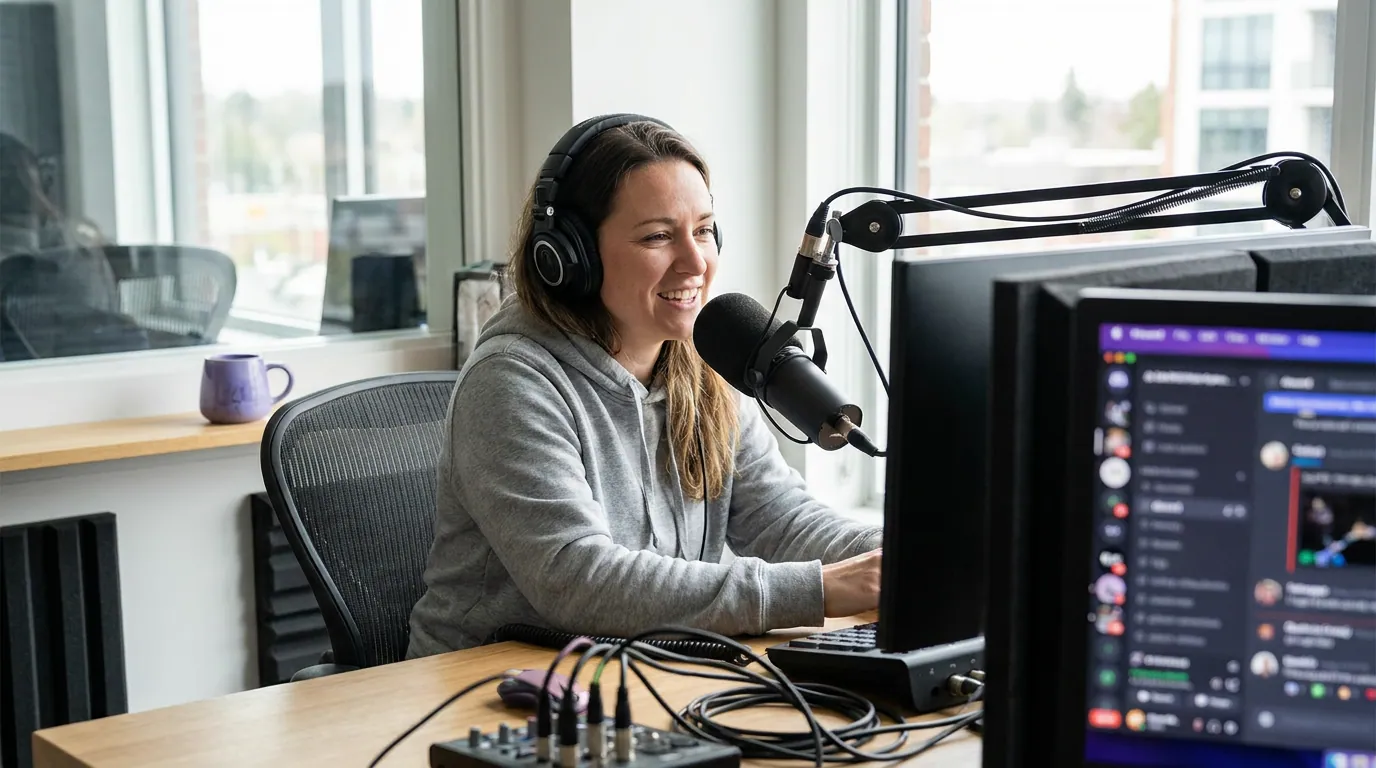
The six channels to launch with
Resist the urge to plan for the server you hope to have in a year. Build for the next thirty messages. Six channels, three groups. Every channel here has an obvious reason for the first message to exist, which is the test a channel has to pass before it earns a slot.
#start-here, Your one read-only channel. Three lines of rules, one line on what the show is, and instructions for grabbing episode roles. Pin it. This is also where you set the tone: warm and small, not corporate.#episode-talk, The engine. Every time an episode publishes, open a thread inside this channel titled with the episode number and title. People reply to the thread, so old episodes stay searchable instead of scrolling away. This single habit is what makes the server feel alive.#feedback-and-questions, Where your next episodes come from. Listener questions, guest suggestions, topic requests. Read a few of them on-air by name; nothing pulls people deeper than hearing their handle on the show.#general, The campfire. Loosely on-topic chat that does not fit a specific episode. This is the channel you personally seed with a question most mornings in week one.#off-topic, Permission to be human. Communities bond over tangents, not just the subject. Giving tangents their own room keeps#generaland#episode-talkon-theme without policing anyone.#share-your-clips, Where listeners post the moments that hit them. This channel quietly becomes your discovery flywheel: members repost their favorite clips to their own feeds, and clips are the one format that reaches people you could never message directly (Podcast Studio Glasgow, citing ALM Corp's 2026 social trends report).
Roles tied to episodes: the trick most podcast servers miss
Use roles to reward listening, not to build a hierarchy. The standard advice is to make "VIP" and "moderator" roles and stop there. The better move for a podcast is a self-assignable role for each season or milestone, so a member's role badge shows how long they have been around and how deep they are in the show.
Set up a reaction-role message in #start-here: react with one emoji to get a @Listener role that opens the community channels, and an optional @Spoilers-OK role for people caught up on the latest episode. The @Listener gate is doing real work, it means a drive-by spammer who never reacts never sees your active channels, which keeps moderation near zero in a small server. Add a @Founding Listener role by hand for everyone who joined in the first month. It costs nothing and it makes your earliest members feel like what they are: the people who showed up before there was a reason to.
Two roles to skip at launch: regional roles and a wall of cosmetic color roles. They fragment a small room. Add them only when you have hundreds of members and a real timezone problem, not before.
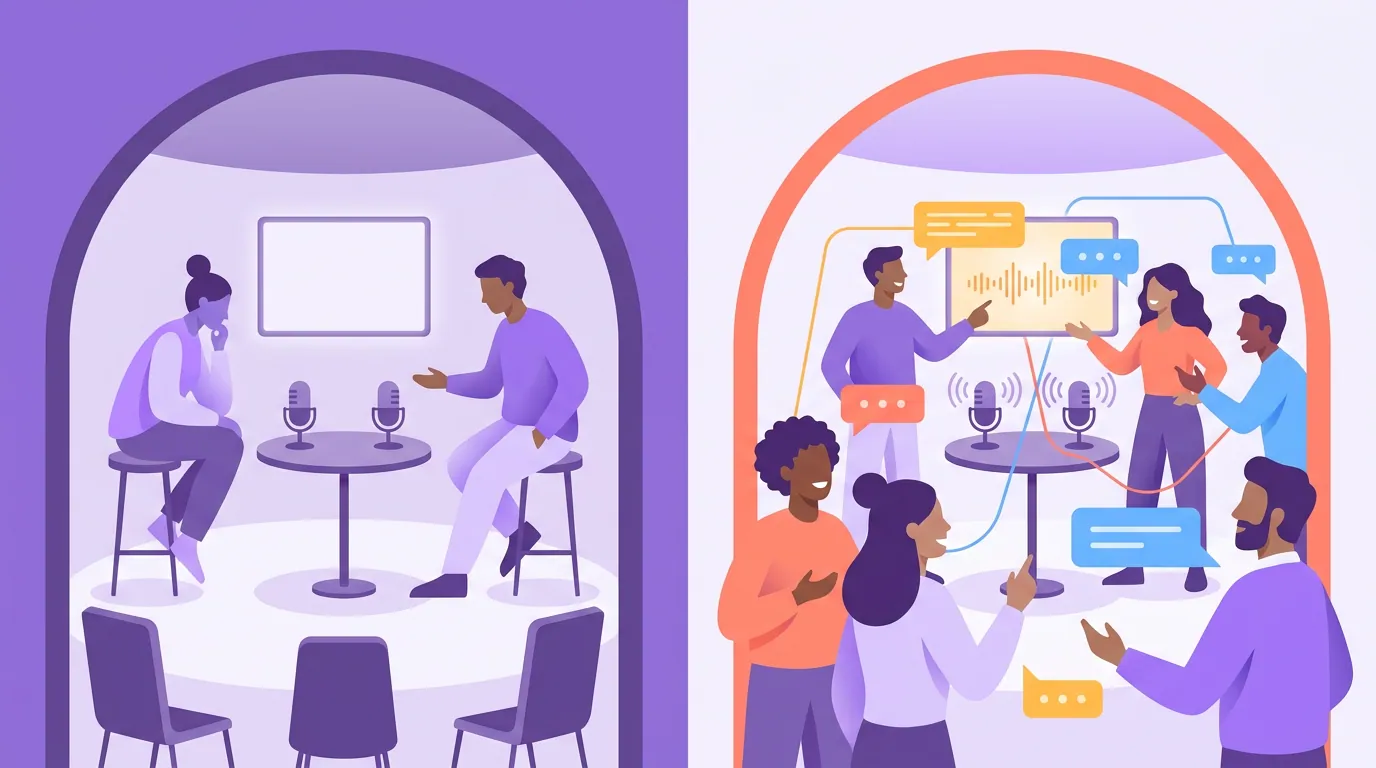
The empty-server problem (and the only fix that works)
A new Discord is a party where you are the only guest, and nobody wants to be the first stranger to talk in a silent room. The fix is not a bigger announcement. It is seeding: bring in a small group of people before you tell the whole audience the server exists, so that when listeners arrive, every channel already has a recent human message in it.
Run this thirty-day cold-start in order:
- Days 1–3: invite ten people by hand. Your most engaged listeners, a few friends who will actually chat, last season's guests. Tell them plainly: "I'm starting a small server and I want it to feel alive before I open it up, would you hang out for the first couple of weeks?" Ten talkers beat a hundred lurkers.
- Days 4–7: post a daily prompt yourself. One question a day in
#general. Not "what do you think of the show", something specific and easy, like "what's the one episode you'd send a new listener to first?" You are modeling the behavior you want. - Day 8: open it to the whole audience. Now the server has a week of real messages in every channel. Announce it on the show, in your email, and in your
#share-your-clipsposts. New arrivals see a living room, not a void. - Ongoing: run the episode loop. Every episode gets a thread, a role ping, and a clip that carries the invite link. The clip does the discovery; the thread does the retention.
The reason the loop closes on a clip is simple math: a Discord invite buried in show notes converts almost nobody, but a clip that lands on a stranger's feed can carry the invite to people who have never heard the show. Posting clips consistently can raise a show's reach two to five times (Podcast Studio Glasgow). The server is the destination; the clip is the road to it.
Common mistakes that kill a podcast Discord
Most servers do not fail because the host picked the wrong channels. They fail in predictable, avoidable ways.
- Too many channels on day one. Nine empty channels read as "this is dead." Start with six, and only split a channel once a single one gets too noisy to follow. Scarcity of channels is a feature early on.
- The host who lurks. A podcast Discord is the host's living room. If you are not in
#generalmost days for the first month, members take the cue and leave. Block fifteen minutes daily; that is the whole job at the start. - Treating it like a broadcast channel. Dumping links and disappearing trains people to ignore you. Reply, ask, react. The ratio you want early is more questions than announcements.
- No
#share-your-clipschannel. Without it, members have nowhere to repost the moments that move them, and you lose your cheapest discovery loop. Make it, then encourage it by posting the first clips yourself. - Forgetting the email backup. Discord can ban a server, change its rules, or simply fall out of favor. Capture members onto your email list too, and consider a welcome email sequence that invites new subscribers into the server. Own the relationship in more than one place.
FAQ
How many members do you need before a podcast Discord works? You need around 10 to 20 active talkers, not a big headcount. A server of 30 people where a handful chat daily feels alive; a server of 500 silent members feels dead. Seed it with engaged listeners before opening it widely, and judge health by messages per day, not member count.
What channels should a podcast Discord start with? Six: #start-here (rules and roles), #episode-talk (one thread per episode), #feedback-and-questions, #general, #off-topic, and #share-your-clips. Each one passes a simple test, the first message obviously belongs there. Add voice channels, bonus-content, and regional channels only when a real need appears.
How do I get listeners to actually join the Discord? Carry the invite on the format that travels: short clips. A link in show notes converts few people, but a clip on social can reach listeners you cannot message, and clips drive more podcast discovery than friend referrals now (InsideRadio, 2025). Put the invite in every clip post, every episode outro, and your email footer.
Discord, Circle, or a Facebook group, which is best for a podcast? Discord suits younger, chat-native audiences and costs nothing; Circle is cleaner and better for paid/course-style communities; Facebook groups reach an older audience already on the platform. The right pick depends on where your listeners already are and whether you'll charge. The full trade-off is in choosing a podcast community platform.
Should I charge for access to my podcast Discord? Not at the start. A free server is a retention and discovery tool; gating it shrinks the room you are trying to fill. Once a community is consistently active, a paid tier with bonus channels can work, but those same engaged listeners are who you'd want to book as guests or build a deeper relationship with, and a paywall complicates that. Earn the size first.