
Single vs Multi-Camera Podcast: Which You Need

Most new video podcasts should run one camera, not two or three. A single camera covers a solo host or a two-person sit-down completely, costs nothing extra per episode, and never forces you to cut. Add a second camera only when you have more than one person at the desk and the edit time to switch between them. Add a third only for panels.
The trap is buying for the show you imagine instead of the show you'll actually edit. A second camera is a one-time gear cost and a permanent edit cost, every episode, forever, you now have to decide which angle is live and trim two timelines instead of one. Plenty of shows own three cameras and cut between them like it's two, because nobody had the hours. This guide gives you a decision rule so you don't become one of them.
Should you use one camera or multiple cameras for a podcast?
Use one camera if you record solo, or if you record two people and won't edit angle changes. Use two when two people talk and you want to cut to whoever's speaking. Use three only for three-plus guests a single wide frame leaves too small. The deciding factor is rarely budget, it's the minutes per episode you'll spend switching angles.
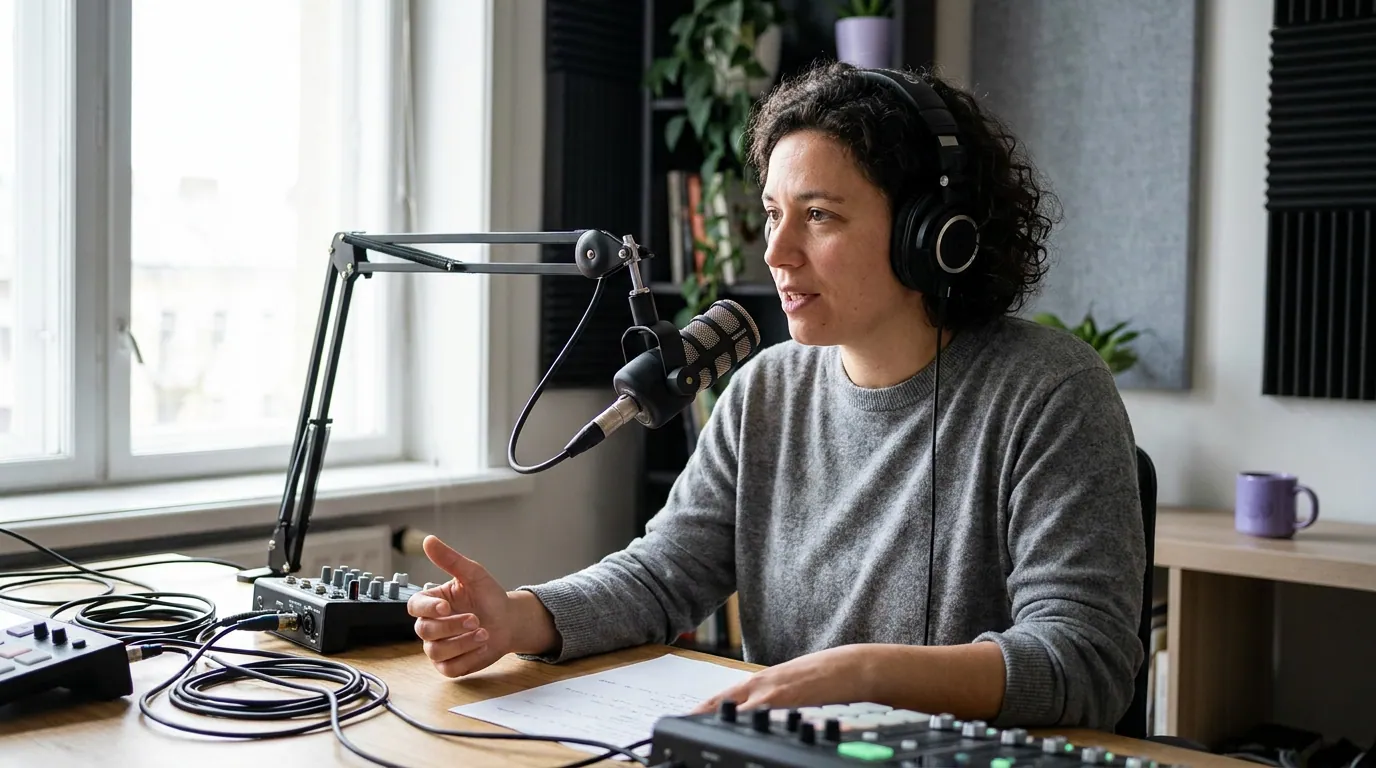
A single camera is not the "beginner" choice you graduate out of. It's a legitimate format. Plenty of the most-watched interview shows on YouTube spent years on a fixed two-shot. A locked wide frame that shows both people, lit well, with a clean background, reads as intentional. What reads as amateur is bad framing, a noisy room, and a backdrop full of clutter, none of which a second camera fixes. Get the framing and composition and the backdrop right first; those move the needle more than camera count.
The real cost of a second camera isn't the body or the lens. It's that you've signed up to make an editing decision every few seconds for the rest of the show's life. That's the part the gear lists leave out.
The decision tree: how many cameras you actually need
Start at the top. Answer guest count, then edit time, then whether you clip. Where you land is your answer, and "one camera" is a perfectly good place to land.
The third input, whether you clip, surprises people. A vertical clip crops to roughly the center third of the frame and usually holds one face at a time. So the second and third angles you spent money on don't appear in the clip; the clip reframes a single speaker regardless. If your growth plan leans on short-form (and for video podcasts, clips drive an estimated 20–40% of new audience, per Podcast Studio Glasgow), buy good single-camera quality and a clipping workflow before you buy a second body.
What one camera actually costs vs two vs three
Hardware is the small number. The number that compounds is edit time per episode, that's the column that turns a one-time purchase into an ongoing tax. For scale: Ausha's cost breakdown puts a full professional podcast setup at roughly $500 to $5,000+ upfront, with a video-capable editing computer alone at $800–$1,500. The camera-tier and edit-time figures in the table below are this guide's own working estimates for a 45-minute episode, not a published benchmark, treat them as directional.
| Setup | Typical gear cost | Added edit time per episode |
|---|---|---|
| 1 camera (locked) | $300–$700 | ~0 (no angle cuts) |
| 2 cameras (cut to speaker) | $700–$1,400 | +30–90 min |
| 3 cameras (panel) | $1,200–$2,500+ | +60–150 min |
Both columns are QuickReel's editorial estimates for a ~45-minute episode and will vary with your skill, software, and the bodies you buy; Ausha is cited above only for the whole-setup scale ($500–$5,000+). Camera prices move fast, so check current street prices before you buy.
Run the math across a year. A second camera might cost you $500 once. At an extra hour of editing per episode and one episode a week, that's roughly 50 hours a year of switching angles. If those 50 hours would otherwise go into writing better questions, cutting clips, or just shipping on time, the second camera made your show worse, not better. Most shows that quit do it because the workflow got too heavy to sustain, and the cheapest way to protect against that is an edit you can actually finish every week.
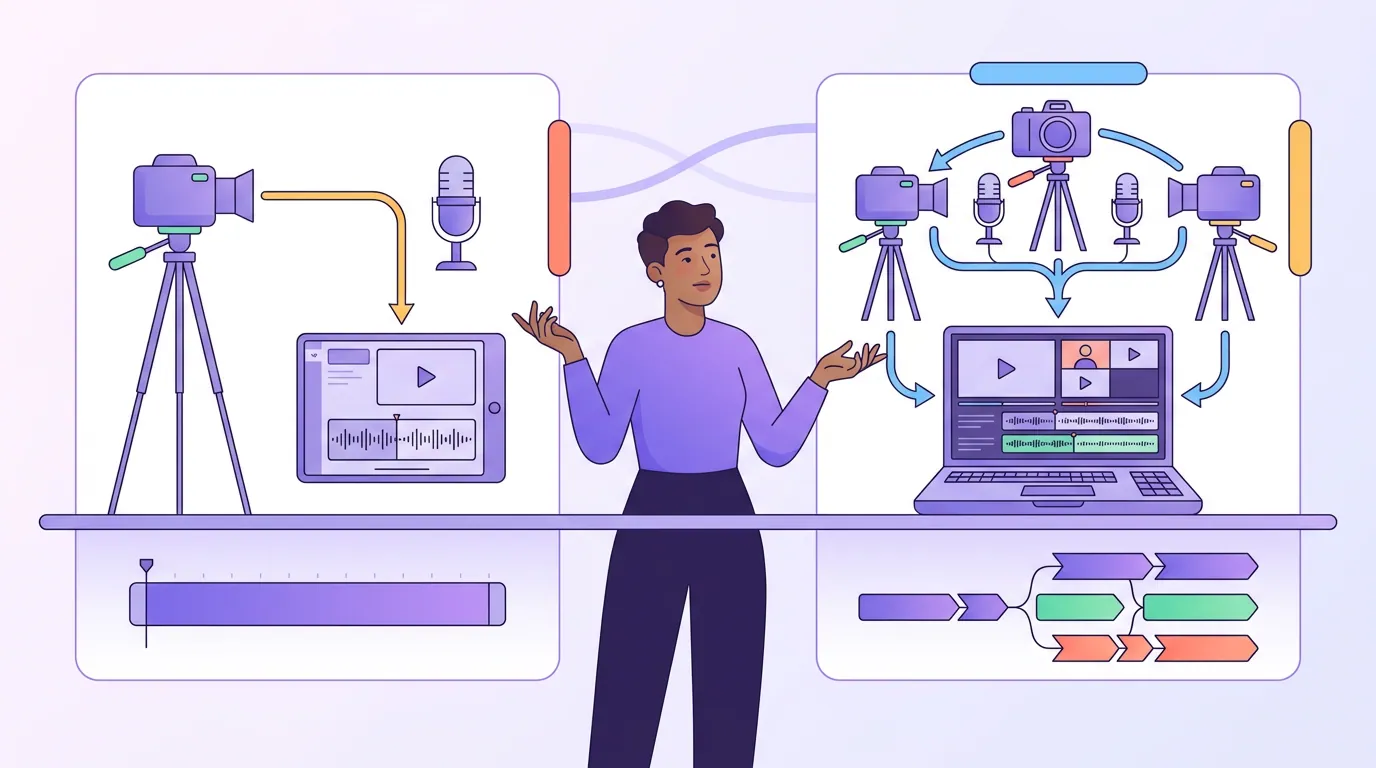
How the two workflows actually differ
The single-camera path is short: import one file, trim, color-correct once, add captions, publish. There's no syncing, no angle decisions, and crucially, nothing you can get wrong. A multi-camera edit asks you to sync clips by their audio waveform, match exposure and white balance so the cut isn't jarring, and decide which angle is on screen at every beat. Done well it's lovely. Done in a rush it produces the mismatched-color, badly-timed cuts that look worse than a clean static frame.
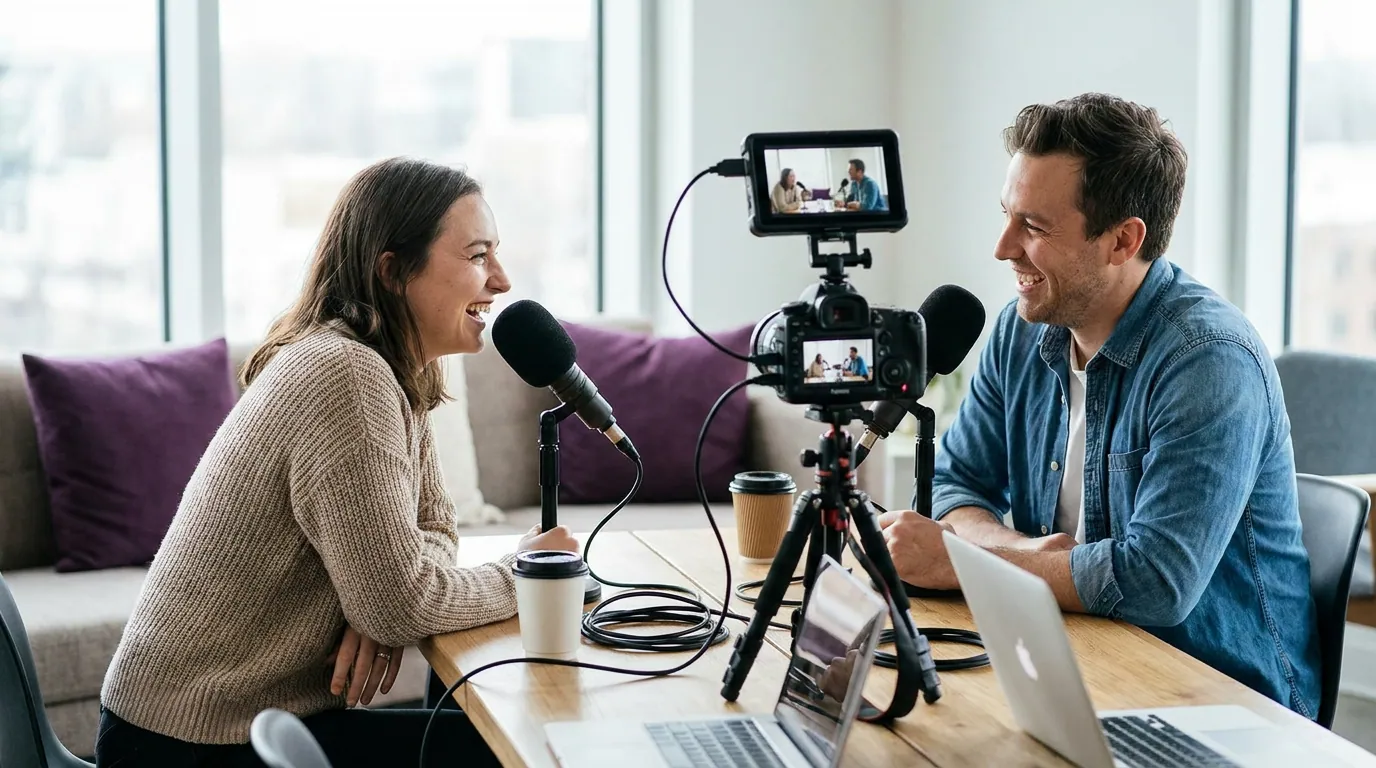
There is a middle path: record two cameras, but don't cut between them in every episode. Use the second angle only for the moments that benefit, a guest reacting, a product on the desk, and leave the rest on the wide. That keeps most of the time savings while buying you the option. Just be honest about whether you'll do even that.
Common mistakes when choosing camera count
These are the patterns that cost people money and editing weekends. Each one has a fix.
- Buying camera #2 to "make clips." Clips are vertical and crop to one face, so the second angle rarely appears in them. Fix: invest in single-camera image quality and a clipping workflow first; add a camera only for the long-form watch experience.
- Mismatched cameras. A webcam cut against a mirrorless body produces a visible color and detail jump on every switch. Fix: if you go multi-cam, run two identical bodies on identical settings. See the full multi-camera bill of materials for matching.
- Owning three cameras, editing like one. The most common waste: angles recorded and never cut to because nobody had the hours. Fix: match camera count to the edit time you'll actually spend, using the tree above.
- Fixing framing problems with more cameras. A second camera won't save a cluttered backdrop or a face lost in shadow. Fix: nail three-point lighting and framing on one camera before adding a second.
- Skipping the locked-shot fundamentals. A single camera placed too low, too far, or too tight reads as amateur regardless of cost. Fix: get the first-time video setup right, eye-level, framed to the upper body, both people visible.
Tools and the clip workflow
For the long-form edit, single-camera footage cuts cleanly in any editor, the free tiers of most video tools handle one timeline without strain. Multi-camera edits are where you'll want software with proper multicam sync (DaVinci Resolve does it well and free; Premiere and Final Cut handle it natively).
For clips, camera count barely matters, which is the point of this whole guide. A vertical clip reframes to one speaker, so it pulls from your single best angle regardless of how many you shot. Tools like Opus Clip, Vizard, and QuickReel all detect roughly the same clippable moments from one source file, the differences are in caption quality, languages, and how many steps sit between your raw episode and a posted clip. Pick the one that gets a finished, captioned vertical out the door fastest, because the camera you skipped buying is only a saving if you actually ship.
FAQ
Is a single camera enough for a professional-looking podcast? Yes. A single camera framed at eye level, lit with three-point lighting, against a clean background reads as professional. Audiences judge a video podcast on framing, lighting, audio, and a non-distracting backdrop far more than on camera count. A locked, intentional two-shot beats a sloppy multi-cam edit every time.
Do I need two cameras to make good clips? No. Vertical clips for Shorts, Reels, and TikTok crop to roughly the center third of the frame and hold one speaker at a time, so a second angle usually doesn't appear in the clip at all. Spend on single-camera image quality and a clipping workflow before a second body.
When is a second camera genuinely worth it? When two people talk on camera and you'll spend the extra 30–90 minutes per episode cutting to whoever's speaking. The cut adds energy to the long-form video and keeps a 45-minute conversation from feeling static. If you won't do the edit, the camera sits unused.
Should a solo podcaster ever use multiple cameras? Rarely. A solo host has one face to show, so a second angle (a side profile or a wide) is a stylistic choice, not a necessity. Most solo video podcasts are stronger spending that money on lighting, a better mic, or a backdrop than on a camera they'll cut to twice an episode.
Does clipping change the camera decision? It pushes you toward fewer cameras. Since clips reframe to a single speaker vertically, the clip pipeline never benefits from extra angles. Watching preference is rising, 53% of new US weekly listeners now prefer to watch a podcast, up from 30% in April 2022 (Backlinko), so invest in clean single-camera quality that both the long video and the clips can use.