
Building a Two- or Three-Camera Podcast Setup

A two-camera video podcast costs roughly $300 with two 4K webcams or $2,400 with two matched mirrorless cameras once you add capture, power, and stands. The cheap path syncs in post; the faster path adds a switcher like the Blackmagic ATEM Mini Pro (~$295, B&H). Below is the full bill of materials for each, plus a three-camera rig.
Most "best cameras for podcasting" lists hand you a camera name and stop. That is the easy 60% of the decision. The other 40%, getting two or three feeds to match, stay in sync, and land in one timeline without a day of fiddling, is where multi-camera setups go wrong and money disappears. This is the parts list nobody itemizes for you.
What you actually need for a multi-camera podcast
A multi-camera podcast setup needs more than cameras. It needs matched cameras (same model, ideally), a way to combine the feeds (sync in post or a live switcher), continuous power for each camera, clean HDMI output, stands, and cable. The cameras are usually less than half the total bill once those are added.
Here is the part most lists skip: the second and third camera are the easy purchase. The hidden cost is everything that makes two cameras behave like one production, power that does not die mid-episode, output that does not show your battery icon on screen, and settings on both bodies that match so the cut between angles is not jarring. Budget for the whole chain, not the headline price.
The other rule before you spend anything: match your cameras. Two of the same model, on the same firmware, with identical settings, cut together cleanly. A mirrorless camera on one host and a webcam on the other will betray you the moment you cut between them, different color, different depth, different look. If matching means buying two cheaper bodies instead of one nice one, buy two cheaper bodies.
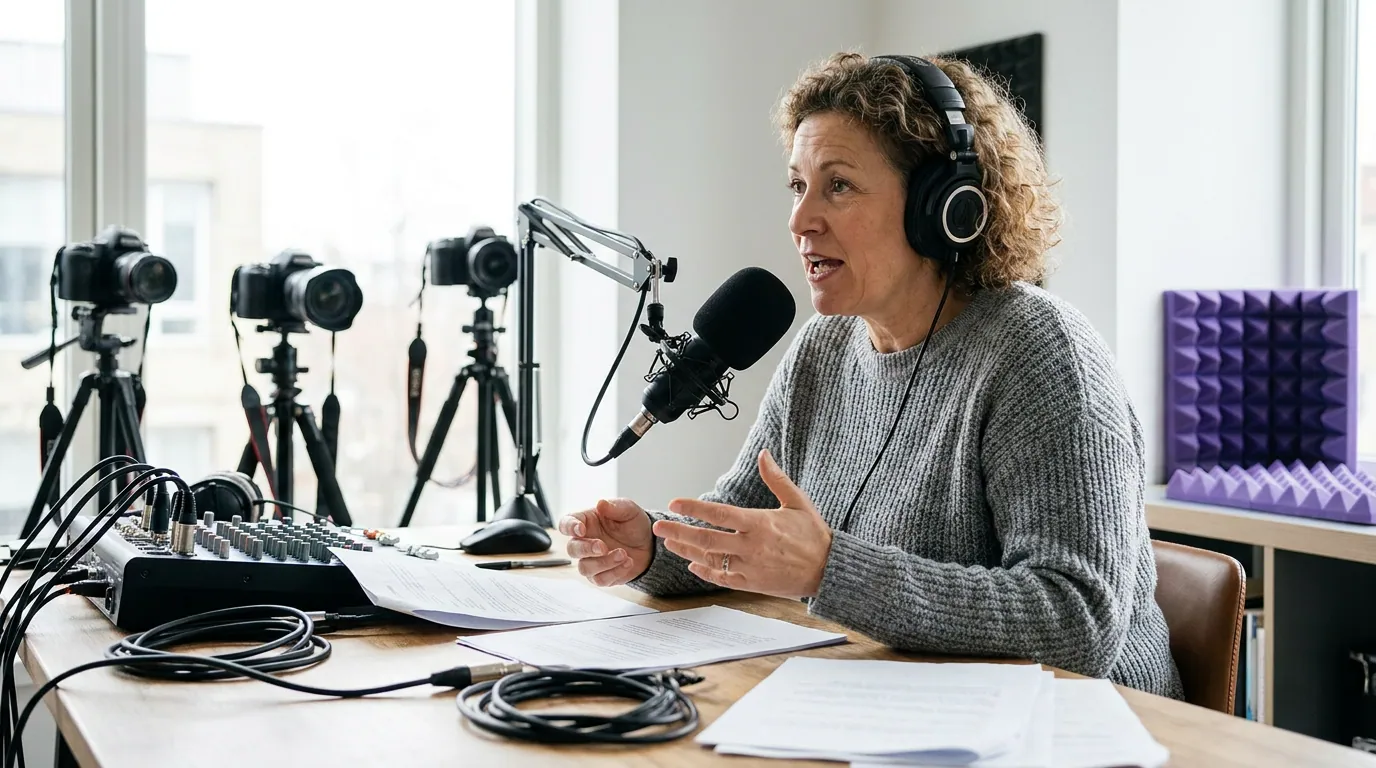
The three setups, by budget
| Setup | Total cost (gear) | Best for |
|---|---|---|
| Two-webcam (sync in post) | ~$300–$360 | Solo-to-duo shows, remote co-hosts, tight budgets |
| Two mirrorless (sync in post) | ~$1,900–$2,400 | A polished two-seat show you edit weekly |
| Three-camera switcher rig | ~$3,700–$4,500+ | Live or near-live shows, panels, fast turnaround |
Ausha puts a hobby podcast setup at $100–$350 upfront and a professional one at $1,500–$5,000+, per its cost breakdown, and that is for a single seat. Multi-camera pushes you to the top of that range fast, because you are buying most things twice or three times.
1. The two-webcam setup, ~$300, and not a joke
Best for: a duo on a budget, remote co-hosts, or anyone who wants to test the multi-angle format before spending real money.
Two Logitech Brio 4K webcams run about $300 total, street price has hovered around $150 each in 2026 (it has dipped to ~$150 on sale, against a roughly $199 historical list price). Each outputs over USB straight into OBS or your recording software as a separate source, so there is no capture card to buy and no HDMI to route. You record both feeds, then cut between them in the edit.
The honest cons. Webcams cap at 4K/30fps or 1080p/60fps, and Stream Tech Reviews notes the HDR mode on the newer MX Brio drops you to 30fps regardless. Two 4K webcams can also overload a single USB controller, plan to put them on separate USB buses or ports, not a shared hub. And the built-in mics are not podcast-grade; the same reviewers say the quality "isn't on the level of even a basic $25 USB mic." Treat the webcam as a picture-only device and run real microphones alongside it (see our podcast mic picks by budget tier).
Where this setup wins is depth-of-field and color: it has neither. Two webcams in matching light look fine and cut cleanly because they are identical. That is the whole point.
Bill of materials: - 2× Logitech Brio 4K webcam, ~$300 - 2× small desk tripod or monitor clamp, ~$30 - Recording: OBS (free), each cam as a separate source - Total: ~$300–$360
2. The two-mirrorless setup, ~$2,400, the look people notice
Best for: a serious two-seat interview show you edit every week and care about how it looks on YouTube.
This is where the image quality jumps. Two Sony ZV-E10 II bodies are the value pick: $999 body-only or $1,099 with the 16-50mm kit lens, per B&H. It shoots 4K/60p with 10-bit 4:2:2 color (up to 600Mbps All-Intra) and has no 30-minute recording cap, unlike the original ZV-E10, which launched with a roughly 30-minute clip limit. Body-only and matched, two of them run about $2,000 before you add the parts below.
Read the next paragraph before you buy, though, because the ZV-E10 II has a real flaw for long episodes: it overheats. There is no cooling fan. TechRadar recorded 4K/60p and the camera shut down at 24 minutes even with the screen flipped out, at a normal 70°F room. DPReview got better numbers, about 1 hour 17 minutes at 4K/60p 200Mbps with Auto Power Off Temp set to High, but the lesson is the same: at full-quality 4K this body is not a record-and-walk-away camera. For a one-to-two-hour episode, drop to 1080p or a lower 4K bitrate, set Auto Power Off Temp to High, and feed it external power. Then it holds.
A cheaper route is two used Sony a6400 bodies, which run roughly $700–$860 each from graded dealers in 2026 per PhotographyTalk's 2026 buying guide. The a6400 also has no 30-minute cap, and, counterintuitively, it is often the steadier body for long continuous takes: reviewers measured 80-90 minutes of 4K before any trouble, and with external power some users recorded two full hours without a shutdown. Its real downsides are an older 24MP sensor, 8-bit color (vs the ZV-E10 II's 10-bit), and no headphone jack. The honest read: neither body is overheat-proof at high-bitrate 4K, so plan to shoot 1080p or lower bitrates for long episodes and run external power on both. Pick the ZV-E10 II for better color and a current body; pick used a6400s to save ~$500 if 8-bit is fine for you.
The parts most lists forget. Mirrorless cameras need three things webcams do not:
- Clean HDMI output. Both Sony bodies can hide the on-screen info via the HDMI Info Display menu setting, giving a clean feed. Turn it on, or your recording shows focus boxes and battery icons.
- A capture card per camera if you record into a computer. An Elgato Cam Link 4K turns each HDMI feed into a USB webcam source for OBS, one per camera. It captures 1080p60 and 4K30 (and 4K60 in MJPG with compatible cameras), per Elgato. Note the ZV-E10 II uses a micro-HDMI port, so buy micro-HDMI-to-HDMI cables.
- A dummy battery (AC power adapter) per camera. This is the single most-skipped item. A camera battery rarely lasts a full episode, and the swap interrupts recording; a dummy battery feeds wall power so the camera runs all day. Elgato's own Cam Link compatibility notes flag that cameras need "unlimited runtime" for continuous capture, which on most mirrorless bodies means an AC dummy battery. Budget ~$25 per camera.
Bill of materials: - 2× Sony ZV-E10 II body, ~$2,000 (or 2× used a6400 ~$1,500) - 2× Elgato Cam Link 4K, ~$240 - 2× dummy battery / AC adapter, ~$50 - 2× micro-HDMI to HDMI cable, ~$30 - 2× light-duty tripod or arm, ~$120 - Total: ~$2,400 ZV-E10 II / ~$1,900 used a6400
3. The three-camera switcher rig, ~$3,900, for speed
Best for: shows that go live, run panels, or need an episode finished the moment recording stops.
A third camera adds a wide "two-shot" of both hosts, which makes the cuts feel like a real production instead of two locked-off angles. The change at this tier is not the third camera, it is the switcher. A Blackmagic ATEM Mini Pro takes four HDMI inputs and lets you cut between them live, then records or streams the single output. Street price is around $295 in 2026, down from a $595 launch price, per B&H and a 2026 production review. When you press stop, your episode is cut. No syncing, no multi-cam timeline.
The honest cons. A live switch is a decision you cannot undo in the edit, if you cut to the wrong host mid-sentence, that is the take. Audio through the ATEM's 3.5mm inputs works but a dedicated audio interface sounds better; route audio through HDMI where you can. And if a camera sits more than ~25 feet from the switcher, you will need active HDMI cables or HDMI-to-SDI converters, per the same review. There is also a real learning curve: this is broadcast gear, not a webcam.
If you want the individual camera files as well as the live cut, so you can fix a bad switch later, the ATEM Mini Pro ISO records every input separately and auto-builds a DaVinci Resolve project from the recordings. It lists around $495 but often sells higher (Sweetwater was ~$575 in 2026), so check the current price. For any show that edits after, the ISO recordings are worth the premium.
Bill of materials: - 3× matched mirrorless body (e.g. ZV-E10 II), ~$3,000 - 1× ATEM Mini Pro (or Pro ISO ~$495–$575), ~$295 - 3× dummy battery, ~$75 - 3× HDMI cable (active if long runs), ~$60 - 3× tripod / arm, ~$200 - Total: ~$3,700–$4,500+ (higher with the Pro ISO)
How we picked these
We ranked gear against four criteria, in order: matchability (can you run two or three identical bodies without overspending), continuous recording (no 30-minute cutoff, no overheating mid-episode), clean output (HDMI without on-screen junk, or USB webcam mode), and total cost of the working chain (cameras plus power, capture, and stands, not the sticker price). Prices are mid-2026 street figures from B&H, Elgato, and used-market trackers. They move, so verify before you buy. We judged each body on published specs and reviewer testing for a stationary desk, not handheld or run-and-gun.
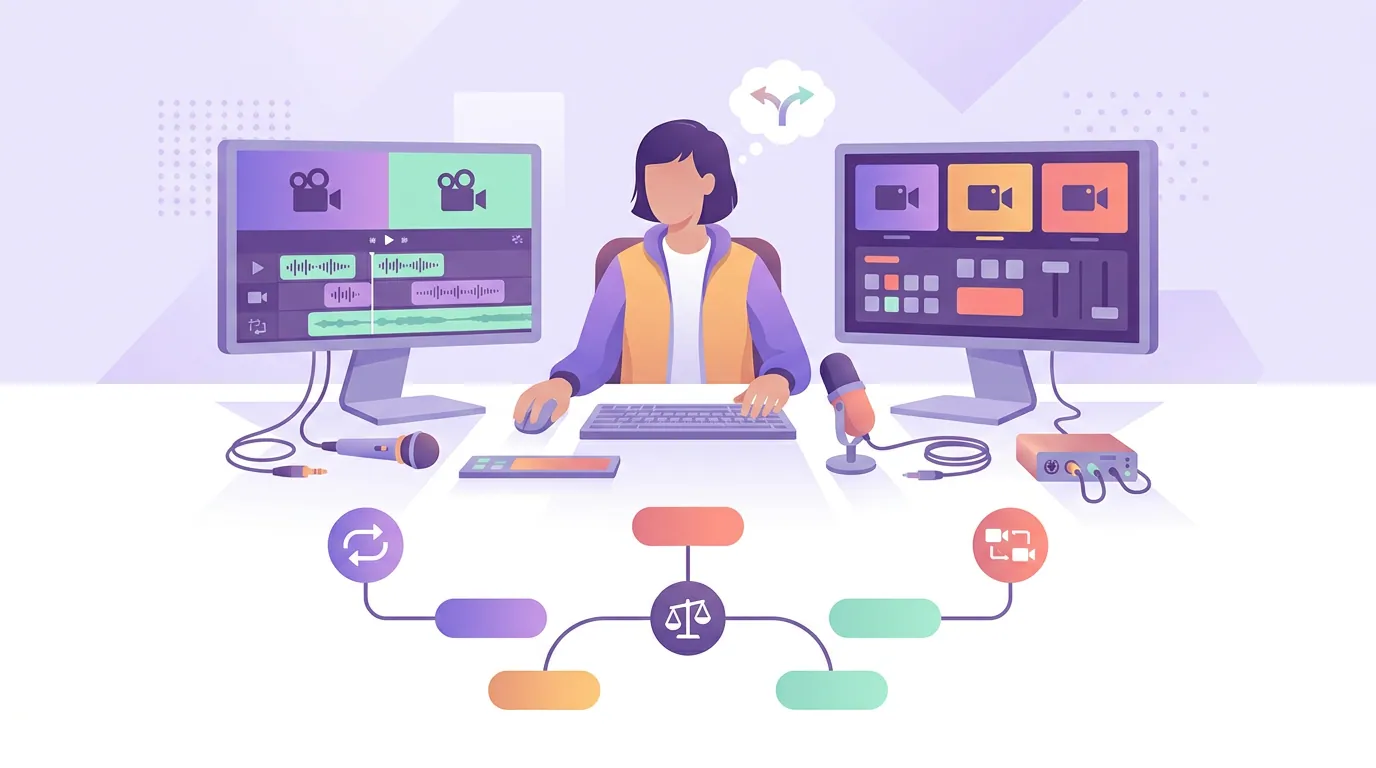
Sync in post or switch live: the decision rule
Switch live (buy the ATEM) if your episode needs to be done within an hour of recording, you go live, or editing multi-cam timelines is the thing stopping you from publishing. Sync in post (skip the switcher) if you value being able to fix every cut later, you only run two cameras, and you already edit each episode anyway. The switcher buys speed and costs flexibility, that is the entire trade.
Don't overspend on the camera before the basics
Here is the uncomfortable truth about multi-camera setups: the gap between a $150 and a $1,500 setup is smaller than the gap between bad mic technique in a noisy room and good technique in a treated one. A three-camera rig in a hard-walled room with echo and a built-in mic will look impressive and sound like a conference call, and people leave on bad sound long before bad picture.
So the order of spending is: fix the room and the audio first, then add cameras. If you are choosing between a second camera and a real microphone, buy the microphone. Our budget mic guide under $100 and the USB vs XLR breakdown cover where that money goes furthest; if you want one mic that scales with the show, the hybrid USB/XLR options are the safe pick. And before any of it, a repeatable episode structure does more for retention than a third angle ever will.