
Clipping Comedy Podcasts Without Killing the Joke

To clip a comedy podcast without killing the joke, cut so the bit keeps its four parts in order: enough setup to make the punchline make sense, the punchline itself, the half-second of silence right after it, and the co-host's reaction. Most AI clippers and most editors end one beat too early, on the punchline, and a joke that ended on the punchline reads as a statement, not a laugh.
Comedy is the genre where cut points matter most and where the standard "trim the dead air and post it" advice does the most damage. The dead air is the joke. Below is the timing framework I use to keep bits intact, a rule for the silence, the case for always keeping the reaction, and the same real bit cut two ways so you can see exactly where a clip dies.
Why comedy clips are won and lost on timing
Comedy is the most-listened podcast genre in the US, number one, ahead of news, society and culture, and true crime (Statista). That means two things for you: the audience for funny clips is the largest there is, and the feed you are posting into is the most saturated. A comedy clip that mistimes its ending does not get a polite scroll-past. It gets nothing.
The mute problem makes it worse. Most social video is watched with the sound off, a directional figure put at roughly 85% by Digiday back in 2016, with later studies landing anywhere from about 69% to 85%, so treat it as a range, not a law. Either way, a huge share of viewers are reading your joke, not hearing it. Timing that works on audio, the pause, the delivery, the laugh, has to survive as captions and faces on a silent screen.
There is more competition for that silent attention every month. Paid clipping has become its own cottage industry, with freelancers flooding TikTok, Reels, and Shorts with bite-sized clips of podcasts and interviews, often the same clip posted to several platforms at once. The bar for "this is worth finishing" keeps rising, and for comedy the whole judgment happens in the last two seconds.

The anatomy of a clipped joke
A bit that lands as a clip has four parts, and the editing job is to keep all four in order while cutting everything around them. Skip a part and the joke breaks in a predictable way. Here is the structure and what each part is doing.
Setup, keep just enough. The setup exists to make the punchline make sense, and not one sentence more. The single most common comedy-clip mistake is keeping the whole tangent that led up to the bit. If the punchline lands without a piece of setup, cut that piece. If it doesn't, you need it. Test it on a stranger, not on yourself, you already know the joke.
Punchline, the turn. This is the line the bit was built toward. The AI usually finds this correctly; it is the loudest, most emphatic moment, and detection is good at energy spikes. The problem is never finding the punchline. The problem is what the tool does immediately after it.
The beat, roughly half a second of silence. After the punchline, before the laugh, there is a tiny gap. Keep it. That silence is the comedic timing, it is the space the joke needs to register. Cut it out to "tighten" the clip and you have removed the rhythm that makes it funny. This is the rule editors break most.
The reaction, where the laugh actually lands. The co-host laughing, the guest losing it, the beat of stunned silence before someone says "no you didn't", that is the payoff the viewer mirrors. More on why this one is non-negotiable below.
The silence-before-the-laugh rule
Never trim the half-second of dead air between the punchline and the laugh. That pause is not dead air, it is the timing of the joke, and it is the one piece of "silence" your clipper will try hardest to remove. Comedy lives in the gap. A clip cut tight to the last word of the punchline feels rushed and reads as a statement; the same clip with the beat intact gives the viewer a fraction of a second to get it, which is exactly when they decide to react.
This matters more on a muted feed, not less. The viewer reading captions needs that visual beat, the held expression, the co-host starting to crack, to understand that the line was a joke at all. With sound off and no pause, a punchline is just a sentence. With the pause and the visible reaction, the captions become a setup and the faces become the laugh track.
Most AI clippers, and most silence-removal tools, treat that gap as filler to cut. So when you review a comedy suggestion, the first thing to check is whether the tool clipped to the punchline or through the beat. If your tool auto-removes silences, turn that feature off for comedy, or you will ship rushed jokes by default. The general principle behind fixing these endings is in how to fix bad AI clip cut points; for comedy specifically, the fix is almost always "push the out-point later, past the laugh."
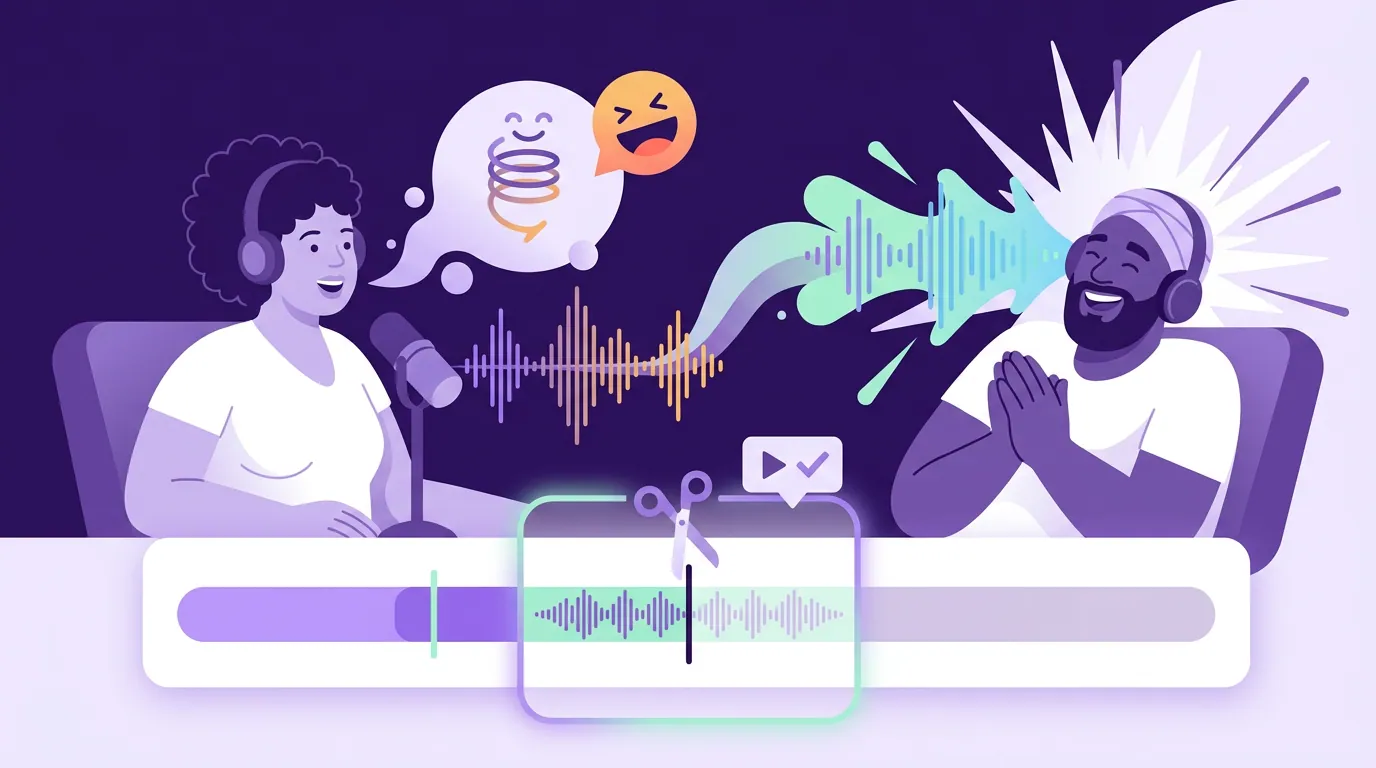
Why the co-host reaction must stay in
In a two-host or host-guest comedy show, the reaction is part of the joke, not a footnote to it, so the clip has to include it. The laughing co-host is your built-in laugh track, and on a silent feed their face does the work the audio can't. End the clip on the punchline and you ask the viewer to decide it was funny alone; end it on the genuine reaction and you have already shown them the correct response.
There is a craft reason and a social reason. Craft: a held reaction shot gives the viewer the half-second they need to react themselves, and faces carry on mute where words don't. Social: a clip of one person saying a funny line is a quote; a clip of two people cracking up together is a moment, and moments travel.
The practical edit:
- Extend the out-point past the punchline to capture the first genuine reaction. Not the polite acknowledgment three seconds later, the involuntary one. That is usually one to three seconds after the punchline lands.
- Keep both faces in frame if you can. For comedy, a split or two-shot at the reaction beat often beats auto-reframing to whoever is loudest. If your tool reframes to the single active speaker, override it on the reaction so the viewer sees the laugh.
- Don't extend so far that a second, weaker joke starts. End on the peak of the reaction, before the conversation moves on. The clip should feel like the room peaked and you cut, not like you kept rolling into the next bit.
A worked example: the same bit, cut two ways
Take a real shape of bit, a host admits something embarrassing, the co-host reacts. Roughly: "...so I told her I'd been to that restaurant a hundred times. I have never been there once." Beat. Co-host: "You looked her dead in the eye." Both crack up.
Cut A (kills it): Starts on "so I told her," ends on "never been there once." Eight seconds, tight, ends on the punchline. On mute, the captions read as a confession with no payoff. The viewer has to supply the laugh, and on a fast feed they don't, they scroll. This is what most auto-suggestions and silence-trimmed exports hand you.
Cut B (lands): Starts on the same line, but keeps the half-second beat, the co-host's "you looked her dead in the eye," and the two-shot of them both laughing, then cuts on the peak. Eleven seconds. The added three seconds are the entire joke. On mute, the captions are the setup, the held faces are the punchline, and the shared laugh is the reason to send it to a friend.
Same source footage. The only difference is where the out-point sits, and that difference is whether the clip works. If you want the reasoning behind judging suggestions like this before you commit, how to pick the best AI-suggested clips covers the wider rubric; this is the comedy-specific version of it.

Common comedy-clip mistakes (and the fix)
Ending on the punchline. The big one. The model finds the punchline because it is the energy peak, then ends there because the laugh that follows looks like trailing noise. Push the out-point one to three seconds later to capture the genuine reaction. If you fix only one thing, fix this.
Trimming the comedic pause. Silence-removal tools cut the beat before the laugh because it scans as dead air. It isn't, it's the timing. Disable auto-silence-removal for comedy clips, or restore the beat by hand.
Over-explaining the setup. Keeping the full two-minute tangent so the joke "makes sense" buries the punchline past the three-second mark, and a comedy clip that hasn't turned funny in three seconds is gone. Cut to the smallest setup that still lands the punchline.
Reframing to the wrong face at the laugh. Auto-reframing follows the loudest speaker, which at the reaction beat might be the wrong person. For the payoff, show the reactor, a two-shot or a manual cut to the laughing co-host beats following the audio.
Posting without watching it on mute. You heard the delivery, so it sounds funny to you. Mute it and read the captions cold. If the joke doesn't read silent, it won't travel, fix the captions or pick a more visual bit.
The principle generalizes across niches: the genre decides where the cut goes. A true-crime clip lives on where it ends for maximum suspense; a business podcast clip lives on a single takeaway; a fitness podcast clip often needs the demonstration in frame. For comedy, it is the beat and the reaction. Once you know how AI clip detection actually works, that it finds the energy peak and ends near it, you know exactly why comedy clips need that out-point pushed every time.
FAQ
Where should a comedy podcast clip end? After the laugh, not on the punchline. Extend the out-point one to three seconds past the punchline to capture the first genuine reaction, the co-host cracking up or the beat of stunned silence, then cut on the peak of that reaction. Ending on the punchline reads as a statement; ending on the reaction reads as a joke.
How much setup should I keep in a funny clip? The smallest amount that makes the punchline make sense, and no more. If the joke still lands without a piece of context, cut it. Aim to reach something funny within the first three seconds, because that is roughly how long a muted viewer gives a comedy clip before scrolling.
Should I include the co-host laughing? Yes. On a feed mostly watched on mute, the laughing co-host is your laugh track and your visual payoff. A clip of one person saying a funny line is a quote; a clip of two people losing it together is a moment, and moments get shared. Keep both faces in frame at the reaction.
Why do my AI comedy clips feel rushed? Most clippers and silence-removal tools cut the half-second pause between the punchline and the laugh, treating it as dead air. That pause is the comedic timing. Disable automatic silence removal for comedy, or manually restore the beat and extend past the reaction.
Do AI clippers work for comedy podcasts? They work for finding the moment, the punchline is an energy peak, which detection handles well, but the cut points almost always need fixing for comedy. The tool tends to end too early. Use it to surface the funny bits fast, then push every out-point past the laugh yourself before posting.