
Clipping Music Podcasts Without Copyright Strikes


To clip a music podcast without copyright trouble, clip the part you own, the conversation, the analysis, the reaction, and cut around any recorded song that plays. The risk is not talking about music. The risk is a protected recording playing inside your clip, which is what YouTube's Content ID matches against and what gets your Short muted or blocked.
That distinction is the whole game, and most music-show hosts get it backwards. They cut the clip around the song they were reacting to, and the song is the one thing they have no right to redistribute. Below is a rights-aware framework for music podcasts: a decision rule for what is safe, what actually happens when a track is detected, and how to build clips out of commentary so they travel without getting taken down.
One thing up front: this is a practical editing guide from someone who reviews clips for a living, not legal advice. Fair use is a legal defense decided case by case, not a checkbox, and licensing varies by country. When real money or a label is involved, talk to a lawyer.
Why music clips get muted, claimed, or blocked
Music clips get hit because YouTube's Content ID scans the audio fingerprint of every upload and matches it against registered recordings, then applies whatever policy the rights holder set, monetize, block, track, or mute (YouTube Help). It does not read your license, your intent, or your three sentences of commentary. It reads the waveform. If a registered recording plays in your clip, it gets matched, full stop.
Two facts make this sharper for short-form than for full episodes. First, the most common policy on a music match is to monetize, the rights holder takes the ad revenue, but they can also choose to block the video by region or globally (YouTube Help). Second, and this is the one that catches clippers: a longer Short with an active Content ID claim can be blocked regardless of policy. It does not matter that the owner only wanted to monetize, the Short is unavailable until the claim is resolved (YouTube Help). So the exact format your music clips live in is the format where a music match hurts most.
A claim is also not the same as a strike, and conflating them causes a lot of needless panic.
| What you got | What it is | What it does |
|---|---|---|
| Content ID claim | Automated fingerprint match | Monetizes, blocks, mutes, or tracks that one video; usually no channel harm |
| Mute / region block | A creator or owner choice on a claim | Video stays up but loses the audio or some markets |
| Copyright strike | A formal legal removal request | Hits your channel; three in 90 days can terminate it |
Source: YouTube Help, Content ID claims.
The takeaway: a claim on a long video is mostly an annoyance, but on a Short it is a wall, and you avoid both by never putting the recording in the clip in the first place.
The rights-aware rule: clip the conversation, not the song
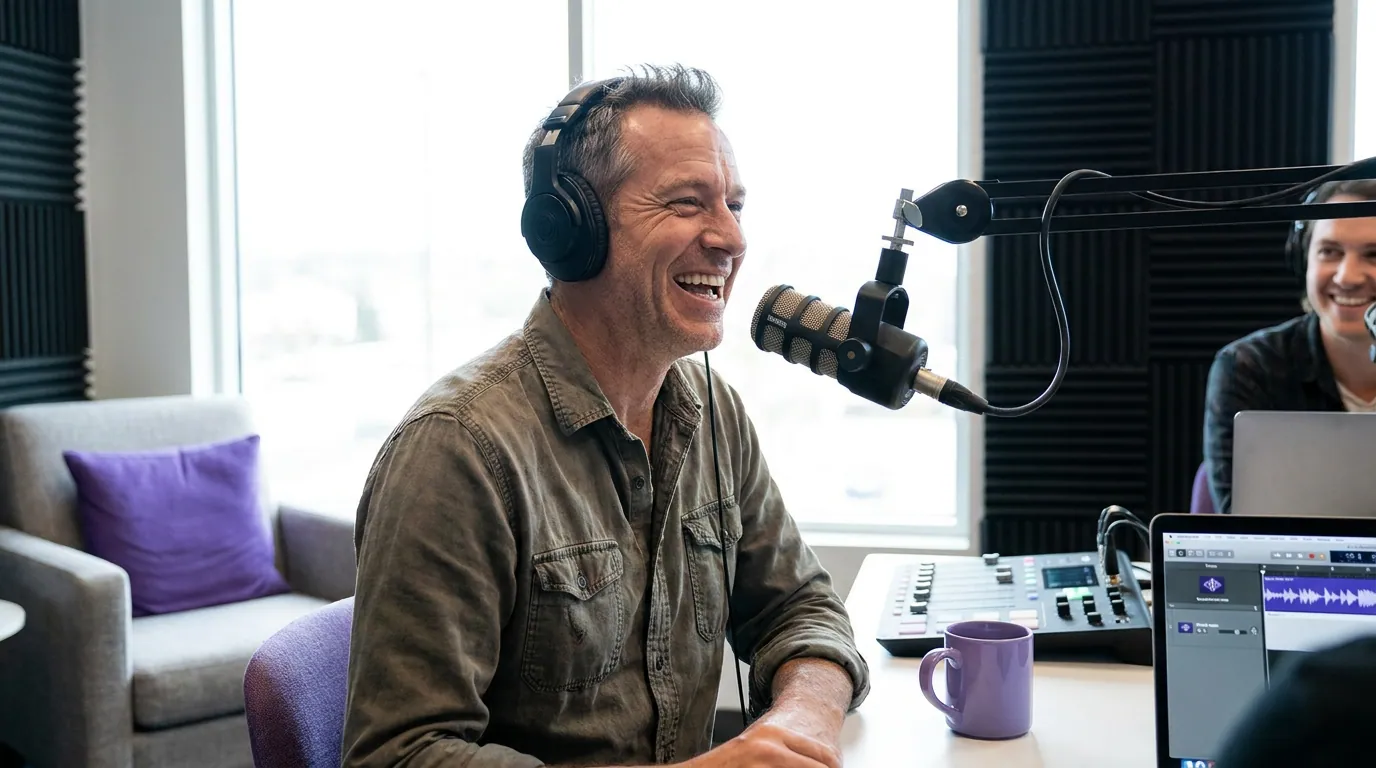
The one rule that keeps a music podcast clip clean: the protected recording must not be the content of your clip. Your hosts breaking down a verse, arguing over a record, reacting the second the beat drops, that is original commentary you made, and it is what people follow a music show for. The song underneath is the asset you cannot redistribute. So build the clip out of the first thing and cut out the second.
In practice that means three moves. Clip the setup, your host saying what they are about to react to. Clip the reaction and analysis, the face, the "wait, rewind that," the take. Clip the takeaway, the verdict, the recommendation, the hot opinion. What you leave on the cutting-room floor is the stretch where the track is actually playing and your hosts go quiet to listen. That listening silence is exactly the part with no commentary and full copyright exposure. It is the worst clip and the riskiest clip at the same time.
This also makes for a better clip, not a compromised one. A muted feed cannot hear the song anyway, most social video is watched with the sound off, a figure Digiday put at as much as 85% of Facebook video in 2016 (publisher-reported), so treat it as directional and dated but pointing the right way. A clip whose payoff is "listen to this track" dies on mute. A clip whose payoff is your host's captioned reaction works with the sound off, which is how most of the feed watches.
How to build a music-show clip step by step
- Pick a moment that is about the music, not made of it. The strongest music clips are takes: the ranking, the disagreement, the "this is the best verse of the year and here's why." If the moment only works because the listener hears the song, it is the wrong moment for a public clip.
- Set the in-point on the host's setup line. Start where your host names what they're about to discuss. That line is your hook and it is fully yours. For why a clean first line matters so much, see how AI clip detection actually works, detection finds the energy, you supply the framing.
- Cut out the playback. Remove the seconds where the recording is audible and your hosts are listening. If a beat is unavoidable for context, keep it to a few seconds and know you are accepting claim risk, short, transformative quotation is a fair-use argument, not a guarantee.
- End on the verdict or the reaction peak. Close on the take landing or the co-host's face, the same way a comedy clip ends on the laugh. Don't trail back into another song.
- Caption everything and watch it on mute. The take has to read silent. If your clip stops making sense without audio, it is leaning on the track, recut it around the commentary.
- Test as Unlisted before you go public. Upload the cut as Unlisted first and check whether any Content ID claim appears. A few minutes of checking surfaces a match before your audience ever sees it. If a claim lands, use YouTube's Erase song (removes only the matched audio), Trim out segment, or Replace song tools to clear it without re-uploading (YouTube Help).
Common mistakes (and the fix)
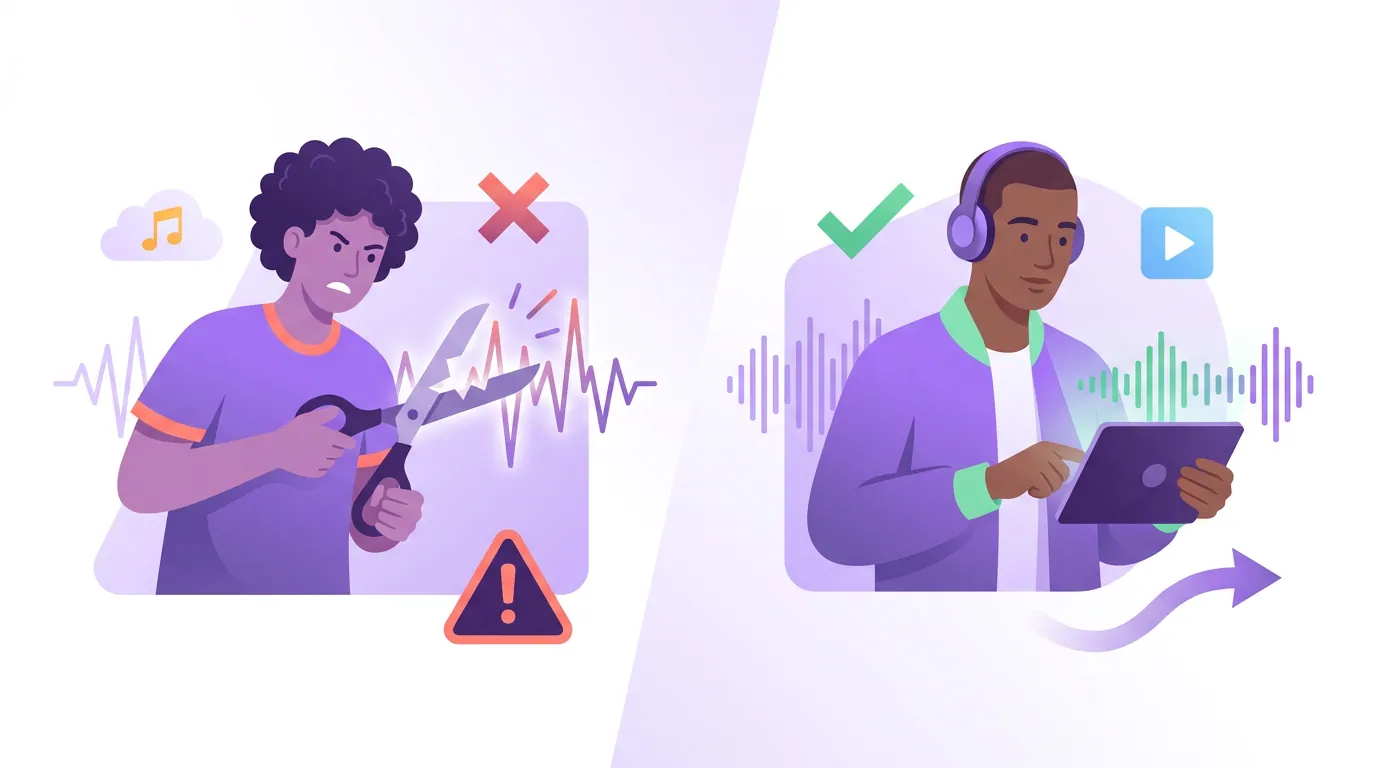
Clipping the drop. The instinct is to clip the second the beat hits, that is the moment with the most music and the least of you in it. Fix: clip your hosts' reaction to the drop, not the drop.
Assuming a license clears Content ID. A license is permission; Content ID is a fingerprint detector. Even paid or royalty-free music can trigger a claim if the track is registered, so document your licenses and dispute carefully (YouTube Help). Disputing without valid grounds can escalate to a removal request and a strike.
Treating every claim as a crisis. A monetize claim on a long video just shares revenue; it is not a strike and it does not endanger your channel. On a Short over a minute it blocks the clip, which is the real reason to keep the track out of Shorts specifically.
Muting the whole clip to clear a claim. Muting all audio kills your hosts' voices too. Use Erase song or Trim segment to remove only the matched recording and keep the commentary.
Letting "fair use" do all the work. Commentary and criticism can support a fair-use defense, but it is decided in court, not by your upload, and platforms enforce Content ID regardless. Build clips that don't need the defense.
The genre decides the cut, the same way it does for a business podcast clip built on one takeaway or a true-crime clip built on suspense. For music shows, the cut is built on commentary and the track stays out. If a batch of AI suggestions keeps clipping into the song, fixing the cut points is the move, push the in and out points to where your hosts are talking. And when you're choosing among suggestions, picking the best AI clips for a music show means favoring the take over the playback every time.
This is also where clips earn their keep: short-form clips drive a meaningful share of new audience for video shows (Podcast Studio Glasgow), and podcast clips now flood every feed. On a music show, the hosts who win that crowded feed are the ones whose clips never get pulled.
FAQ
Can I post a clip of my music podcast if a song plays in it? You can, but expect a Content ID claim if the recording is registered, because YouTube matches the audio fingerprint, not your license or intent (YouTube Help). On a Short over a minute, an active claim blocks the clip regardless of the owner's policy. The clean approach is to cut around the song and post the commentary.
Is a Content ID claim the same as a copyright strike? No. A claim is an automated match that usually affects only that one video, it can monetize, block, mute, or track it without harming your channel. A strike comes from a formal legal removal request and does hit your channel; three strikes in 90 days can terminate it (YouTube Help).
Does fair use protect music podcast clips? Fair use is a legal defense for commentary and criticism, decided case by case in court, not a setting you switch on, and not something platforms honor before Content ID acts. Treat it as a backstop, not a plan, and build clips from your own commentary instead. This is general information, not legal advice.
What do I do if I get a claim on a clip I already posted? Use YouTube's editing tools to remove the matched content without re-uploading: Erase song removes only the matched audio, Trim out segment cuts the matched portion, and Replace song swaps in library audio. Any of these clears the claim (YouTube Help). Only dispute if you have valid grounds.
Will AI clip tools avoid the music for me? Not on their own. AI clippers find the high-energy moments, which for a music show often means clipping straight into the track. Use them to surface your hosts' best takes fast, then set your in and out points around the commentary yourself before posting.