
Free Ways to Make Clips From a Podcast

You can make podcast clips for free three different ways, and they are not equal. A genuinely free tier (a monthly allowance you keep forever), a free trial (full features for a few days, then it stops), and watermarked-free (unlimited clips but a logo burned into every one). There is also a fully manual route that costs nothing but your time. Pick by what you can live with: a watermark, a deadline, or an afternoon of editing.
Most "free podcast clip maker" guides bury this. They list ten tools, call them all free, and skip the part where one watermarks every export, another deletes your files in three days, and a third gives you exactly one clip before the paywall. This is the honest map, what each kind of free actually means, a zero-cost path that uses no AI at all, and the four walls free hits.
What does "free" actually mean for clip tools?
"Free" splits into three categories. A genuinely free tier is a recurring monthly allowance you keep, no card, no end date. A free trial opens every feature for 3 to 7 days, then locks. Watermarked-free lets you export forever but stamps the tool's logo on every clip. Know which one you're on before you build a habit on it.
The reason this matters: a clip with a third-party watermark in the corner tells every viewer it was made with a free tool, which undercuts the show you're trying to build. And a free trial that expires mid-week leaves you with no workflow the moment you've come to rely on one. Choose the category that fits how you actually post, not the one with the loudest "free" on the homepage.
Why clipping is worth doing even on a free plan
Clips are how a video show gets found, which is why it's worth wrestling with free-tier limits rather than skipping clips entirely. For video podcasts, short clips drive a real share of new audience, one studio's client data puts them at 20–40% of new audience, with 2–5× reach lifts (Podcast Studio Glasgow). That's a single-source range, not an audited guarantee, but the direction is consistent across the field.
The math also favors you. One ~20-minute episode typically yields 20–30 short pieces (castmagic, industry norm, directional). Even a tight free allowance, one episode's worth of processing a month, gives you enough clips to post a few times a week. The constraint isn't ideas; it's how many minutes the free tier lets you run before it asks for a card.
The current free-tier map (verified June 2026)
Here's where the marketing meets the fine print. The table below is what each tool's own pricing or help docs say their free offer includes, minutes, watermark, and the catch. SaaS pricing moves constantly, so confirm against each vendor's page before you commit; these were checked in June 2026.
| Tool (free offer) | What you get free | The catch |
|---|---|---|
| Opus Clip, free tier | 60 processing minutes/month, up to 1080p (Opus help docs; Opus pricing) | Watermark on every export; clips and media expire after 3 days (Opus pricing) |
| Vizard, "forever free" | 60 credits of uploads (≈60 min of source video) (Vizard help) | Watermark on every export; projects expire after 3 days (Vizard help); free exports cap at 720p |
| Descript, free plan | 1 hour media/month, 100 one-time AI credits (Descript pricing) | 720p video exports carry a watermark; audio exports are clean |
| VEED, free plan | Browser editor, captions, 720p | Watermark on every export, no exceptions (VEED help) |
| Klap, free | One watermarked clip, no card | No recurring free tier; the full trial needs a card (Klap pricing) |
| CapCut, free desktop editor | 1080p, manual editing, no watermark on your own edits | Watermark only appears on Pro-locked templates/AI assets; no AI clip detection |
Read the patterns, not just the rows. The AI clippers that auto-find your best moments, Opus, Vizard, give you roughly one episode a month of processing, then watermark or expire what you make. The general editors, CapCut, and Descript for audio, let you export clean but make you find and cut every clip by hand. There is no free tool that does both: unlimited AI detection and clean, unlimited exports. That trade-off is the whole story of free clipping.
One honest caveat on the AI free tiers: the 3-day file expiry on Opus and Vizard means you have to download your clips fast or lose them. It's a real constraint for anyone who likes to batch on a Sunday and post through the month.
The zero-cost manual route (no AI, no watermark)
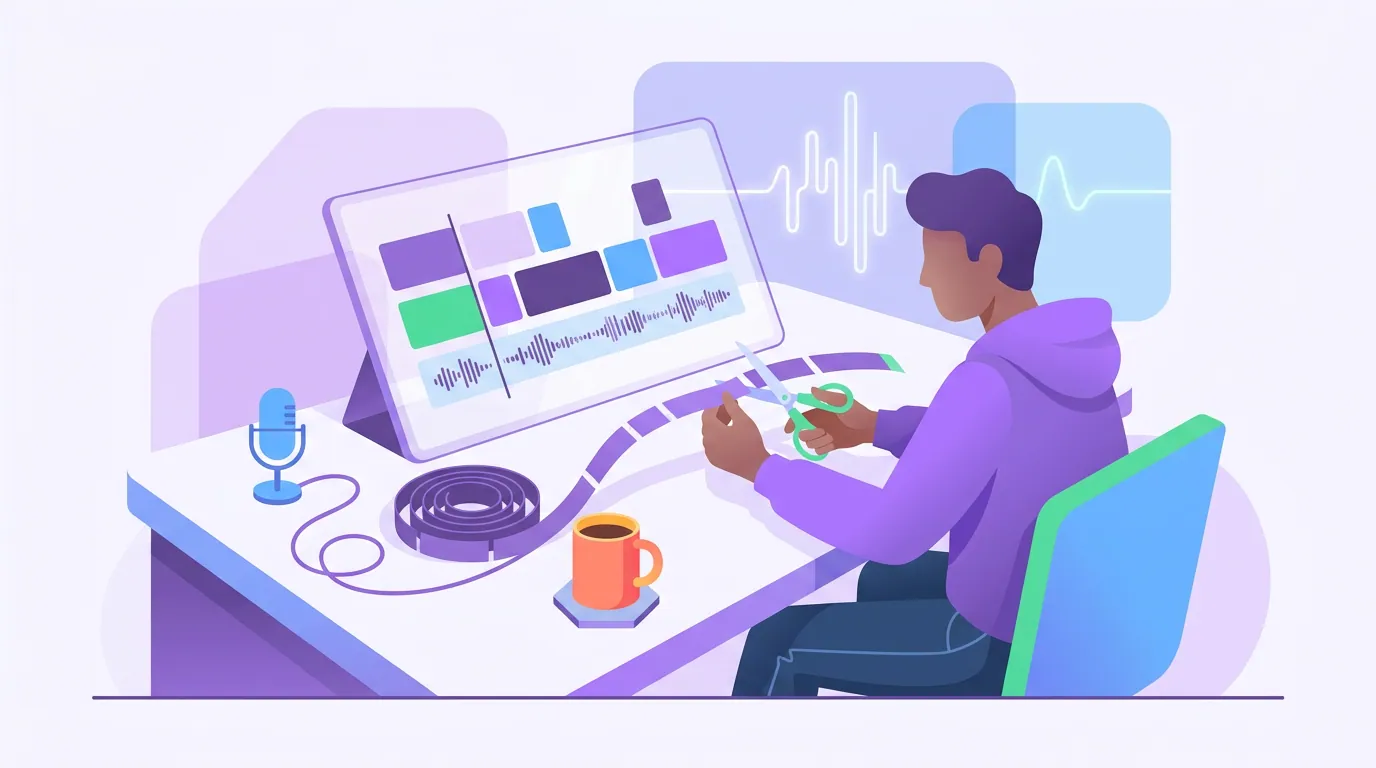
If you refuse to pay and refuse a watermark, the manual route is the genuinely free path, it just trades money for time. You use free software to do by hand what an AI clipper does automatically: find a moment, trim it, reframe it vertical, and burn in captions. Nothing here costs a cent if you stick to free tiers and your own content.
- Find the moment. Scrub the episode, or paste the audio into a free transcription tool and read for the line that lands on its own. Mark the start and end timecodes. Picking which moment to clip is the same judgment whether a machine or you do the finding.
- Trim it in a free editor. CapCut's free desktop app, or Microsoft Clipchamp, will both cut a segment and export 1080p without a watermark as long as you avoid Pro-tagged templates. Drop the file, set in and out points, delete the rest.
- Reframe to vertical. A landscape recording needs a 9:16 crop for Shorts, Reels, and TikTok. Position the crop on the active speaker's face. If two people talk, you'll be re-cropping by hand, the tedious part the AI tools automate.
- Caption it. Both free editors auto-generate captions. They'll be roughly 85–95% accurate, so read every word and fix names, numbers, and brand terms, captions matter because most social video plays on mute.
- Export clean and post. Export at 1080p with no watermark, then upload natively to each platform.
This works. It's also the slowest way to do it, budget 15 to 25 minutes per clip once you include finding the moment and fixing captions. Make ten clips and that's three to four hours. The manual route is genuinely free, and for one or two clips a week it's fine. At volume, your time becomes the expensive part.
Where free hits a wall
Every free path runs out somewhere. Knowing the four walls in advance tells you when free is enough and when it isn't.
Processing minutes. AI free tiers cap the input you can run: Opus gives 60 processing minutes a month (Opus help docs) and Vizard gives 60 credits, where one credit equals a minute of source video uploaded (Vizard help). Either way it's roughly one episode. Run a second long one and you're out until next month.
Clip count and watermarks. Some free tiers cap how many clean clips you get. Descript's free plan watermarks video exports at 720p, though audio exports stay clean (Descript pricing); Klap gives one watermarked clip with no card before the trial (Klap pricing).
Export quality. Free often means a 720p ceiling, fine for mobile feeds, noticeably soft on a TV or large screen.
Disappearing storage. The 3-day file expiry on several AI tools means free is for clipping now, not for building a library you return to.
When you're posting a couple of clips a week from one episode, free clears every wall. When you're running multiple shows, a full back catalog, or a daily schedule, you'll hit minutes and storage fast, and that's the point where a low-cost paid tier (clipping tools start around $9–$15/month) usually beats the manual grind on time alone.

Common mistakes when clipping for free
Treating a free trial as a free plan. A 3-day trial is for one batch and a decision, not a workflow. Build your habit on a trial and you'll be stranded when it expires.
Posting watermarked clips to your main feed. A third-party logo signals "made with a free tool" and quietly cheapens the show. Use watermarked exports to test quality, then switch to a clean route before anything goes on the channel you care about.
Letting free files expire. Download everything the day you make it on any tool with a 3-day window. More than one creator has lost a Sunday's batch to a Wednesday deletion.
Clipping content that isn't yours. Free tools don't change the rights question. If it's not your show and you don't have permission or a clear fair-use basis, don't post it, a copyright strike costs far more than the clip was worth. The same rule applies whether you clip from YouTube or anywhere else.
Spending three hours to save fifteen dollars. The manual route is genuinely free, but at ten-plus clips a week your time is the cost. Do the honest math on what your hours are worth before you commit to cutting everything by hand.
How this connects to your wider workflow
Free is the on-ramp, not the destination. Once you've decided which kind of free fits, the source you're clipping from shapes the rest: an audio-only episode needs a waveform or video background built in, since there's no footage to reframe; a Riverside recording hands you separate high-quality speaker tracks worth uploading over a screen capture; a Zoom recording arrives as a gallery-view file that needs speaker isolation. And whichever tier you land on, the moment-selection skill carries over, how AI clip detection works is worth reading even if you're cutting by hand, because it's the same judgment about what travels.
FAQ
Can I really make podcast clips for free? Yes, three ways. A genuinely free tier (a recurring monthly allowance, no card, like Opus or Vizard at ~60 minutes/month), a free trial (every feature open for a few days), or a fully manual route in free editors like CapCut or Clipchamp. The trade-offs are a small cap, a deadline, or your own editing time.
What's the best free podcast clip maker with no watermark? For clean exports with no watermark and no spend, the manual route through CapCut's free desktop app or Microsoft Clipchamp works, you cut and caption by hand and export 1080p clean. Among AI clippers, free tiers usually watermark video exports, Descript included, though Descript's audio exports stay clean.
Do free clip tools add a watermark? Most AI clippers do on their free tiers, Opus, Vizard, and VEED stamp free exports per their own docs. CapCut's free desktop editor does not, as long as you avoid Pro-tagged templates and AI assets. Always check the current pricing page, since these terms change often.
How long do free podcast clips take to make? With an AI clipper's free tier, about five minutes of active work per episode, upload, then review the batch. By hand on the manual route, budget 15 to 25 minutes per clip once you include finding the moment, reframing, and fixing captions. The manual route is free in money, not in time.
When should I stop using free and pay? When you hit the minutes wall (multiple episodes or a back catalog a month), need clean exports at scale, or your time spent cutting by hand exceeds a low monthly fee. Clipping tools start around $9–$15/month, past a few episodes a month, that usually beats both the manual grind and a watermark.