
Make Clips From a Two-Person Video Interview


To clip a two-person interview, import the episode into an AI clipper, then build each clip around a complete dialogue beat: start on the question (or the line that sets it up) and end a moment after the answer lands. Keep both speakers in frame when the exchange is the point, a reaction, a disagreement, a laugh, and cut to whoever is talking when one of them is telling a self-contained story. A clip that drops the reader into the middle of an answer reads as missing its first half, because it is.
Most clipping guides treat an interview like a solo monologue with a second face occasionally in shot. It is not. The unit of an interview clip is the exchange, not the sentence, and almost every editing decision flows from respecting that. This walks the dialogue choices that make a two-person clip work, then the mechanics underneath them.
Why interview clips are worth the extra care
Interview clips punch above their weight because the tension is built in. Two people, an unscripted answer, a reaction you can read on a face, that is the format short video rewards. For video shows, clips already carry a large share of growth: one studio's client data puts clips at 20–40% of new audience, with 2–5× reach lifts (Podcast Studio Glasgow). That is a single-source range, not an audited guarantee, but the direction is consistent across video podcasts: most of an episode's reach lives in clips you haven't cut yet.
The audience is there too. Social channels like Instagram, TikTok, and Facebook are now a primary way listeners find new shows, and because 53% of new US weekly listeners now prefer to watch a podcast, up from 30% in April 2022 (Backlinko, reporting Cumulus Media's Fall 2025 survey, a single-survey reading of direction, not a constant), a two-shot of a real conversation is exactly the kind of footage new audiences are looking for. The catch: an interview clip is harder to get right than a solo one, and the hard part is the dialogue.
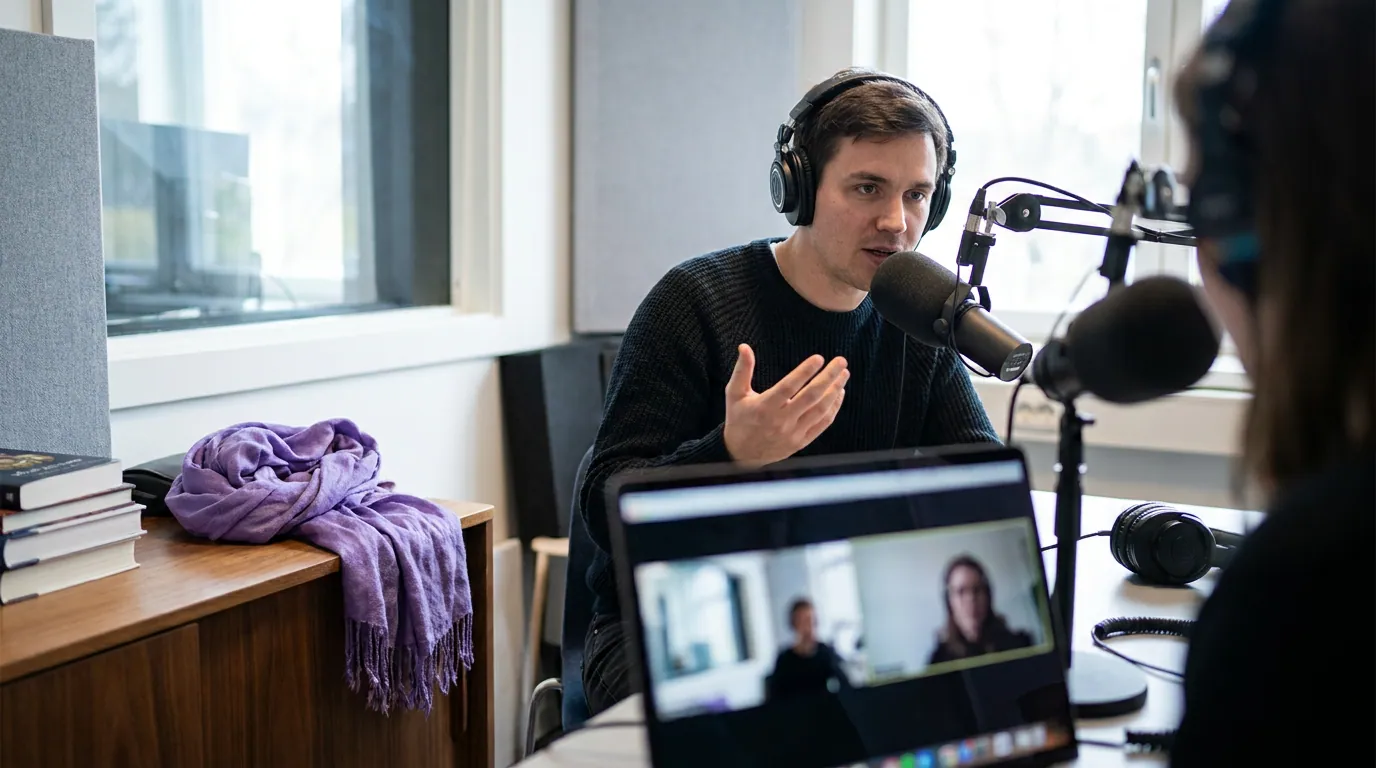
The question-then-answer beat: where the cut starts and ends
The single most common mistake in interview clipping is starting the clip on the answer. The answer is the payoff; the question is the setup that makes the payoff make sense. Drop the setup and the viewer has to reverse-engineer what is being responded to, and most of them just scroll. Start one beat earlier, on the question or the line that frames it, and the clip becomes a tiny complete scene.
There are two honest exceptions. The first is when the answer opens with a strong, self-explaining hook, "I got fired the day my first kid was born", that stands on its own. Then you can lead with the answer and let the question come a few seconds later as context, or cut it entirely. The second is when the host's question is long and meandering; trim it to the last clean sentence so the setup is sharp, not a thirty-second windup. The rule is "include the setup," not "include every word of it."
Set the out point with the same discipline. End a beat after the answer resolves, long enough to let the line breathe and catch the other person's reaction, short enough that you are not riding dead air into the next topic. If the natural payoff is the guest's line and the host nods, keep the nod; it confirms the beat closed. If the host immediately launches a new question, that is your wall: cut before it. For a deeper look at picking which exchanges to pull in the first place, see how to pull the best guest moments from an interview.
Both in frame, or follow the talker?
The second dialogue decision is who the viewer sees. There are only two answers, show both speakers, or cut to whoever is talking, and the right one depends on what the moment is doing, not on what the footage offers. Keep both in frame when the exchange is the content: a reaction, a disagreement, a quick back-and-forth, a shared laugh. Follow the active talker when one person is delivering a self-contained run, a story, a strong opinion, a long answer the other is just listening to.
The mechanics of how to fit two heads into a 9:16 frame, split-screen, stacked, active-speaker cut, picture-in-picture, are their own decision, and I cover them in detail in framing two speakers in one vertical clip. For this article the point is editorial: decide who the viewer should be looking at before you decide how to crop. A reaction shrunk to a tiny floating head loses the reaction; a long monologue shot as a permanent two-shot wastes half the frame on a person who is silent. Match the layout to the choice, not the other way around.
Auto-reframe tools will guess at this for you, and they guess well on clean single-speaker stretches. They are weaker on fast cross-talk, where the active-speaker cut whips between faces and feels jittery. When that happens, override it: pin the clip to a steady two-shot for the duration of the back-and-forth. A still frame of two people reads calmer than a frame that snaps every half-second.

Keeping a back-and-forth coherent
The hardest interview clip is one that spans several exchanges, a question, an answer, a follow-up, a reframe. These travel well when they work, because they carry a real arc. They fall apart when the viewer loses track of who said what or why the topic jumped. Two habits keep them coherent.
First, never cut mid-thought to save time. If trimming a sentence makes the next line a non-sequitur, the seconds you saved cost you the clip. It is better to run a coherent clip to 45 seconds than to compress an incoherent one to 25. Trim filler between thoughts, not the connective tissue inside them.
Second, label the speakers when the back-and-forth is fast. On a two-shot the viewer can usually tell who is talking, but on rapid cross-talk or an active-speaker cut, a small caption, the host's name, the guest's name, anchors the conversation. It is the same job a speaker label in your captions does in a transcript: it tells the eye whose line this is without the viewer having to work for it.
Run every multi-exchange clip through one test before you post it: mute the audio and watch it once. If you can still follow the shape of the conversation, question, answer, turn, from the faces and captions alone, it is coherent. If you can't, it needs the audio to make sense, which means a muted scroll will lose it. A large share of social video is watched on mute, Verizon Media / Sharethrough (2017) found ~75% of people often keep their phone muted while a video plays, and Digiday's 2016 reporting put silent views of branded Facebook video at 85–90% (older, and Facebook-specific, directional, not a hard constant). So a clip that only works with sound is a clip that mostly won't work.
The five-step path from interview to posted clips
Once the dialogue calls are clear, the mechanical workflow is the same one every AI clipper runs. Five steps, in order.
- Import the episode. Paste the public YouTube URL or upload the recording. For YouTube-specific import choices, URL versus download, private and unlisted videos, rights, see turning a YouTube podcast into clips. The same tool clips an audio-only interview too, with a generated visual layer instead of a two-shot.
- Let the tool generate candidates. The AI transcribes, finds speaker turns, and proposes moments. It is good at locating where the energy spikes and weaker at knowing where the exchange starts, which is exactly the part you fix next. (How AI clip detection works covers what it can and can't see.)
- Review on the dialogue. This is the interview-specific pass. For each candidate, check that it starts on the setup, ends after the payoff, and contains a complete beat. Extend the in point to catch the question; trim a meandering windup; kill clips that start mid-answer and can't be saved. Picking the best AI-suggested clips is the triage discipline here.
- Set framing and captions. Choose both-in-frame or follow-the-talker per the rule above, apply the 9:16 layout, add speaker labels on fast exchanges, and confirm the captions read with sound off.
- Schedule and post. Send the keepers to your platforms. A 20-minute interview that yields six to ten coherent dialogue clips is a strong week of distribution from one recording.
Common mistakes (and the fix)
- Starting on the answer. The most frequent error, and the most fixable. Pull the in point back to the question or the line that sets it up. Fix: extend the clip start until the first sentence makes sense without context.
- Cutting mid-thought to hit a length target. Saves seconds, costs coherence. Fix: trim filler between thoughts, never the logic inside one, let a coherent clip run longer.
- A permanent two-shot on a long monologue. Half the frame sits on a silent listener. Fix: cut to the active talker once one person takes the floor; reserve the two-shot for genuine exchanges.
- Jittery active-speaker cuts on cross-talk. Auto-reframe whips between faces and feels unstable. Fix: override it and pin a steady two-shot for the duration of the back-and-forth.
- No speaker labels on fast dialogue. The viewer loses the thread of who said what. Fix: add small name labels when the exchange moves quickly or the framing cuts between faces.
FAQ
Where should an interview clip start? On the question, or the line that sets up the answer, not on the answer itself. The setup is what makes the payoff land. The only exception is an answer that opens with a self-explaining hook strong enough to stand alone, in which case you can lead with it and add context after.
Should both speakers always be in the frame? No. Keep both in frame when the exchange is the content, a reaction, a disagreement, a shared laugh. Cut to the active talker when one person is delivering a self-contained story or a long answer the other is just listening to. Match the framing to what the moment is doing.
How long should a two-person interview clip be? As long as the complete beat needs, usually 20–60 seconds. A coherent 45-second exchange beats a confusing 25-second one. Trim filler between thoughts, not the connective tissue inside them, and end a beat after the answer resolves.
How do I keep a back-and-forth coherent? Don't cut mid-thought, label speakers on fast exchanges, and run the mute test: watch the clip with no sound. If you can still follow question-answer-turn from the faces and captions, it's coherent. If you can't, it needs reworking before it posts.
Can AI clip an interview automatically? It can find the moments and propose cuts, and it does that well on energy spikes. It is weaker at knowing where an exchange begins and at framing fast cross-talk. Plan on a human review pass to fix the in points and override jittery reframes, every AI clipper still needs that.