
Make Clips From a Phone Interview Recording


To make clips from a recorded phone interview, first confirm you had consent to record and permission to publish the guest's voice. Then repair the telephone-band audio, transcribe it, pick a 20–45 second moment around one strong line, wrap it in a two-voice visual, and burn in large captions. The consent check comes before the edit.
A phone interview hands you two problems a normal episode doesn't: someone else's voice you may not be free to publish, and audio that was squeezed down a phone line before you ever touched it. Skip either and you've made a clip that's legally risky, sonically rough, or both. The order below is deliberate, clear the permission, fix the sound, then worry about whether the clip travels.
Do you have the right to clip a recorded call?
Two separate permissions matter, and people conflate them. The first is whether you were allowed to record the call; the second is whether you can publish the guest's voice as a clip. Both have to be yes. Recording-consent law varies by state, in roughly 11 "all-party" (often called two-party) states every person on the call must consent, while the rest are "one-party" states where one participant's consent is enough (Justia, 50-state survey). When the two parties are in different states, the stricter rule usually governs, so treat any cross-state call as all-party.
That's the recording question. Publishing is its own thing: even a lawfully recorded interview should carry the guest's clear permission to post excerpts publicly. The clean way to get both at once is a single sentence at the top of the tape, "I'm recording this for the show and may post short clips, is that okay?", and let them answer on the recording. That on-tape "yes" is your consent, your release, and your proof, all in one. Keep it.
This is general information, not legal advice. If a call was high-stakes or recorded without a clear yes, ask the guest before you post, or don't post it. A retroactive "is it okay if I share that bit?" text is cheap insurance and usually gets a yes.
Why a phone clip is worth the trouble
Short clips drive a real slice of new audience even from rough source audio. One production house puts clips at 20–40% of new audience and reach lifts of 2–5× for the shows it works with (Podcast Studio Glasgow), that's one studio's client range, not a platform-wide audit, but the direction holds. A phone interview with a hard-to-book guest is often the most quotable thing you'll record all month, and a clip is how anyone outside your feed ever hears it.
The honest caveat: phone audio starts behind. A standard call is band-limited to roughly 300–3,400 Hz, which strips the low warmth and the high air out of a voice, that's why every recorded call sounds thin. You can't add back what the line removed, but you can stop it from sounding worse, and that's Step 1.
Step 1: Fix the audio before anything else
Clean the call first, because everything downstream rides on it. Five repairs handle most phone recordings:
- Level the two voices. Your end is usually louder and cleaner than the guest's down the line. Normalize so both sit at a similar loudness, a viewer shouldn't reach for the volume when the guest talks.
- Knock down the hiss and line noise. Run light noise reduction on the guest's track. Light: over-processing turns a thin voice into an underwater one.
- Trim the dead air and cross-talk. Phone calls have lag, so people talk over each other and leave gaps. Tighten both.
- Roll off the worst of the boxiness. A gentle EQ cut around the muddy low-mids and a small presence bump can make a phone voice read as "clear" rather than "clearly a phone."
- Don't fake what isn't there. You can polish telephone audio; you can't make it studio audio. Accept the ceiling and move on.
If the guest was a long way down a bad line, the single biggest fix is preventive: next time, ask them to record their own side locally, a voice memo on their phone, and send you the file. A "double-ender" gives you two clean local tracks instead of one squeezed call, and it changes the clip's ceiling entirely.
Step 2: Transcribe, then cut from the transcript
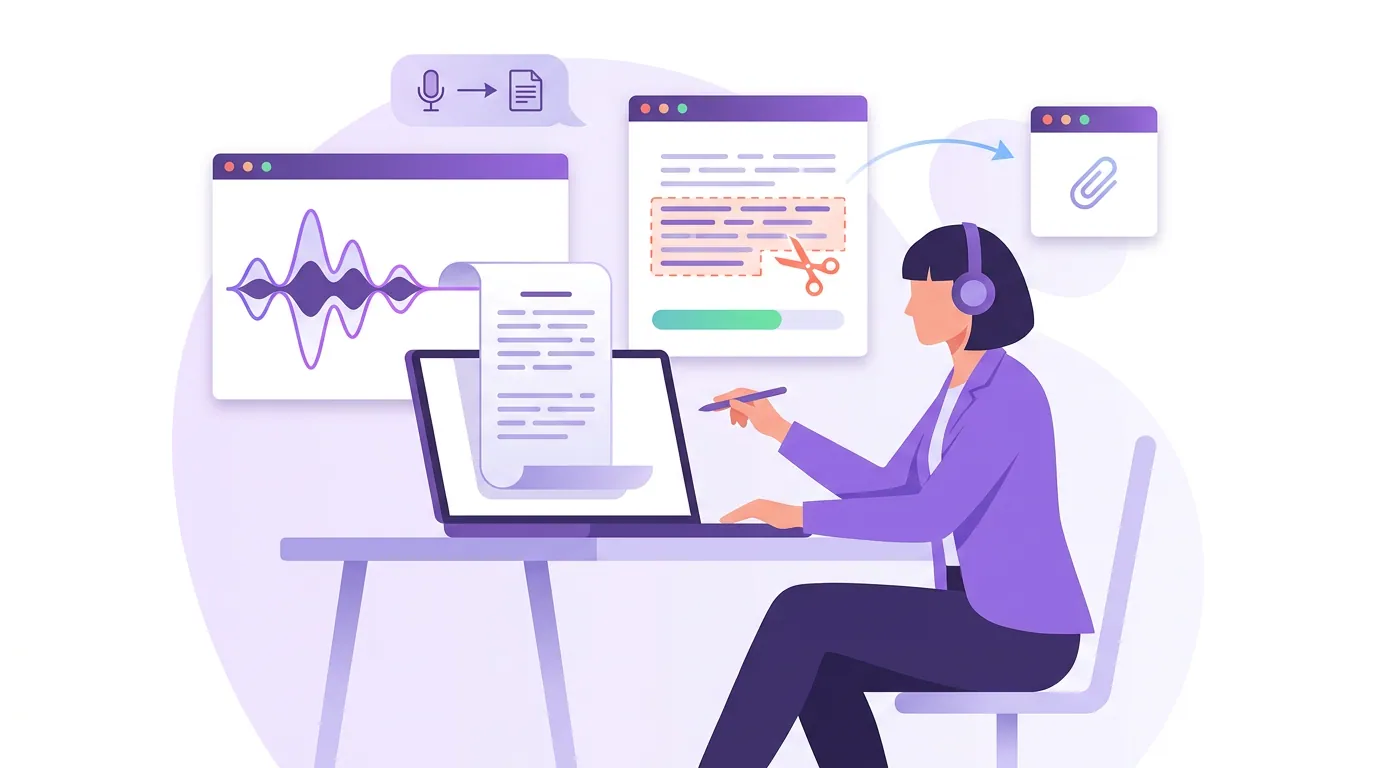
Run the cleaned file through transcription before you cut anything. AI transcription is reliably accurate on clean speech, but expect noticeably more errors on phone audio, the band-limiting that thins the voice also trips up the model on names and numbers. Fix those by hand; they end up in your captions. Working from the transcript lets you scan for the lines worth clipping instead of scrubbing audio blind.
This is also where AI clip detection does its work. With no video, detection reads the transcript, questions, emphasis, topic shifts, the back-and-forth of an interview. If you want the mechanics, how AI clip detection actually works covers what the model is reading. On a two-voice phone file, label who's speaking so the captions and any headshots match the right person.
Step 3: Pick the moment, not the minute
A phone interview lives or dies on the exchange. Pick a 20–45 second stretch built around one sharp question-and-answer, a single quotable claim from the guest, or one clean story beat. The strongest phone clips are almost always a setup line from you and a payoff line from the guest, the format is a conversation, so clip the conversation, not a monologue.
Read your candidate moments cold as text. If the first sentence doesn't pull you to the second, it won't hold a scroller either. The first three seconds decide it, lead with the line, not the windup. That opening matters more on a phone clip than almost anywhere, because the clip is doing the discovery work the rough audio never could: Spotify reports 42% of podcast listeners find new shows through social media (castmagic, citing Spotify). A phone clip that dies on its first line never reaches that 42%. For the full method of separating clippable moments from filler, see how to pick the best AI-suggested clips.
Step 4: Build a visual for two voices
A phone call gives you a blank frame and a conversation, which is a different design problem than a solo audio clip. The viewer needs to track who's talking. You have three honest options.
Dual headshots is the strongest treatment for a real back-and-forth. Two circular photos, you and the guest, stacked or side by side, with the active speaker's frame lit up as their caption rolls. The viewer follows the conversation visually even with the sound off, which is the whole game on a phone clip. Reach for this when both voices carry the moment.
A single headshot of whoever is the draw is the fastest option. If the guest is the name people clicked for, put their photo up and let your questions run as captioned text without their own frame. Less to assemble, and it works when the clip is really about one person.
A waveform with name labels is the fallback when you have no usable photo of either party, a common case with a cold phone interview. A reactive waveform plus a clear "You / Guest name" label tells a scroller who's speaking. It's the lowest-attention option of the three, so lean hard on the captions. The full menu of audio visual treatments is in making clips from an audio-only podcast.
Whichever you pick, add the five things any static audio clip needs to hold a feed: one reactive motion source, a fixed hook line at the top, large centered captions, word-level emphasis to replace the missing faces, and your brand anchors kept clear of the bottom UI strip.
Step 5: Caption, sync, and export native
Style the captions in a heavy sans-serif, large, with a solid background or outline so they survive over a waveform or a busy headshot frame. On a two-voice clip, distinguish speakers, a color per person or a small name tag above the line, so a silent viewer never loses the thread. Sync word-tight to the audio, then review for any line that flashes too fast; because the words are the whole show, viewers read every one.
Burn the captions onto the pixels and export at 1080×1920 for native posting. For a phone interview, hardcoded captions are clearly right: the caption and the speaker labels are part of the design, not an optional track, so baking them in guarantees the clip reads correctly no matter what the viewer enables.
Common mistakes clipping a phone interview
Skipping the consent step because "it's just a podcast." Recording and publishing are separate permissions, and recording law varies by state. Get the on-tape yes and keep it. This is the one mistake that can cost you more than a flopped clip.
Posting the raw phone line. Untouched call audio sounds thin and uneven, and a clip that's hard to hear gets skipped on the first second. Level the voices and clean the line before you build the visual.
Clipping a monologue from a conversation. A phone interview's power is the exchange. A clip that's all you, or all guest, throws away the back-and-forth that made the moment land.
Not showing who's talking. With no faces, a silent viewer can't tell two voices apart. Use dual headshots, speaker colors, or name tags so the conversation is legible on mute.
Treating it like a solo audio clip with a guest bolted on. The two-voice case needs its own visual logic. Design for the conversation from the start rather than dropping a second voice into a single-speaker template.
FAQ
Is it legal to clip and post a recorded phone interview? You need two yeses: consent to record and permission to publish the guest's voice. One-party states need only your consent; all-party states need everyone's, and cross-state calls default to the stricter rule (Justia 50-state survey). Get a single on-tape "I'm recording and may post clips, okay?" at the top. General information, not legal advice.
How do I make bad phone audio sound good enough to clip? You can't make it studio-quality, but you can stop it sounding worse: level the two voices, apply light noise reduction to the guest's track, trim cross-talk and dead air, and use gentle EQ to cut the boxiness. The bigger fix is preventive, next time, have the guest record their own side as a voice memo and send the file.
What should be on screen for a two-person phone clip? Show who's talking. Dual headshots with the active speaker highlighted is the strongest option; a single headshot works when one person is the draw; a waveform with name labels is the fallback with no photos. Add large centered captions, a fixed hook line, and your brand handle, and color-code the captions by speaker.
How long should a phone-interview clip be? Build it around one exchange, a setup line and a payoff line, and keep it tight, roughly 20–45 seconds. A meandering stretch that works inside a full interview falls flat as a standalone. Pick the moment, not the minute.
What if I recorded the call but never asked about posting clips? Ask now. A quick "mind if I share a 30-second bit where you said X?" almost always gets a yes and gives you a clean record. If the answer is no, don't post it, and for future calls, fold the clip permission into your recording line so you never have to chase it.
If you do start recording with video, the source changes the workflow and gives you real footage to cut: see how to clip a Zoom podcast recording, make clips from a Riverside recording, or make clips from a YouTube podcast video.