
How to Make Clips From a Long Podcast Video


To make clips from a long podcast video, never rewatch it. Transcribe the episode once, run AI clip detection over the transcript, then skim, not view, the timeline to confirm the best moments. A 1–3 hour episode holds roughly 8–15 clips worth posting, not 50. Find those few fast, then trim each to one beat.
The mistake that eats an afternoon is treating a three-hour file like a three-hour problem. It isn't. The keepable moments cluster, they don't spread evenly, and you can locate every one of them by reading instead of watching. This guide gives you two things most "long video to short clips" tutorials skip: a clip-density framework that tells you how many keepers an episode of a given length actually holds, and a three-pass skim method to find them without scrubbing the whole timeline.
How many clips can you get from a long podcast video?
A 1–3 hour episode realistically yields about 8–15 clips worth posting, not the 20–30 raw segments a tool will hand you, and nowhere near one clip per minute. Keepers cluster around a handful of strong exchanges; the rest of the runtime is setup, tangents, and connective talk. Aim for quality density, not volume.
Here is the distinction that matters. A 20-minute video can be cut into 20–30 short pieces as a raw extraction count (castmagic), that's segments a tool can slice, not segments you'd actually post. The number of keepable clips is far lower, and it does not scale linearly with runtime. The second hour of a long episode rarely contains as many strong moments as the first, because energy drops and the best material tends to land early. So a three-hour episode does not give you triple the keepers of a one-hour episode. It gives you maybe double, with diminishing returns after that.
Use these as planning anchors, not promises, a tight interview with two sharp guests can beat the range, and a slow solo ramble can fall short of it. The point is to set your expectation before you start, so you stop hunting for a 15th great clip in an episode that only had nine.
Why long videos waste your time (and the fix)
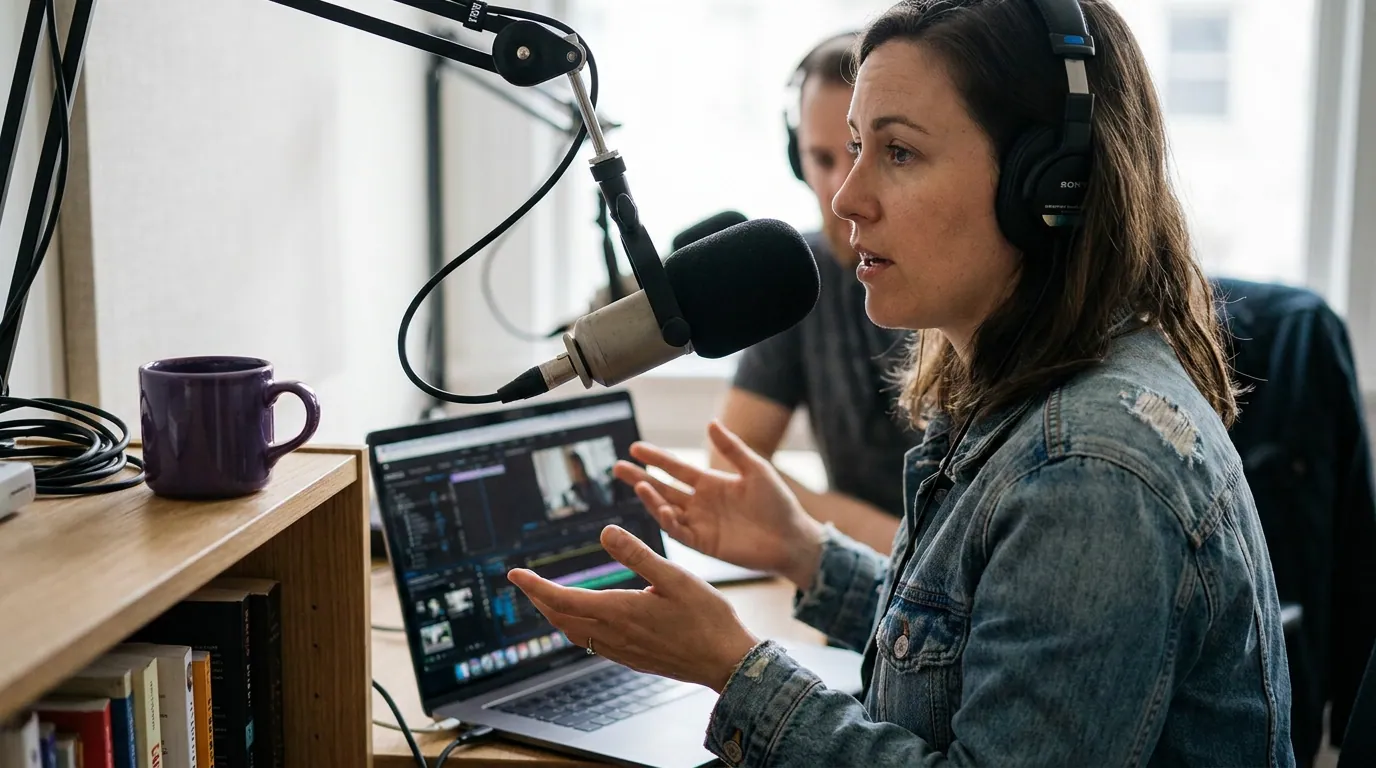
Long videos waste your time at one step: finding the moments. Rewatching a three-hour episode costs you three hours before you cut a single frame. The fix is to read the episode instead, skim the transcript and run a detection pass, and the same search drops to 20–30 minutes. That's the whole efficiency story, and it's why every step below is built around reading, not re-viewing.
The clipping itself is worth the trouble. One production house puts clips at 20–40% of new audience and reach lifts of 2–5× for the video shows it produces (Podcast Studio Glasgow), one studio's client range, not a platform-wide audit, but the direction is consistent. So the question was never whether to clip a long episode. It's how to stop the search from eating your afternoon.
The three-pass skim: find every keeper without rewatching
The method is three passes over the transcript and the waveform, not the video. Each pass narrows the field, so you only ever watch the few seconds that survive to the end.
Step 1: Transcribe once, then skim the text
Run the whole episode through transcription before you touch the timeline. AI transcription is reliably accurate on clean, single-speaker audio, and a timestamped transcript turns a three-hour scrub into roughly a 10-minute read. Move through the text fast and mark anything that makes you stop: a quotable claim, a sharp question-and-answer, a clean story beat, a disagreement, a number that surprised you. You're not editing yet, you're dropping pins.
A practical heuristic while you skim: a clippable moment usually reads well as text on its own. If a marked passage needs the previous five minutes to make sense, flag it as "context-heavy" and move on. The strongest long-episode clips are self-contained by accident, a guest answers a question so completely that the answer stands alone.
Step 2: Run AI detection and merge it with your marks
Now let the model do a parallel pass. AI clip detection reads the same transcript for sentence boundaries, questions, emphasis, and topic shifts, and returns its own candidate list. On a long file this is where it pays off most, because the model never gets bored at minute 140 the way a human reviewer does. If you want the mechanics, how AI clip detection actually works covers what the model is reading and why it misses some moments.
Merge the two lists. Where your human marks and the AI's picks agree, you have your strongest candidates, promote those first. Where the AI flagged something you skipped, give it a look; it sometimes catches a moment buried in a tangent. Where you marked something the AI missed, trust yourself; models are weak on dry delivery, inside references, and slow-building stories. The merge is the point. Neither pass alone is as good as the overlap.
Step 3: Spot-check the timeline, watch seconds, not minutes
Only now do you open the video, and only at the candidate timestamps. Watch 5–10 seconds at each pin to confirm three things: the visual isn't broken (nobody's mid-sip or off-camera), the energy matches the transcript's promise, and the moment has a clean in and out. Cut anything that reads great but films flat. This is where you go from ~20 candidates down to your 8–15 keepers.
For the judgment call on which survivors to actually post, how to pick the best AI-suggested clips walks through separating a real moment from a tool's false positive.
Step 4: Trim each keeper to one beat
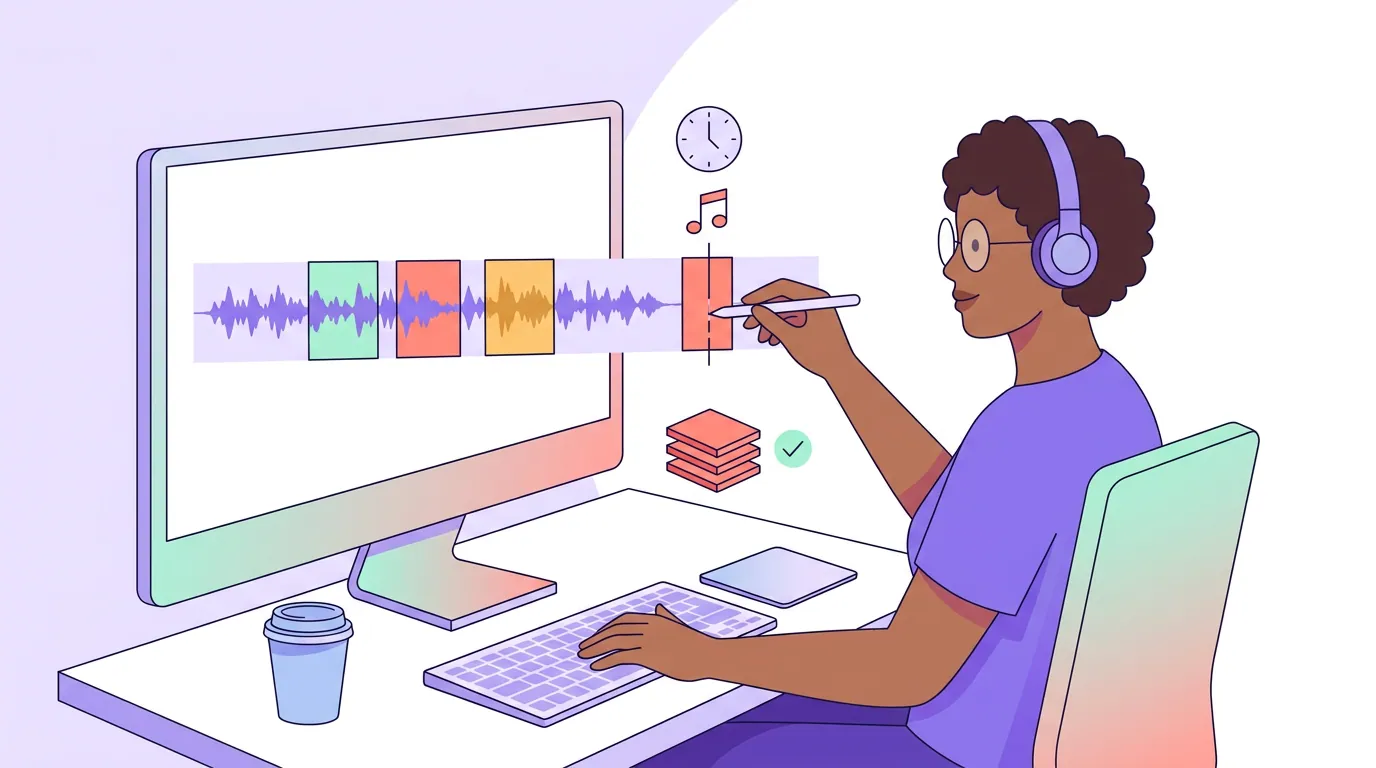
A long episode breeds long clips, and that's the trap. Each keeper should carry a single idea, one claim, one answer, one story, in roughly 20–60 seconds depending on the platform. When a candidate contains two good moments, split it into two clips rather than letting it sprawl. Trim the first 1–1.5 seconds of dead air before the first word, and cut the trailing breath after the last one. A long source tempts you to leave "just a little setup"; resist it. The setup is what made the clip too slow to finish.
Step 5: Caption, then post native
Most social video plays silent, a widely cited estimate puts around 85% of Facebook video watched with the sound off (Digiday, 2016 publisher-reported data; treat it as directional, individual studies range roughly 69–85%). So captions aren't optional on a clip pulled from a long video any more than a short one. Burn in large, word-synced captions, add a fixed hook line up top, and export at 1080×1920. Post natively to each platform rather than linking out; the feed rewards uploads it can keep people inside.
Common mistakes clipping a long episode
Hunting for more clips than the episode holds. Once your three passes agree on 8–15 keepers, stop. Forcing a 20th clip out of a 90-minute episode means shipping weak ones that drag down your channel's average. Density beats volume.
Rewatching to "make sure you didn't miss anything." You skim precisely so you don't have to. The transcript plus the AI pass catches more than a tired human reviewer at minute 150 ever will. Trust the merge.
Leaving clips long because the source was long. Runtime psychology is real, a three-hour file makes a 90-second clip feel short. It isn't. One beat per clip, trimmed tight.
Clipping only the first hour. Energy drops, so most keepers do cluster early, but the back half often hides the best off-the-cuff moment of the episode. Skim all of it; just expect fewer pins per hour as you go.
Ignoring the source format. A long video downloaded from YouTube, recorded in Zoom, or captured in Riverside each carries quirks worth knowing before you cut. If your long file came from a specific platform, see clipping a YouTube podcast video, making clips from a Zoom recording, or clipping a Riverside recording.
FAQ
How many clips should I get from a 2-hour podcast video? Expect roughly 8–15 clips worth posting from a 1–3 hour episode, not 20–30. A tool can slice many more raw segments, but keepers cluster around a handful of strong moments and don't scale with runtime. Pull the best dozen and stop, rather than padding the count with weak clips.
Do I have to watch the whole long episode to find clips? No, and you shouldn't. Transcribe it once and skim the text, run AI clip detection on the same transcript, then spot-check only the candidate timestamps, watching seconds, not minutes. That three-pass skim finds the same keepers a full rewatch would, in about 25 minutes instead of three hours.
How long should each clip from a long video be? Roughly 20–60 seconds, built around one beat, a single claim, answer, or story. A long source tempts you to leave extra setup; trim it. If a candidate holds two good moments, make two clips instead of one long one.
Should I clip the whole episode or just the highlights? Just the highlights, but skim the whole thing to find them. Keepers cluster early as energy fades, yet the back half often hides the loosest, funniest moment. Read all of it; expect fewer pins per hour after the first.
Can AI find the clips in a long video for me? It finds strong candidates fast and never tires at minute 150, which is exactly where human reviewers fade. But it misses dry delivery, inside jokes, and slow-building stories, so merge its picks with your own transcript marks. If the source is audio-only, making clips from an audio-only episode covers the visual treatment you'll need on top.