
How to Start a Podcast Step by Step: A 14-Day Plan

You can take a podcast from idea to a live, published episode in 14 days of part-time work, and you do not need expensive gear to do it. The path is twelve ordered steps across three phases: decide what the show is (days 1–4), build the format and record (days 5–9), then publish and submit to the directories (days 10–14). Each step below ends with a one-line "done when" rule so you always know whether you can move on.
Two weeks is deliberate. It is short enough that you keep momentum and long enough to record a small buffer instead of one fragile episode. The biggest reason new shows fail is not quality, it is stopping. Nearly half of all podcasts never make it past the first three episodes, and across the whole index only about one in ten podcasts is still actively publishing Amplifi Mediapodcast failure-rate analysis). The plan below front-loads the decisions and builds a head start so episode four does not depend on a perfect week.
Phase one, Decide (days 1–4)
This phase is all decisions and zero recording, and it is where most launches go wrong. People buy a microphone before they can say in one sentence who the show is for. Lock the four decisions below first; everything downstream gets easier and cheaper once they are settled.
Step 1, Name the audience and the promise (day 1)
Write one sentence: "This show helps [specific person] [do or understand something]." Specific beats broad. "A weekly show for first-time managers on handling their hardest conversations" tells a listener instantly whether to subscribe. "A show about leadership" does not. The audience is large enough to matter, US podcast listening is at a record, around 158 million monthly listeners, 55% of the 12-and-up population (Edison Research, Infinite Dial 2025), but you are not chasing all of them. You are chasing the slice that will recognize your one sentence as written for them.
If you are torn between three topics, that is a niche problem, not a name problem. Settle it with a method for choosing your topic and niche before you go further.
Done when: you can say who the show is for and what it does in one sentence, out loud, without hedging.
Step 2, Pick the format and episode length (day 2)
Choose one format and stay with it for the first ten episodes. The three that work for beginners are solo (you talking to one idea), co-host (two regulars), and interview (you plus a guest). Solo is the cheapest to produce and the hardest to keep interesting; interview is easier to fill but adds scheduling. Set a target length too, 20–35 minutes is a sane first range for most conversational shows. The format you pick drives your gear list, your prep, and your recording time, so deciding it now prevents rework later.
Done when: you have committed to one format and a target episode length in minutes.
Step 3, Name the show and design placeholder cover art (day 3)
Pick a name that is easy to spell, easy to say, and searchable. Avoid names that collide with a popular existing show, search it on Apple Podcasts and Spotify first. For cover art, you do not need a designer on day three; a clean text-and-color square made in Canva is fine to launch. Apple requires artwork between 1400×1400 and 3000×3000 pixels, square, under defined file limits, so build it at 3000×3000 to be safe. You can upgrade the art later without changing your feed.
Done when: the name is checked against existing shows and you have a square 3000×3000 cover image saved.
Step 4, Plan your first five episodes (day 4)
List five episode topics now, not one. A single great idea is not a show; five proves the concept has legs and removes the "what do I talk about next" stall that kills momentum after episode one. For each, jot the hook in a line and three bullet points you want to cover. This is also where you decide your release cadence, weekly is the standard starting point because consistency, not volume, is the strongest predictor of a show that survives.
For a deeper version of this, work through how to plan a podcast before you record, it covers cadence, segments, and the prep doc in detail.
Done when: you have five episode topics written down, each with a hook line and three bullets.
Phase two, Build (days 5–9)
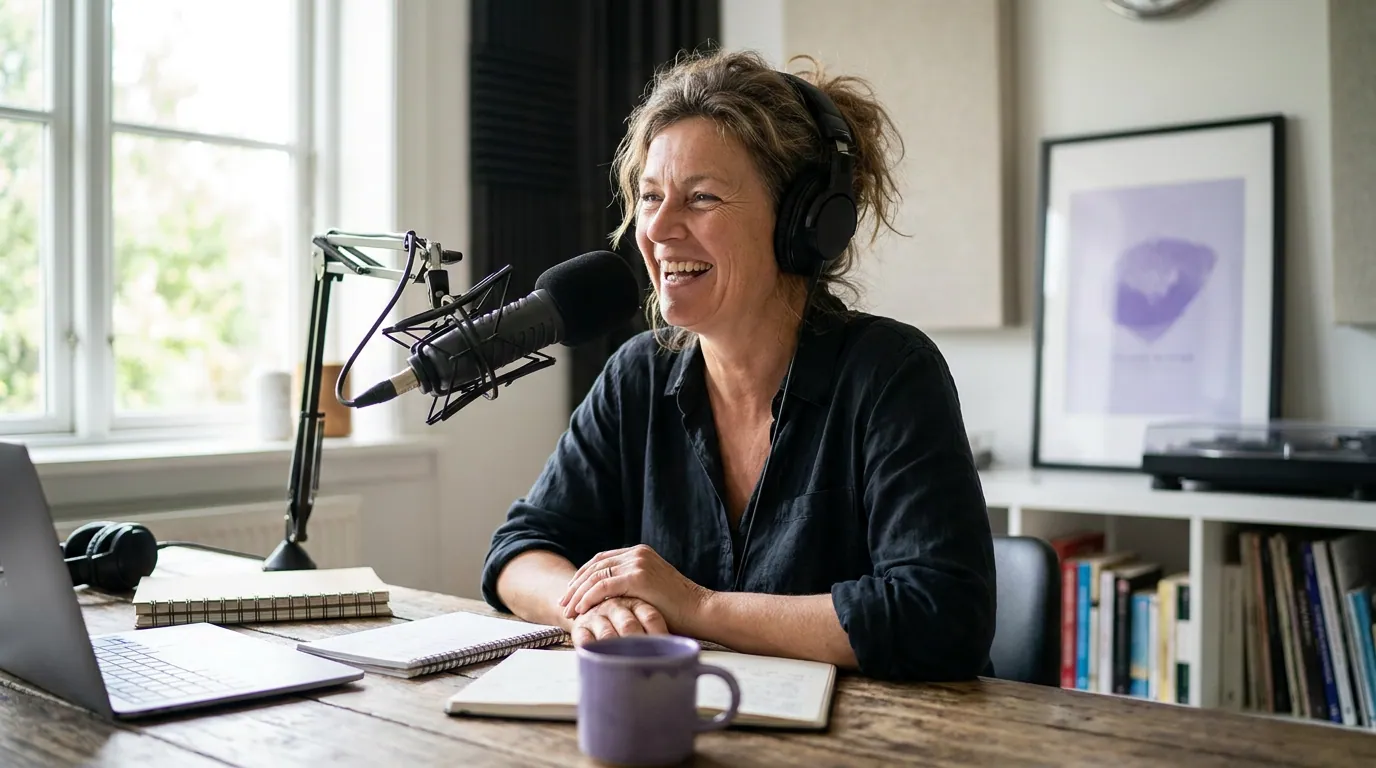
Now you turn decisions into a recorded episode. This is the phase people fear, and it is genuinely the easiest if you kept phase one tight. Gear first, then a script, then record two episodes so you launch with a buffer.
Step 5, Get the minimum gear that sounds good (day 5)
You need a microphone, headphones, and recording software, that is the whole list to start. A USB mic in the $50–100 range records clean audio for a beginner; a wired pair of headphones stops echo on interviews. A hobby-level setup runs roughly $100–350 up front plus around $15–45/month for software and hosting, while a full professional rig climbs to $500–5,000+ (Ausha, cost-to-start breakdown). Do not overspend here. As the editorial rule goes, the gap between a $150 and a $1,500 setup is smaller than the gap between bad mic technique in a noisy room and good technique in a treated one.
If you want specific picks, see the best podcast mics by budget tier and, for the entry level, the best podcast mic under $100. And if your budget is truly zero this week, you can launch with your phone and free software, here is how to start a podcast for free, then upgrade the mic once episode one is live.
Done when: you can record a 60-second test clip and play it back with clear voice and no obvious echo or hum.
Step 6, Write a light script or outline (day 6)
Write a one-page outline for episode one: a 20–30 second intro that states the show's promise, the three to five points you are covering, and a single closing call to action. Do not script every word unless you are doing narrative, for conversation, a bullet outline keeps you natural while stopping the rambling that loses listeners. Decide your intro now too; the first 30 seconds is where most first-time listeners decide to stay or leave.
Done when: episode one fits on a single page of bullets you can record from without freezing.
Step 7, Record episode one (day 7)
Record in the quietest room you have, ideally with soft furnishings that kill echo, a closet of clothes beats a tiled bathroom. Position the mic a fist's distance from your mouth, slightly off to the side to avoid plosives. Record a few seconds of silence at the start for noise removal later, then just talk through your outline. Mistakes are fine; you fix them in editing. The goal today is a usable take, not a perfect one.
Done when: you have a complete raw recording of episode one saved in two places.
Step 8, Record episode two for a buffer (day 8)
Record a second episode while the setup is still out and your voice is warm. This single habit is what separates shows that survive from shows that stall. With two episodes banked, a bad week does not break your schedule, and given that roughly half of all shows quit by episode three, your buffer is doing real work. Batching also gets faster each time, because your room, levels, and mic position are already dialed in.
Done when: you have two complete raw recordings banked before you publish anything.
Step 9, Edit to "good enough" (day 9)
Edit for clarity, not polish. Cut dead air, remove the worst stumbles, trim a slow open, and level the volume so it is not too quiet. Add your intro and outro. Resist the urge to chase studio perfection on episode one, done and listenable beats perfect and unpublished. A simple, free editor handles all of this for a first episode.
Done when: episode one plays start to finish with no dead air over two seconds and consistent volume.
Phase three, Ship (days 10–14)
You have edited audio. Now you get it onto Apple, Spotify, and everywhere else, which all run off one thing: an RSS feed from a hosting platform. This phase is mostly clicking and waiting, so it is a good fit for the back half of week two.
Step 10, Choose a hosting platform and set up the feed (day 10)
A podcast host stores your audio and generates the RSS feed the directories read. Several have free tiers; paid plans start in the low single digits to low teens per month, so this is not a budget blocker, see what it really costs to start a podcast for the full picture. Pick one, fill in your show title, the one-sentence description from step 1, your category, and your cover art, then upload episode one.
Done when: your show is created on a host, episode one is uploaded, and you have a working RSS feed URL.
Step 11, Submit to Apple Podcasts, Spotify, and YouTube (day 11)
Submit your RSS feed to the major directories. You submit once to each; after that, every new episode appears automatically through the feed. Apple and Spotify are non-negotiable. Add YouTube too, it is now the #1 US podcast platform at 42% of monthly listeners, ahead of Spotify and Apple (Backlinko podcast stats), even if you only upload an audio-with-cover version to start. Approval can take a few hours to a few days, which is exactly why this is a day-11 task and not a day-14 one.
Done when: your feed is submitted to Apple, Spotify, and YouTube, and at least one has confirmed it is live.
Step 12, Publish, tell ten people, and clip the best moment (days 12–14)
Set episode one live and personally message ten people who fit your one-sentence audience. A real ask to a real person beats a broadcast post on day one. Then pull one strong 30–60 second moment from the episode, caption it, and post it vertically, clips are how new listeners discover a small show before it has any ranking or back catalog to carry it. Use the buffer days to schedule episode two and breathe.
Done when: episode one is publicly live, ten people have been told directly, and one captioned clip is posted.
Common mistakes that stall a launch
These are the failure points I see most often in first launches. Each has a one-line fix.
- Buying gear before deciding the show. You end up with a mic and no clear audience. Fix: finish phase one before spending a dollar.
- Launching with one episode. A single rough week ends the show. Fix: bank a second episode in step 8.
- Chasing perfect audio on episode one. You never publish. Fix: edit to "good enough" and improve over the next five.
- Skipping the niche sentence. A vague show is invisible. Fix: rewrite step 1 until it names a specific person.
- Forgetting discovery. A live feed with no clips or outreach sits at zero. Fix: do step 12 the day you publish, not "later."
FAQ
How long does it really take to start a podcast?
Two weeks of part-time work is realistic for a first episode using this plan, and you can compress it to a long weekend if you have full days. The slowest part is not recording, it is the upfront decisions in phase one and the directory approval wait in step 11, which can take a few hours to a few days.
How much does it cost to start a podcast?
You can launch for nearly nothing using a phone and free software, or spend roughly $100–350 up front for a hobby setup with a USB mic and headphones (Ausha). Hosting adds a free-to-low-teens monthly cost. The full breakdown is in what it really costs to start a podcast.
Do I need to record video to start a podcast?
No. You can launch audio-only and still submit to YouTube as audio-with-cover. But because YouTube is now the largest US podcast platform at 42% of monthly listeners (Backlinko), adding even a simple webcam later widens your discovery. Start with audio if it gets you to publish faster.
What should episode one actually be about?
Pick the most useful single idea from your five-episode list, not a "welcome to my podcast" trailer. New listeners arrive through search and clips long after launch, so episode one should deliver real value on its own, not just introduce you.
How many episodes should I have before launching?
Two recorded, one published. Launching with one is the most common mistake; a single banked buffer episode protects your schedule against the bad week that ends roughly half of all shows by episode three Amplifi Media.
The plan works because it puts the decisions first and the gear last, and because it never lets you publish with an empty buffer. Lock your niche and topic, work through the full pre-recording plan, and pick a mic that fits your budget, then follow the twelve steps in order and let each "done when" rule tell you when to move on.