
Kids Podcast Clips: Family Clipping Within COPPA


Clip the moments aimed at the parent, not the child. A family podcast clip is safe to post to a normal, monetized, comment-on feed when its subject matter, framing, and language target adults, the parenting struggle, the funny aside between hosts, the practical tip. The risk lives in clips whose subject matter is child-directed on its own: toy unboxings, nursery rhymes, "kids react" bits, animated characters. Those belong behind the made-for-kids flag, which strips the features your reach depends on.
This is not legal advice, and I am not a lawyer. It is the operating rule a clipping team uses so a family show can grow on social without mislabeling content or burying clips in a settings bucket that kills comments and personalized ads. The whole thing turns on one question the FTC already wrote the test for: is this specific clip directed to children? Below, that test becomes a three-tier risk ladder, paired with exactly what the made-for-kids flag disables and a framing rule that keeps most family clips on the general-audience side of the line.
Is a family podcast subject to COPPA?
The podcast itself is not the thing COPPA regulates, the platform's data collection is. COPPA (the Children's Online Privacy Protection Act) governs whether a site or service can collect personal data from kids under 13. On YouTube, that obligation is pushed down to you through the "made for kids" audience setting: you label each video, YouTube treats labeled content as if every viewer is a child, and it then restricts data collection accordingly. The label is the compliance lever.
So the question is never "does COPPA apply to my podcast." It's "is this video directed to children." The FTC built a multi-factor test for exactly that, and it is the spine of every decision below.
The FTC factors, in plain language
Per the FTC's COPPA compliance FAQ, whether content is "directed to children" turns on subject matter, visual content, use of animated characters or child-oriented activities, music, age of the on-screen models, child celebrities, language, and any real evidence about the intended audience. No single factor decides it; the FTC weighs the totality.
Two clarifications from the same FTC guidance do most of the work for family creators. First, content is not "directed to children" just because some children happen to watch it, incidental viewing does not trigger COPPA. Second, the FTC gives a subject-matter rule of thumb: videos about "traditionally adult activities" like employment, finances, politics, home ownership, home improvement, or travel are probably not covered unless they are geared toward kids. Parenting commentary sits much closer to that adult-activity end than to toy-unboxing.
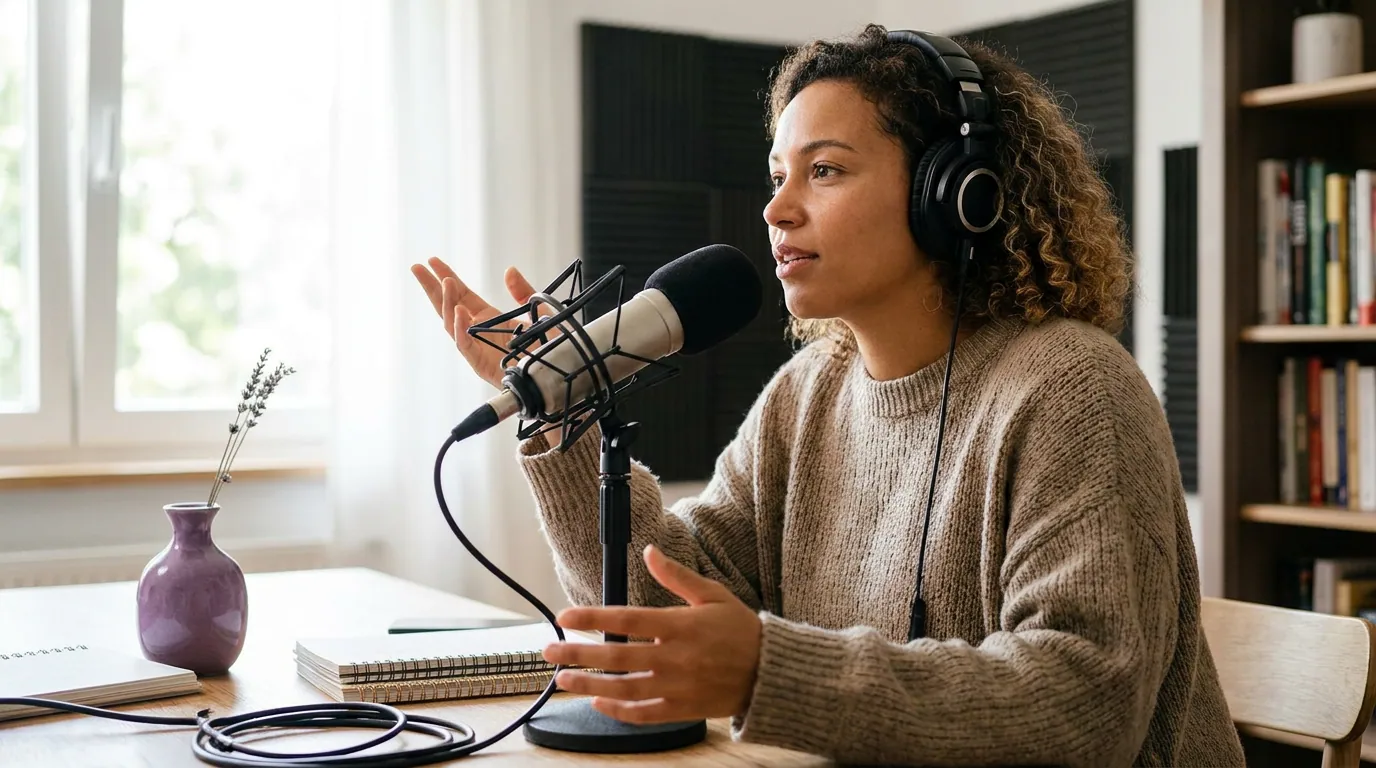
What the made-for-kids flag actually disables
The made-for-kids setting is not a quiet checkbox, it removes the features that make a clip grow and earn. Per YouTube's audience-setting Help page, a video or stream marked made for kids loses comments, the notification bell, end screens and cards, personalized advertising, Super Chat and Super Stickers, channel memberships, the donate button, merchandise and ticketing, save-to-playlist and save-to-watch-later, autoplay on home, and miniplayer playback. Set a whole channel as made for kids and it also loses memberships, the bell, and community Posts.
Two of those losses matter more than the rest for a family show trying to grow. No comments means no comment-section engagement signal and no community thread, and comments are one of the cheapest ways a family audience bonds. And personalized ads are replaced by contextual ones: per YouTube's made-for-kids ads Help page, ads on this content are contextual only, based on the video, the current search, and general location, not the viewer's history. That generally pays less than personalized inventory, which is why labeling a borderline clip "just to be safe" is not free.
This is also why getting the label wrong in the other direction is dangerous. YouTube applies a machine classifier on top of your choice. Set a video to "not made for kids" when the subject matter is plainly child-directed, and YouTube can override you and reclassify it, at which point comments and personalized ads switch off anyway, and you have created a labeling problem with the platform. Worse, the FTC can act on you directly. A knowing COPPA violation carries a civil penalty of up to $53,088 per violation as of January 2025, assessed per child, per the FTC's 2025 inflation-adjusted penalty announcement. That per-child math is how YouTube's own 2019 settlement reached $170 million (FTC, Sept 2019). And in 2025 the FTC went after a content owner directly: Disney agreed to pay $10 million for failing to label child-directed YouTube videos as made-for-kids, the FTC's complaint specifically faulted Disney for setting audience at the channel level instead of per video (FTC, Sept 2025).
The framework: clip the adult layer, not the kid layer
Most family episodes contain two layers in the same recording. The kid layer is the content a child would seek out: the game, the song, the character voice, the thing aimed at a seven-year-old. The adult layer is everything aimed at the parent listening: the commentary, the dry aside, the "here's what actually worked," the host reacting as a grown-up. Your clip inherits the risk tier of whichever layer it foregrounds.
The rule is simple to apply: a clip travels on the general-audience feed when an adult is the obvious intended viewer of that 30 seconds, by subject, by framing, by caption. If you have to strip the adult framing to make the moment land, you are probably clipping the kid layer, and that clip belongs behind the flag.
The same moment can be either, depending on how you cut and caption it. A child saying something hilarious at the dinner table is a perfect example. Clip it as "watch this kid's reaction" with a sing-song caption and a bright thumbnail, and you have built a child-directed clip. Clip the parent's deadpan response, caption it "the things they say when you've had three hours of sleep," and the intended viewer is plainly an exhausted adult. Same footage; different layer; different tier.
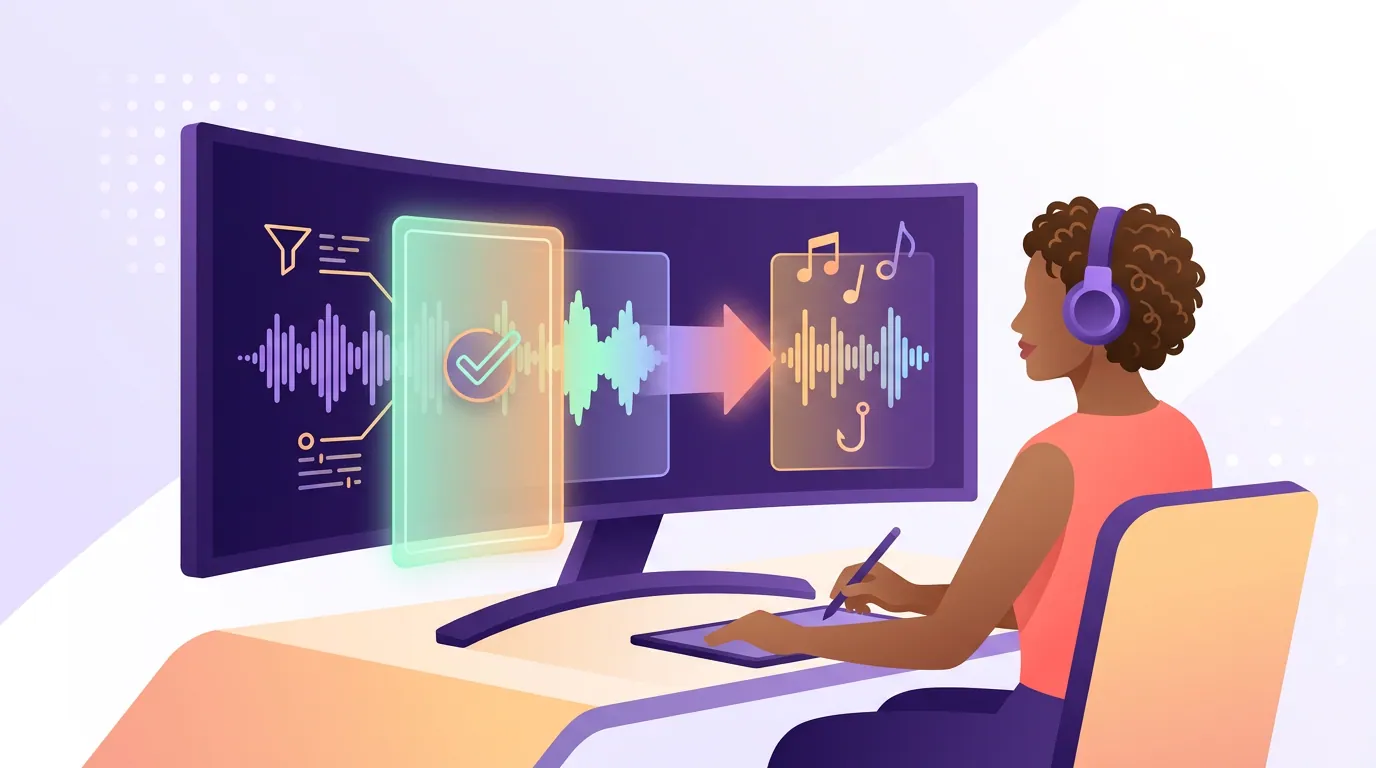
The steps: a compliance pass before the hook pass
- Transcribe the whole episode first. You cannot judge subject matter from the timeline alone. Pull the transcript so you can read what each candidate moment is actually about. An AI clipper does this in one pass, and if you want the mechanics, see how AI clip detection actually works.
- Run every candidate through the risk ladder. Green tier (adult subject) goes to the general feed. Red tier (child-directed subject) gets the made-for-kids label or gets cut. Amber tier gets a human decision, and the safe default for amber is to reframe toward the adult layer, not to target kids.
- Decide the layer before you cut. Pick whether this clip's intended viewer is the parent or the child. That decision sets your in/out points, your caption voice, your thumbnail, and your music. A child-coded music bed alone can push a borderline clip into the child-directed read under the FTC factors.
- Write the caption for the adult. Captions are not optional regardless, a large share of social video is watched on mute, so the words on screen carry the moment. For family clips the caption does double duty: it both carries the joke and signals the intended audience to a human and to a classifier. "The things they say after a night with no sleep" reads adult; "watch this cutie!" reads child-directed.
- Set the platform audience flag honestly. On YouTube, mark green-tier clips "not made for kids" and red-tier clips "made for kids." Don't mislabel in either direction. The classifier is watching, and so is the FTC.
- Keep child PII out of the clip and the metadata. Don't put a kid's full name, school, routine, or location in the caption, the title, or the on-screen text. Minimizing what's identifiable is the spirit of the rule, and the 2025 amendments tightened data-retention and consent expectations across the board (FTC, Jan 2025).
Common mistakes
Flagging the whole channel made-for-kids "to be safe." This is the most expensive mistake a family show makes. A channel-level flag turns off comments, the bell, memberships, and Posts across every video, including your adult-layer parenting commentary that was never child-directed. Set the audience per video, not per channel, unless the entire show genuinely targets kids.
Clipping the cute kid moment because it feels like the highlight. It often is the highest-emotion moment in the room, and that is exactly what makes it child-coded and what should make you slow down. If the only way to make it pop is to point the camera and caption at the child, it is the kid layer.
Treating "some kids watch" as the trigger. It isn't. The FTC is explicit that incidental child viewership does not make content directed to children. A parenting show with a child audience tail is still a parenting show, label on subject matter and intended audience, not vague fear.
Putting the child's identity in the metadata. A clip can be perfectly adult-framed and still leak a kid's full name and school in the title. Keep identifiers out, the clip is public the moment it posts.
Ignoring TikTok's different shape. TikTok has no per-video made-for-kids switch; it requires accounts to be 13+ and runs a separate restricted experience for under-13 users in the US (TikTok youth safety). The upstream decision is the same: post adult-layer clips, keep child PII out, don't target under-13s.
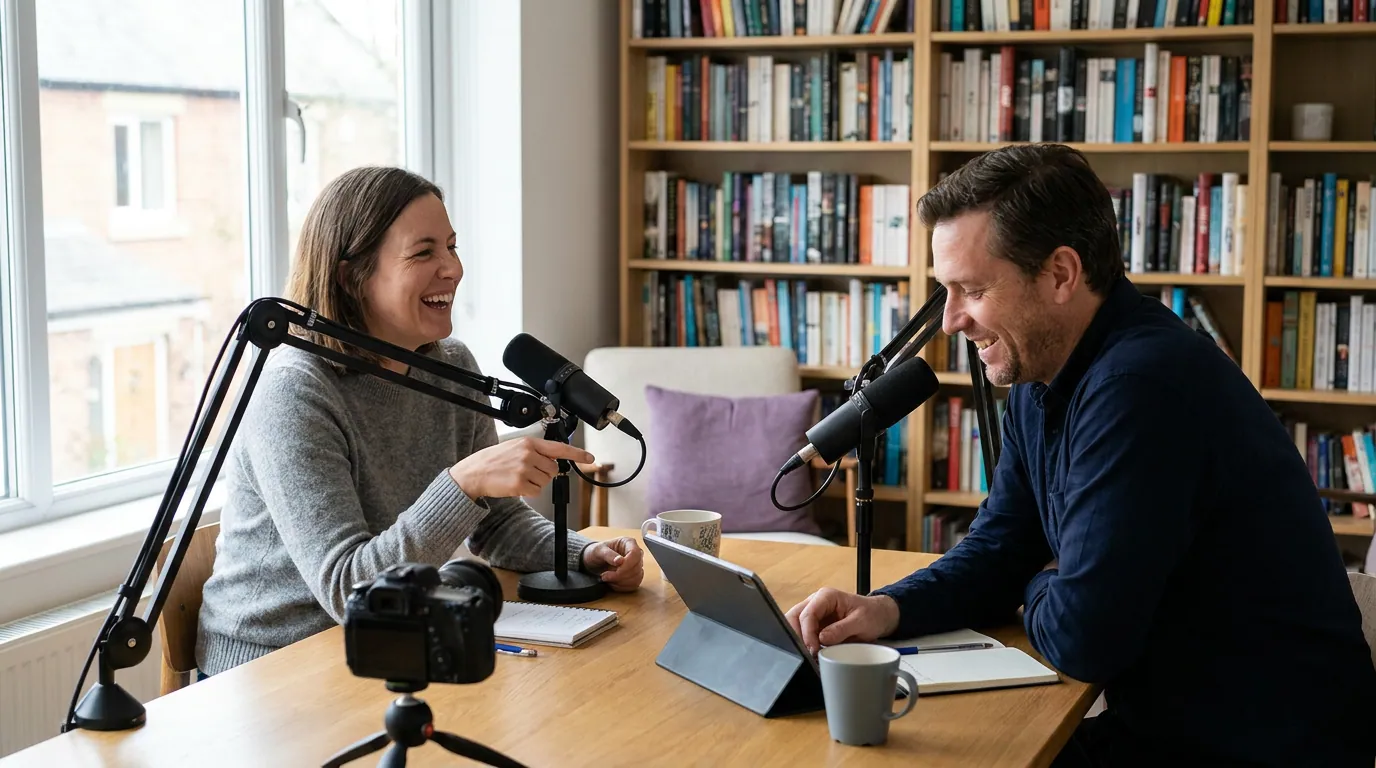
How this fits the rest of your clipping workflow
The compliance pass sits before the usual hook-and-cut work, not instead of it. Once a clip clears the risk ladder, the normal craft applies: lead with the strongest three seconds, cut tight, pick the few moments worth posting. Those judgment skills carry over from the rest of the pillar, how to pick the best AI-suggested clips works for family shows once the layer is decided, the screenshot-test discipline from turning a business podcast into shareable clips finds the one line worth lifting, and the punchline-protection cutting from clipping comedy without killing the joke matters doubly when the funny line is a kid's, reframed for adults. Where suspense niches like true-crime cliffhanger clips chase tension, family clips chase recognition, the "that's my house" nod from another tired parent.
FAQ
Does COPPA apply to my podcast or just to YouTube? COPPA regulates online data collection from under-13 users, so it binds the platform, and platforms push the obligation to you through labeling. Your podcast feed isn't directly covered; your YouTube videos are governed through the made-for-kids audience setting, and TikTok handles it through its 13+ account rule and a separate under-13 experience.
Can I clip my own kid and post it to a normal feed? You can, if the clip's subject matter and framing target adults rather than children, and you keep the child's identifying details out of the caption and metadata. The FTC's test is about whether the content is directed to children, not whether a child appears in it. Frame the moment for the parent watching, not the kid.
What happens if I label a clearly kid-directed clip "not made for kids"? YouTube's classifier can override you and reclassify the video as made for kids, which disables comments and personalized ads anyway and creates a labeling discrepancy on your account. The FTC can also pursue penalties of up to $53,088 per violation, assessed per child, for knowing COPPA violations.
Do family clips earn less than other niches? Only the clips you flag made-for-kids do, because those serve contextual ads instead of personalized ones and lose memberships, Super Chat, and merchandise. Adult-layer clips on the normal feed monetize like any other content. That gap is the whole reason to label per video, not per channel.
Is putting child-directed clips behind the flag worth it at all? Sometimes, a genuine kids segment can still build a real audience, it just won't carry comments or personalized ads. Treat flagged clips as audience-building, not revenue, and put your monetization weight on the adult-layer clips.
This article explains platform policy and the FTC's published guidance; it is not legal advice. For a specific compliance question about your show, talk to a qualified attorney.