
The Human Review Step Every AI Clip Needs

An AI clipper produces a candidate, not a finished post. Before you publish, run five fixed checks in order: read the captions for errors, fix the cut-in so it doesn't open on dead air, confirm the hook lands on mute, check the framing keeps the speaker's face safe, and trim the ending to the last line worth keeping. Most clips need two or three of these touched. Skipping the pass is how mediocre clips get posted at volume.
Plan for it as a tax, not a surprise. Across every modern AI clipper, including ours, roughly 20–40% of each clip still needs a human pass before it's good enough to ship. That's the honest number the marketing pages skip. The model is excellent at finding a strong moment and laying down a first draft; it's unreliable at the last 20–40%, which is exactly the part a stranger sees first.
This is a different job from choosing which clips to keep. If you haven't shortlisted yet, how to pick the best AI-suggested clips covers the selection rubric; this guide is what you do to the three clips that survived it. Selection decides what ships. Review decides whether it's any good.
Do AI-generated clips need editing before you post them?
Yes, almost always. AI clippers transcribe, detect moments, add captions, and reframe to vertical automatically, but each of those steps carries a predictable error: a misheard word, a cut that starts a beat too early, captions that desync, a face drifting out of frame. Plan to touch roughly a fifth to two-fifths of every clip. Raw output posts; reviewed output performs.
The reason is structural. The model optimises for a complete, interesting transcript segment. It does not watch the clip the way a phone-scrolling stranger will, sound off, in two seconds, with no context. The gap between "technically a clip" and "worth a stranger's attention" is the review tax, and it's consistent enough to budget for.
It pays to do this well rather than not at all. One production studio estimates clips drive 20–40% of new-audience acquisition for video shows and can raise discovery reach 2–5× (Podcast Studio Glasgow; single-studio figures, treat as directional). That upside only lands on clips a stranger can actually follow, which is what the review pass protects.
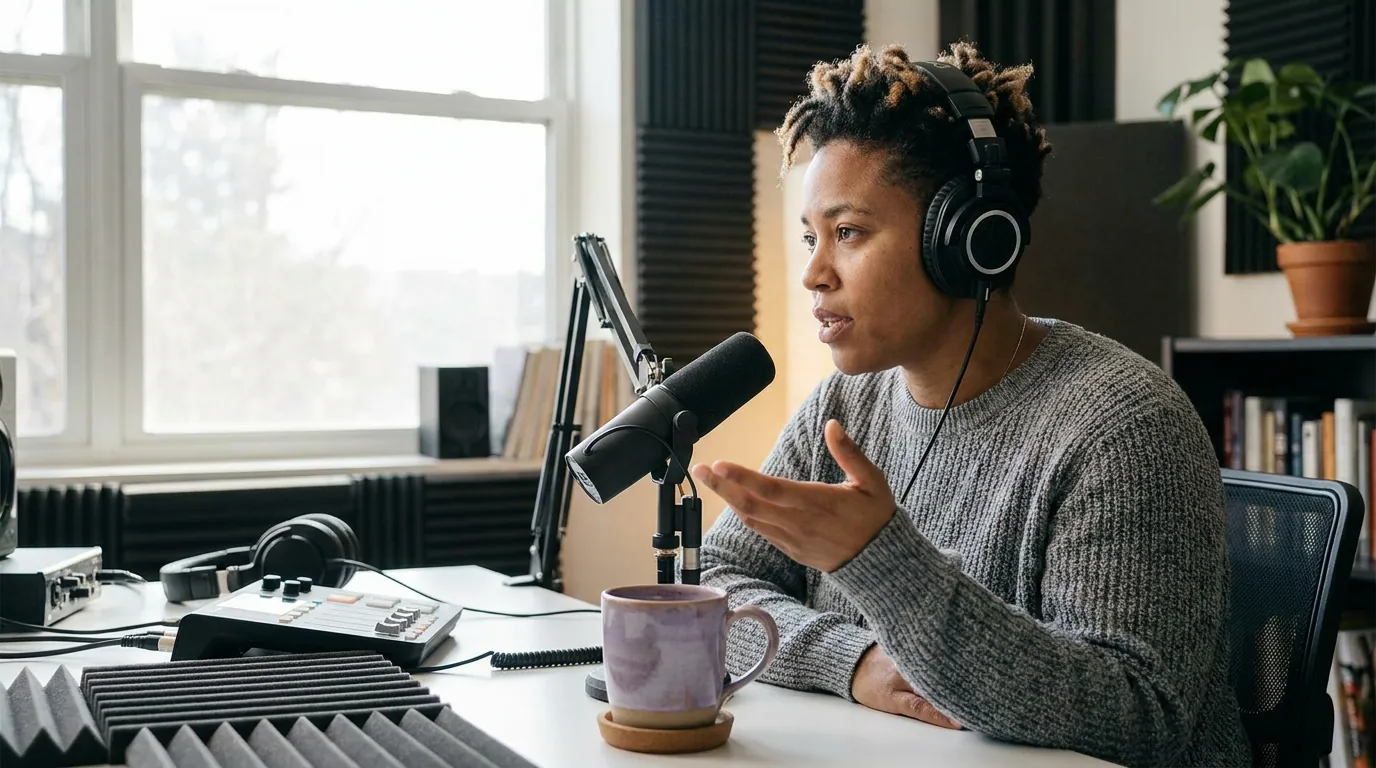
The 5-point review checklist, run in order
Run these top-to-bottom, every clip, the same way each time. Order matters: caption errors are the most embarrassing and the easiest to miss, so they go first; the end trim goes last because it's the final frame and you want fresh eyes on it. Once it's muscle memory, the whole pass takes one to two minutes per clip.
1. Read the captions for errors
Auto-captions are accurate enough to lull you and wrong often enough to hurt you. The failures cluster: proper names, brand names, technical jargon, numbers, and homophones the model guessed. A clip that says "Sequoia" as "Sequoya," or turns "$40 million" into "$14 million," reads as careless to exactly the audience you want.
Read the caption track straight through, not the audio. Reading is how you catch the error your ear glosses over because you know what was meant. Fix names and numbers first; they're the ones strangers screenshot. This step alone justifies the review tax, about three in four people say they often keep their phone on mute even while a video plays (Sharethrough reported 75%; vendor survey, directional), so for most viewers the caption is the clip.
2. Fix the cut-in
AI clippers routinely start a clip one to two seconds early, on a filler word, a breath, or the tail of the previous sentence. That dead air is the single most common reason a strong moment underperforms, you lose the scroll before the good part arrives.
Drag the in-point to the first real word of the first real sentence. If the speaker says "so, yeah, the thing nobody tells you is, ", cut to "the thing nobody tells you." You're not just saving two seconds; you're moving the hook to frame one, which is where the next check lives.
3. Confirm the hook lands on mute
Watch the first two seconds with the sound off and only the captions visible. If the opening line creates a question, a tension, or a promise, keep it. If it opens on context or a slow wind-up, either re-cut to a stronger opening line or add a one-line caption hook over the top. Clipping practitioners broadly treat the first three seconds as the window where a viewer decides to keep watching (castmagic calls the opening three seconds "absolutely critical"; vendor guidance, not a measured stat), and they're decided on mute.
This is the check the AI is structurally worst at, because "interesting transcript" and "stops a thumb" are different signals. Your taste does the work here. For why the model's own ranking can't be trusted to judge this, what an AI virality score really tells you is worth two minutes.
4. Check the framing
Auto-reframe tracks the active speaker, and it drifts, especially on two-person episodes where it cuts between faces, or when someone leans, stands, or gestures wide. Scrub the clip once watching only the framing. The speaker's face should stay in the upper-middle of the vertical frame, never half-cropped, never pinned to an edge.
Then check the caption position against platform UI. TikTok, Reels, and Shorts each cover the bottom third and right edge with their own buttons; captions and faces parked there get hidden behind a like button. Keep both inside the safe zone, roughly the centre 80% of the frame.
5. Trim the ending
Where a clip ends does as much work as where it starts, and the AI almost always gives you too much tail. It tends to end on a complete sentence rather than the best sentence, so clips trail off into a qualifier or a "but anyway." Cut to the last line you'd actually want as the final frame.
For payoff-driven content, the exit is the whole craft, ending one beat early on an open loop beats resolving it. Where to end a clip for maximum suspense goes deep on cut-point timing. Do this check last, with fresh eyes, because by the time you reach it you've watched the clip enough to know exactly which line should be the last thing on screen.
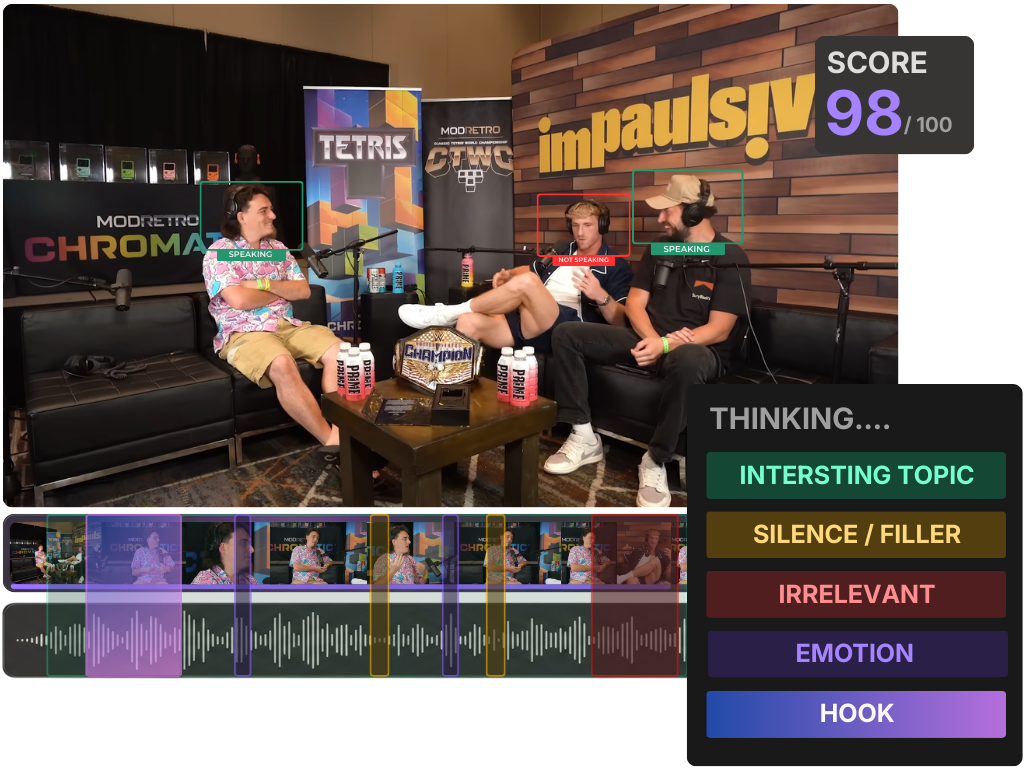
Common mistakes in the review pass
- Trusting auto-captions because they "look right." Looking right and being right diverge on exactly the words that matter, names, numbers, jargon. Read the track, don't skim it.
- Reviewing with the sound on. You'll forgive a weak hook because you can hear the energy. Most viewers can't. Do the hook check on mute or you're testing a clip nobody else will see.
- Editing one clip to perfection while three sit unposted. The review tax is one to two minutes per clip, not ten. If you're past that, you're polishing, not reviewing, ship it and move on.
- Skipping the framing check on solo episodes. Even one speaker drifts when they lean toward the mic or reach off-camera. Auto-reframe is good, not infallible.
- Leaving the AI's clip length untouched. A long clip that's fine is usually a shorter clip that's better. The end trim isn't only about the last frame; it's where you cut the clip down to the one idea it's actually about.

Tools: where the review pass runs fastest
The checklist works in any editor, you can run all five checks on output from any AI clipper. It runs fastest when the captions, timeline, reframing, and export live in one place, so fixing a misheard name or dragging a cut-in doesn't mean a round-trip to a separate tool. QuickReel keeps generation, editable captions, the timeline, framing, and scheduling in a single pass, which is the difference between fixing a clip and abandoning it for being "close enough." If you're reviewing a whole back catalogue rather than one episode, batch-clipping a full episode in one pass covers keeping the review step fast at volume. Opus Clip, Vizard, and Klap produce clips that benefit from the same five checks; the order applies to their output unchanged.
To understand why the AI lays down the cut it does, and therefore what it's likely to get wrong, how AI clip detection actually works is the companion piece.