
Avoiding Music Copyright Strikes on Podcast Clips


A podcast clip gets a copyright strike when it carries music the platform hasn't licensed for your use, and the rights holder's automated system catches the match. Most of the time the outcome is milder than a "strike": the audio gets muted, or the clip gets blocked in some countries. The fix is to source music from the right place for each platform, or use no music at all and let the conversation carry the clip.
The trap that catches almost everyone is assuming that because a song is in the app, you're cleared to use it. You're not. Access is not a license, and that gap is where muted clips, blocked Shorts, and the occasional five-figure invoice come from.
Why does my clip get muted or blocked when the music was right there in the app?
Because the platform's deal with the labels covers personal, non-commercial posting, not a promotional clip for your show. When an account uses a track outside the cleared catalog, audio fingerprinting matches it and applies the rights holder's chosen action: mute, block in some countries, or run it while the label collects. A podcast clip almost always counts as commercial use.
The legal point is blunt. Having a song available in your editing interface does not grant you commercial rights to it, Instagram's licenses for popular library music are "explicitly limited to personal, non-commercial use," and as intellectual-property firm SRIPLAW puts it, "platform availability doesn't equal licensing permission." Copyright law looks at how the music is used, not the label on your account.
And the definition of "commercial" is wide. If your account exists to promote a show, a product, or a service, you're operating commercially even without a single paid ad. Crediting the artist, tagging them, or writing "no copyright intended" does nothing, that's not how licensing works.
The three outcomes you're actually choosing between
Before the decision tree, get the vocabulary straight, because "copyright strike" gets used for three different things that carry very different stakes.
| Outcome | What happens | How serious |
|---|---|---|
| Content ID claim | Automated match; rights holder mutes, monetizes, or blocks the clip | Common, usually reversible by swapping audio |
| Muted / blocked | Audio stripped, or clip hidden in some regions | Annoying, kills the clip, no account penalty |
| Copyright strike | A formal legal takedown request | Serious, three in 90 days can end a YouTube channel |
A claim is automated and routine. YouTube's Content ID issued 2.2 billion claims in 2024, with over 99% handled automatically (Foxi, 2026). A strike is a different animal: it comes from a legal removal request, and three within 90 days can terminate a YouTube account and every channel tied to it (YouTube Help). Most music problems on clips are claims and mutes, not strikes, but mishandle a dispute and a claim can escalate into one.
How each platform actually licenses in-app music
The single most useful thing to understand: each platform negotiates its own deals, runs its own library, and licenses that music only for use on that platform. There is no universal "cleared on social" status.
Instagram / Facebook. Personal accounts get the full library. Business accounts are restricted to the Meta Sound Collection, roughly 14,000 royalty-free tracks cleared for commercial use (SRIPLAW). Switching your account type to "Creator" to reach more songs changes what the interface shows, not whether your use is licensed. In 2026, Meta's fingerprinting also catches tracks that have been pitch-shifted or sped up, and flags Reels re-uploaded from TikTok by their watermark audio (Foxi).
TikTok. Two strictly separate libraries. The general Sound Library, millions of popular songs, including the viral hits, is personal-use only and is invisible to business accounts. Businesses can only use the Commercial Music Library, which TikTok puts at over 1 million pre-cleared tracks from indie and emerging artists (TikTok for Business), but no chart-toppers. Use a restricted sound and TikTok blocks the upload or mutes it before it goes live.
YouTube Shorts. This is where the outcome turns harsh. A Short between one and three minutes with any active Content ID claim is blocked on YouTube entirely, "Shorts longer than one minute that have an active Content ID claim, regardless of the policy, will be blocked," per YouTube's own Help docs. Not muted, not demonetized. Blocked, until you erase, trim, or replace the audio. Shorts under one minute generally escape this global-block rule, and music added through the Shorts creation tools is covered.
The cross-posting trap that turns a clean clip into infringement
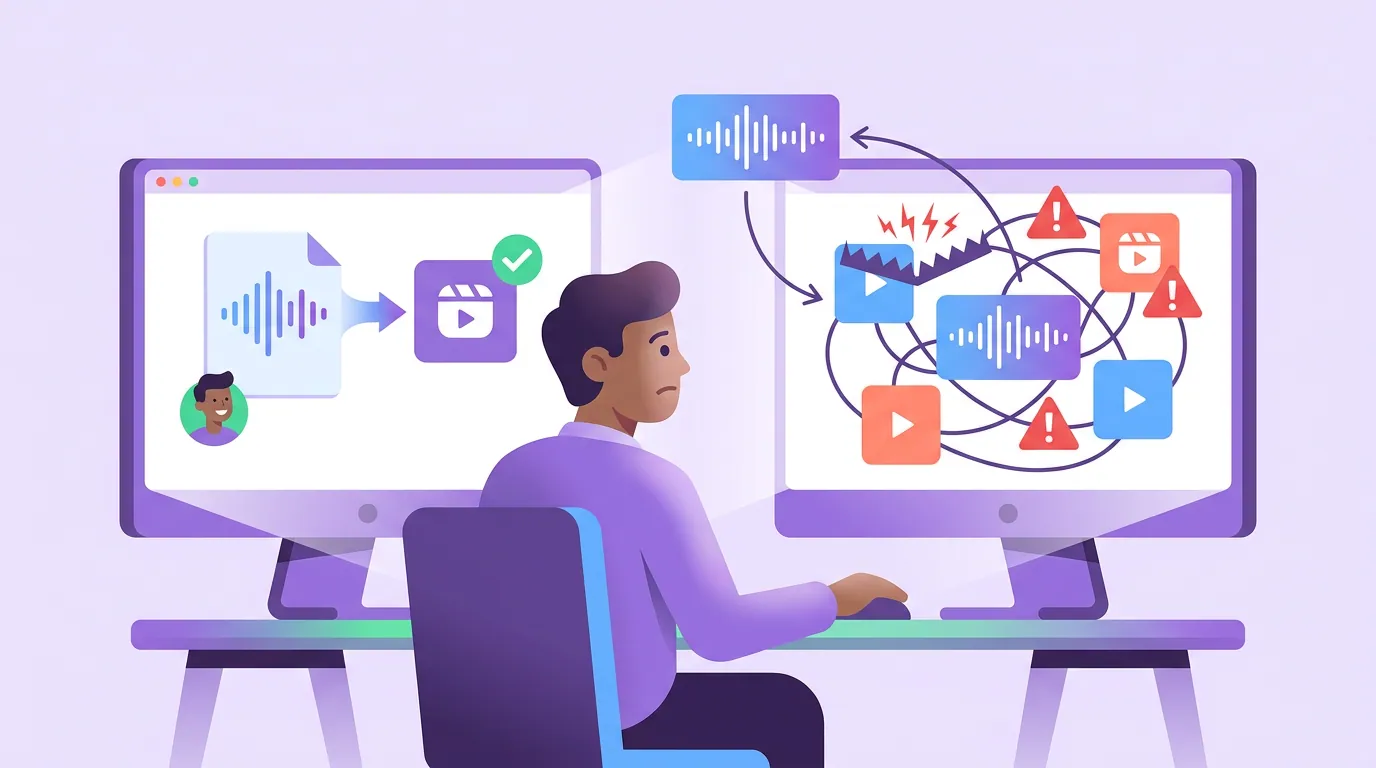
Here's the part the platforms don't warn you about loudly enough. An in-app license is bound to that one app. The second you download your TikTok and re-upload it to Reels or Shorts, the audio is no longer licensed, "compliance on one platform offers zero protection on another," because every platform holds separate deals with the labels (Universal Music for Creators). Even TikTok's Commercial Music Library is licensed for TikTok only.
This is exactly the workflow most clippers use: post once, then push the same file everywhere. It's also how a compliant post becomes an infringing one. In May 2025, Warner Music Group sued Designer Shoe Warehouse for using 200-plus songs across TikTok and Instagram posts, seeking statutory damages up to $150,000 per work, north of $30 million in total (Music Business Worldwide). DSW's defense leans on the platforms' terms of service, but those terms specify "private, non-commercial use," which a promotional brand post is not (Billboard). The case is unresolved, and most brands settle quietly before it gets that far, but the exposure is real, and it scales with reach.
If your distribution model is "make one clip, post it on five platforms", and for podcast clips it should be, because that's the whole point of scheduling clips to every platform at once, then in-app trending audio is the wrong choice from the start.
The safe-music decision tree
This is the rule I use for every clip that will live on more than one platform. Read it top to bottom and stop at the first "yes."
The quiet winner here is option one. For a podcast clip, the talking is the content, a guest's sharp answer, a confession, a hot take. Music underneath rarely adds reach, and most social video is watched on mute anyway, Digiday reported ~85% of Facebook video watched without sound, and ~75% for mobile video broadly (publisher-reported and directional, not platform-confirmed). Captions do the heavy lifting; that's also why your clips can die on arrival without strong captions and pacing, not because they're missing a beat drop.
Common mistakes that get clips muted
These are the five I see most, with the fix for each.
- Switching account type to reach the full music library. Flipping from Business to Creator changes the interface, not the license. A show promoting itself is still commercial use (SRIPLAW). Fix: stay in the cleared library or go music-free.
- Uploading a copyrighted song as "original audio." Disguising a hit as your own audio is explicitly against TikTok's rules and gets caught by fingerprinting. Fix: only mark audio "original" when it genuinely is.
- Cross-posting in-app trending sounds. The license dies the moment you download and re-upload. Fix: rebuild per platform with native libraries, or use one track licensed for all platforms.
- Trusting "royalty-free" or "no copyright." Royalty-free means no ongoing per-use fee, not that nobody owns the song, many such tracks are registered with Content ID anyway. "No copyright" has no legal standing. Fix: read the actual license terms.
- Buying a creator license, then running it as an ad. Standard creator tiers from Epidemic Sound, Artlist, and similar often exclude paid ads. Fix: buy the advertising tier if you'll boost the clip.
A related cleanup worth doing in the same pass: stripping platform watermarks before you re-post, which is its own compliance and reach issue, see how to remove watermarks from repurposed clips safely. And if your re-uploads keep coming out cropped or muted, check the aspect ratio at export so you're not re-rendering the same clip three times.
Tools and sources for clip-safe music
Three honest categories. For most podcast clips, you won't need any of them.
- Each platform's native library, TikTok Commercial Music Library, Meta Sound Collection, YouTube Audio Library. Free, cleared, but only for that platform and usually no big-name songs.
- Cross-platform licensors, Epidemic Sound, Artlist, Musicbed. One subscription covers most platforms; just confirm the tier includes paid ads if you'll boost.
- No music at all, captions plus the speaker's voice. The most reliable option, and it travels everywhere without a second thought.
If a clip drags without music, the problem is usually the edit, not the absence of a song, tighten the cut and the hook before you reach for a track (nine fixes to make a flat clip move).
FAQ
Can I use copyrighted music in my podcast clips at all? On a personal account for non-commercial posting, sometimes, within a platform's own library, on that platform only. For a podcast that promotes itself, that's commercial use, and the safe answer is no: use a cleared library, a track licensed for all platforms, or no music. Crediting the artist does not make it legal.
What's the difference between a muted clip and a copyright strike? A mute or block is the rights holder's automated action on a match, it kills that one clip but carries no account penalty. A copyright strike is a formal legal takedown; three within 90 days can end a YouTube channel (YouTube Help). Most music issues on clips are mutes and claims, not strikes.
Why did my clip work on TikTok but get muted on Instagram? The TikTok license doesn't transfer. Each platform licenses music separately, so a sound cleared on TikTok is unlicensed the moment you re-upload to Reels or Shorts (Universal Music for Creators). Rebuild the clip with the destination platform's own library, or use cross-platform-licensed music.
Is royalty-free music safe to use? Not automatically. "Royalty-free" means no recurring fee, not that the track is copyright-free, many royalty-free and "no copyright" songs are registered with Content ID and will still trigger a claim. Read the license, and confirm it covers commercial and paid-ad use.
Will using music from inside the app protect me? Only if you're on a personal account using the personal library, on that one platform. Business and creator accounts are limited to cleared catalogs (TikTok's CML, Meta's Sound Collection), and even those licenses don't follow the clip to another platform.