
AI Clipping for Multiple Podcasts: An Ops Playbook


Clipping three shows is not clipping one show three times. The thing that breaks at scale is not the AI, it's the brand boundaries between shows. Build one locked template per show, name every file so it tells you the show on sight, and review one show end to end before you open the next. Get those three rules right and you can run five shows from one seat without the comedy podcast's bold yellow captions showing up on the true-crime feed.
This is an operations problem, not an editing problem. A single host clipping their own episode can hold the whole thing in their head. An agency editor moving across a sports show, a business interview, and a wellness show in one afternoon cannot, and the moment they're tired, a wrong intro card or the wrong font slips through, and a client notices before you do. The fixes below are unglamorous on purpose. They're the difference between a workflow that scales and one that quietly leaks errors.
If you've only ever clipped one show, start with batch-clipping a whole episode in one pass, that's the single-show foundation this guide multiplies across a roster.
How do you clip multiple podcasts without mixing up their brands?
Give each show its own locked template (captions, fonts, intro, outro, aspect ratio, colors), name every clip with a show code so files are self-identifying, and run a per-show review queue so you never judge two shows' clips in the same sitting. The cross-contamination that bites multi-show operators is almost always a shared setting that should have been per-show.
Everything else is sequencing. Here's the playbook, in the order you'd build it.
Step 1: One locked template per show
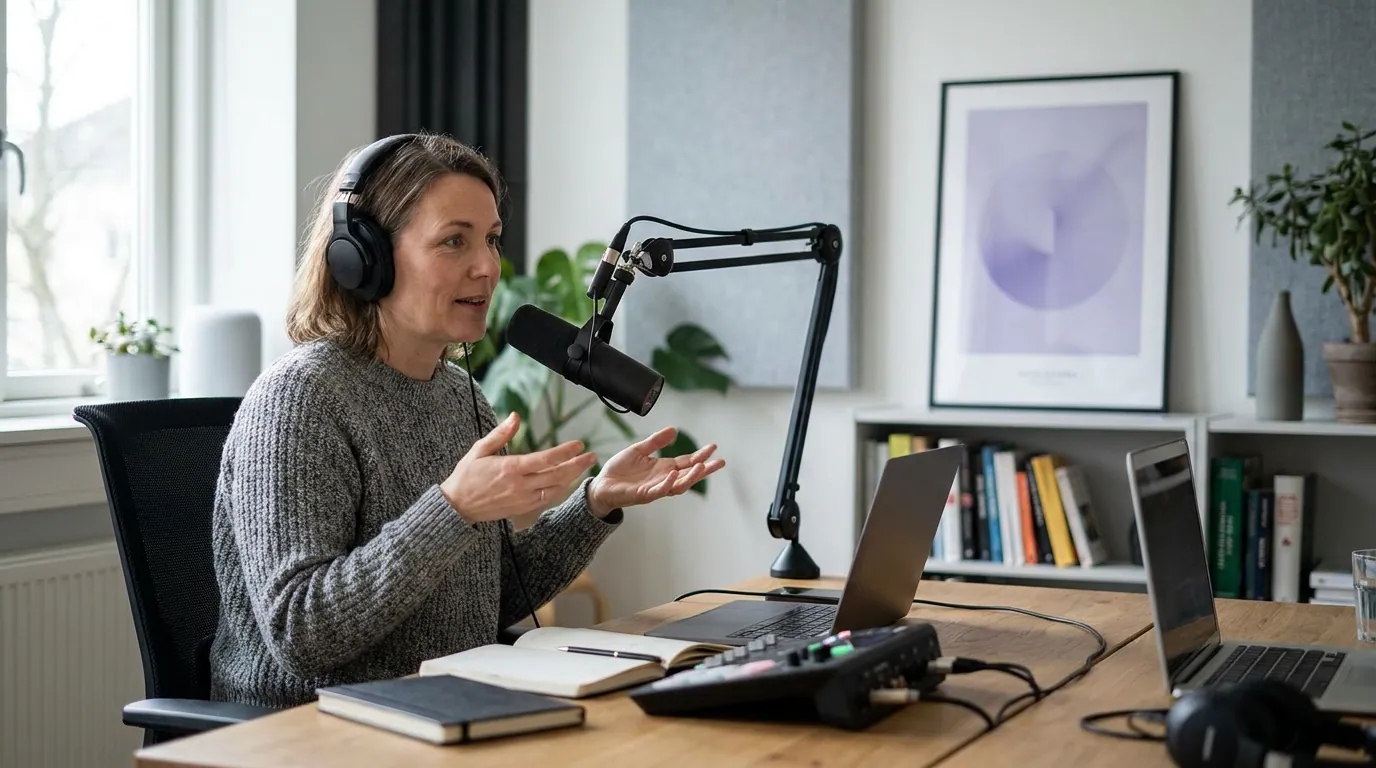
Make a template for each show before you clip a single episode, and treat it as the brand contract. A template should fix the caption style and font, the safe-zone placement, the intro and outro cards, the color accent, and the default aspect ratio. Once it's locked, you never set those by hand again, you pick the show, and the look comes with it.
This is where most multi-show errors actually originate. When caption style is a per-export choice, every export is a chance to apply the wrong one. When it's a per-show template, the wrong look can't attach to the wrong show without someone deliberately overriding it. You're converting a memory task into a selection task, and selection tasks don't get tired.
One real subtlety: keep the clip-detection settings shared and the brand settings per-show. The AI's job of finding strong moments doesn't change between a comedy show and a true-crime show, roughly the same signals make a moment clippable either way, which is why how AI clip detection actually works reads the same across genres. What changes is the dress: captions, cards, colors. Separate the two in your head and you'll stop over-customizing the part that doesn't need it.
Step 2: A naming convention that survives a busy week
Name every clip so the filename answers four questions without opening it: which show, which episode, what date, which platform. A name like tcr_ep142_2026-06-27_shorts_03.mp4 is parseable by a human at a glance and by a sort function automatically. The opposite, clip_final_v2_REAL.mp4, times forty across three shows, is how the wrong clip gets posted to the wrong account.
Pick a short, fixed show code (two to four letters) and never reuse it. Put the date in ISO form (YYYY-MM-DD) so files sort chronologically on their own. Number clips within an episode so a set stays together. The convention matters more than the exact fields, what you're buying is that any file, found anywhere later, identifies itself.
Mirror the same logic in folders: a top-level folder per show, then a folder per episode inside it. Resist one shared "to post" dump that mixes shows, that pile is exactly where the wrong-account mistake lives. If your clipping tool keeps each show's exports in its own project, let the tool's structure carry the convention and don't fight it.
Step 3: A review queue that doesn't blur shows together
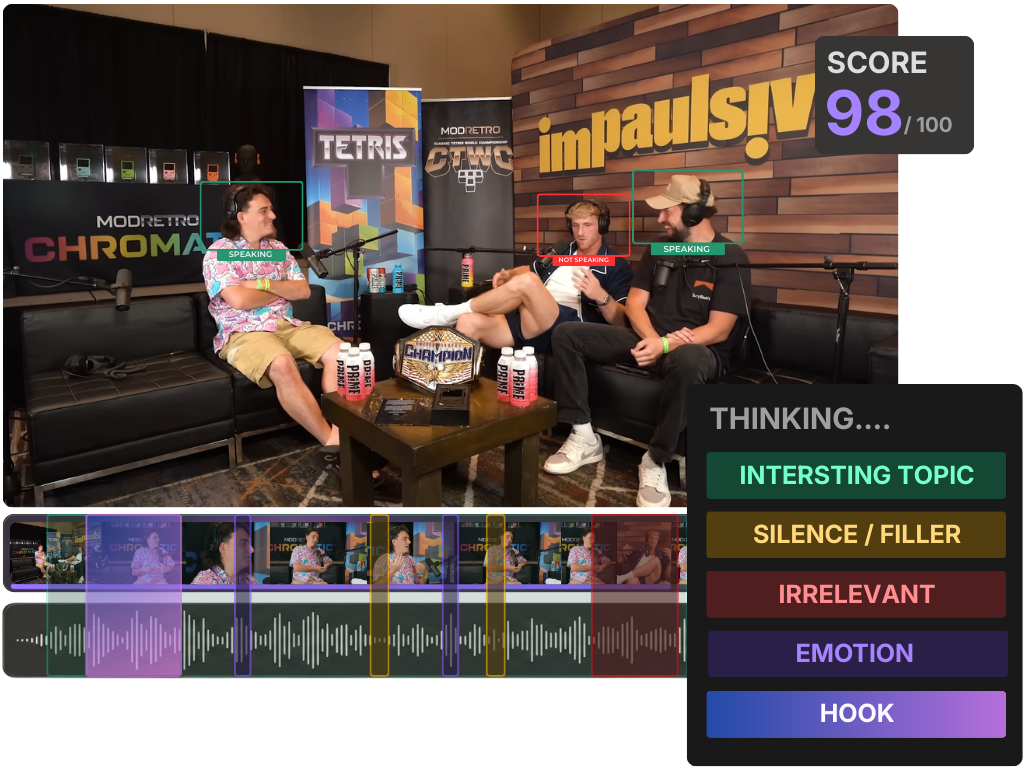
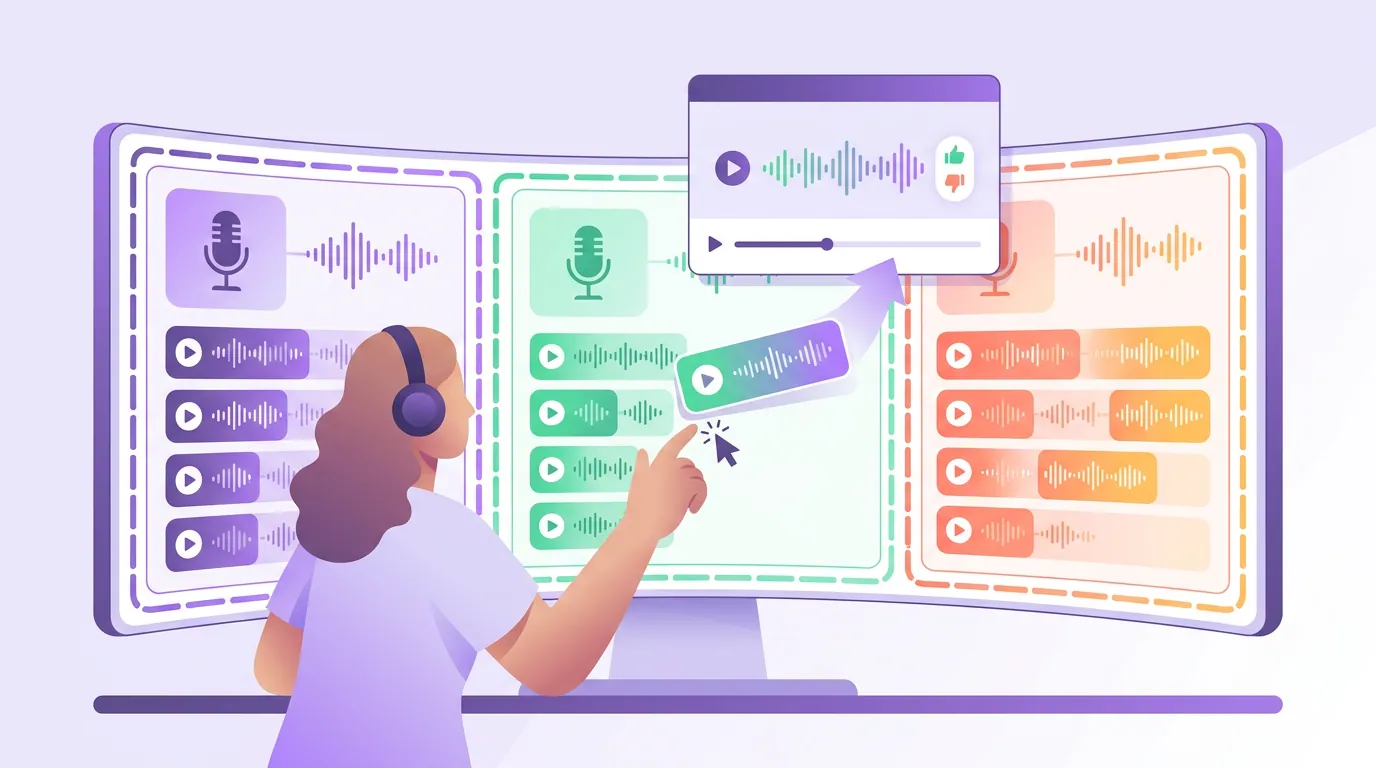
Review one show's clips start to finish before you open the next show. The instinct at scale is to make one giant pile of every show's suggestions and grade them together, and it's the wrong instinct, because the bar for a good clip is set by the show, not by some universal standard. A 7/10 moment on a sleepy niche show is worth posting; the same 7/10 on a flagship is a pass.
When you judge shows side by side, you unconsciously normalize them against each other, and the smaller show's clips get held to the bigger show's bar. Worse, you start applying the wrong taste, the punchy comedy instinct sneaks into the true-crime grade. Batching by show keeps your standard, and your eye, calibrated to one brand at a time.
Inside each show's queue, use a consistent scoring pass so the grade doesn't depend on your mood. The five-criteria rubric in how to pick the best AI-suggested clips works show to show, what changes per show is the threshold you set, not the criteria. And read the tool's own ranking with the same skepticism on every show: what an AI virality score really tells you is that a moment is interesting, not that it will perform.
Step 4: Batch across shows without cross-contaminating the look
When you batch, finish one show completely, generate, review, export, schedule, before touching the next, and never carry settings across the boundary. The cross-contamination risk is highest in the seam between shows: you finish the comedy show with bold yellow captions still active, jump to the true-crime show, and forget to switch. Per-show templates (Step 1) mostly prevent this, but the batching order is the backstop.
There's a real efficiency reason to batch at all. The repurposing math is strong, one 20-minute episode can be broken into 20–30 pieces of content across formats (Podcast Studio Glasgow; their format breakdown, directional). Across three shows that's potentially 60–90 candidates a week to move through, and context-switching between shows mid-batch is where both errors and minutes get lost. Do one show's full loop, then the next. The clean handoff is worth more than the few seconds you'd save interleaving.
A note on what not to standardize: keep the captions-on-mute discipline universal across every show. Most social video is watched without sound, Sharethrough found roughly 75% of people often keep their phone on mute while a video plays (reported by Digiday), and an earlier survey of Facebook publishers put silent viewing as high as 85% (Digiday, 2016; self-reported by publishers, directional). The number moves by platform and year; the rule doesn't. Every clip on every show needs legible captions regardless of brand. That's a shared standard, not a per-show one, and knowing which rules are universal versus per-show is the whole skill here.
Common mistakes running clips across multiple shows
- One shared template "to save time." It saves time until the day the wrong brand's look ships to a client's account. Per-show templates cost ten minutes to set up and remove an entire class of error. This is the cheapest insurance in the workflow.
- Reusing a show code or skipping the date field. Ambiguous names compound. The first time two shows both have a
clip_03from "this week," you've lost the ability to trust your own files. - One mixed review pile. Covered above, but it's the most common scale mistake: judging every show's clips together quietly drags the smaller shows down to the bigger show's bar and bleeds the wrong taste across genres.
- Interleaving shows mid-batch. Finishing show A's clips while show B's settings are half-applied is exactly how a stray intro card or font crosses over. Finish one loop, then start the next.
- Standardizing the look but not the captions. Brand looks should differ per show; legible captions on mute should not. Don't let per-show customization become an excuse to skip captions on the one show whose host "doesn't like them."
- Assuming the AI is the bottleneck. It rarely is. Every AI clipper still needs a human review pass, a meaningful share of its suggestions get re-cut or dropped, so your throughput ceiling is your review system, not the model. Fix the queue before you blame the tool.
Tools: keeping shows separate in one workflow
The playbook works in any setup, you can enforce templates, naming, and per-show review with discipline alone. It runs fastest when each show lives as its own project with its own saved template, so picking the show loads the right captions, cards, and aspect ratio automatically and scheduling stays attached to the right accounts. QuickReel keeps per-show templates, generation, an editable timeline, captions, and multi-platform scheduling in one place, which removes most of the manual switching where cross-contamination happens. Opus Clip, Vizard, and Klap can all run multiple shows too; if you use them, lean harder on the naming and folder conventions to carry the boundaries the tool doesn't enforce for you. Whichever you pick, the genre still shapes what clips well, which true-crime moments actually clip well is a per-show judgment no tool makes for you.