
Make Clips From a Non-English Podcast


To make clips from a non-English podcast, transcribe in the source language first, find moments by skimming that transcript instead of listening, then pick one of three caption tracks, source-only, translated, or both stacked, based on who the clip is for. The engine works the same in any language; the work moves to captions and moment-finding.
Most "non-English clip" advice stops at "AI supports your language." That tells you nothing about the two decisions that actually shape the clip. First: how do you find the good 30 seconds when you're reading a transcript, not hearing the energy in the room? Second: do you caption in the original language, translate, or run both, and for whom? This guide answers both with a method and a decision matrix, not a shrug.
Does a non-English podcast clip the same way as an English one?
Mostly, with two real differences. Clip detection, the part that finds your strongest moments, reads vocal energy, pauses, and topic shifts, which are language-agnostic, so it fires the same in Korean as in English. What changes is caption accuracy, which varies by how common your language is, and moment-finding, because skimming a transcript means losing the audio cues you'd normally clip by.
The transcription backbone behind most clip tools is a multilingual model, OpenAI's Whisper is the common one, and its own README states plainly that "Whisper's performance varies widely depending on the language" (openai/whisper). That variance comes from the training mix: of roughly 680,000 hours of audio, only about 17% was non-English, spread across 96 languages (Whisper, Wikipedia)). For how much review each language tier needs, the companion piece on clipping non-English podcasts with AI breaks the accuracy down. This article assumes that and focuses on the workflow: finding moments and choosing subtitles.
Why captions decide whether a non-English clip lands
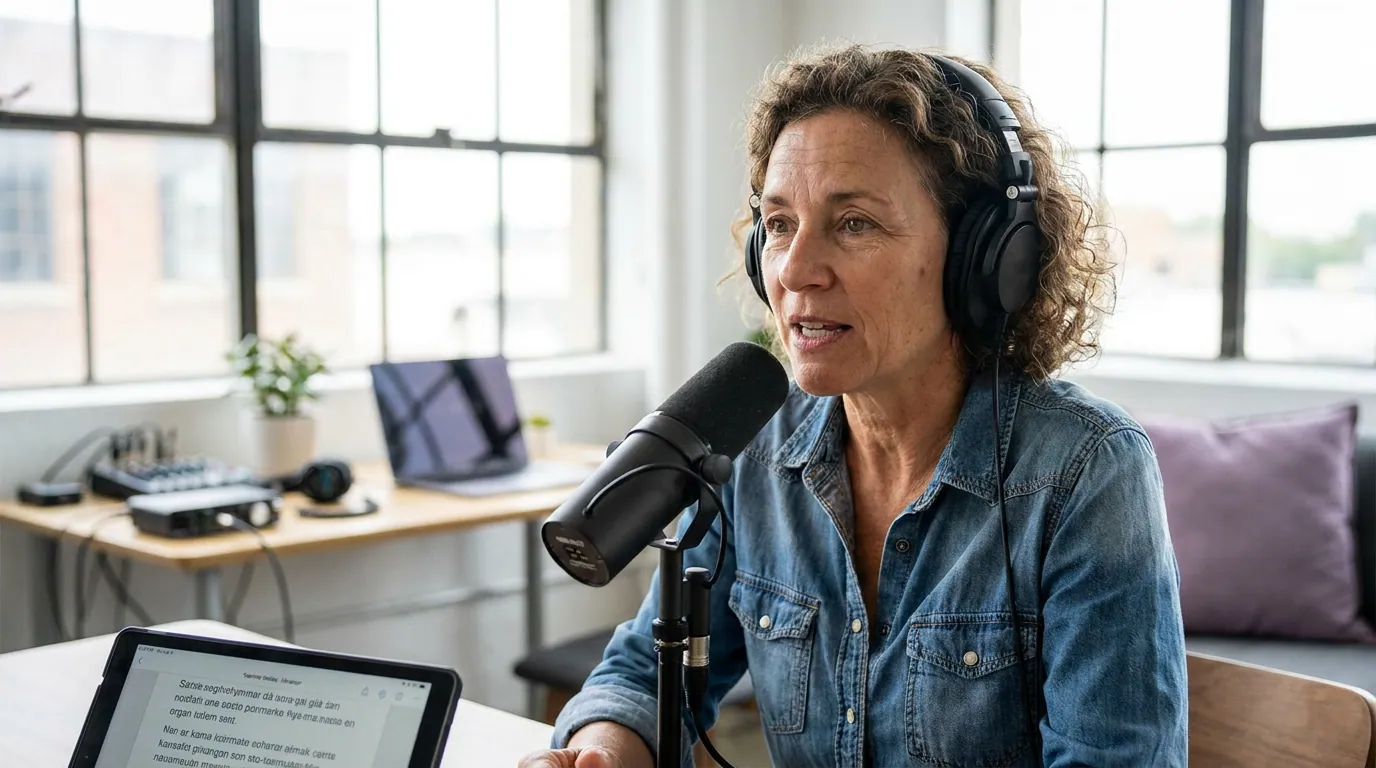
A non-English clip lives or dies on its caption even harder than an English one, because most viewers will watch it on mute and a meaningful share won't speak the language at all. Get the source-language text wrong and you lose the people who do speak it; skip a translation and you lose everyone who doesn't. The caption isn't decoration here, it's the whole bridge.
Two numbers frame the stakes. Most social video plays silent, a widely cited estimate puts around 85% of Facebook video watched with the sound off (Digiday, 2016 publisher-reported data; treat it as directional, individual studies land roughly 69–85%). And clips do real work for discovery: one production house puts them at 20–40% of new audience with 2–5× reach lifts (Podcast Studio Glasgow), that's their client range, not a platform-wide audit, but the direction holds across languages. The takeaway: a silent viewer reading a wrong or missing caption is the failure mode, so the caption track is the decision that matters most.
Step 1: Set the source language before you generate
Tell the tool the language; do not let it auto-detect. Language identification is the weakest link in the pipeline, and a wrong guess poisons the entire transcript, every downstream caption inherits the error. If your clip tool exposes an explicit language setting, use it on every batch. Naming the language ("this is Brazilian Portuguese") produces a measurably cleaner transcript than letting the model infer it from the first few seconds.
If your hosts switch languages mid-sentence, set the clip to its dominant language rather than the episode's, and expect the switch points to need a hand-fix. The mechanics of code-switching are covered in depth in the AI clipping companion guide.
Step 2: Lock the source-language captions first
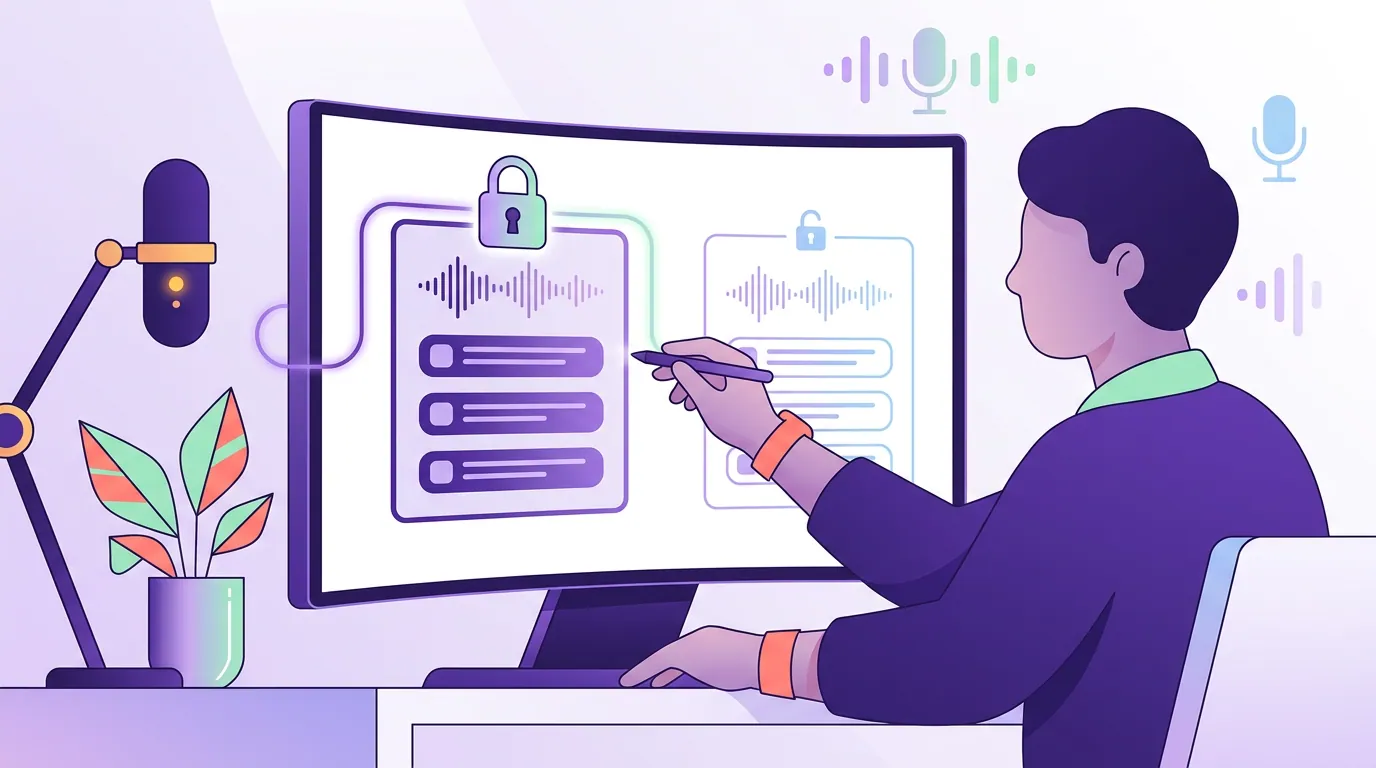
Before you touch translation, get the original-language captions right. This is the load-bearing artifact, your translation will be built on top of it, so an error here propagates twice. Read the source captions cold with the audio muted, exactly as a viewer who can't hear them will, and fix the predictable failures by hand.
Three categories of words break in every language because they're rare tokens the model has the least signal for: proper nouns (a guest's name, a city, a brand), numbers and prices, and show-specific jargon. Build a short find-and-replace list of your recurring names and terms and run it on every batch, that one habit removes most of the embarrassing source-caption errors before they ever reach a translation pass.
Step 3: Find moments by reading, not listening
Here's the skill nobody teaches. When the audio isn't in a language you process at speed, or you're skimming a long transcript to save time, you can't rely on hearing the laugh, the pause, or the rise in energy that normally flags a clippable moment. You have to read for it. The good news: a clean transcript exposes the structural signals that detection uses anyway, so you can hunt them visually.
Scan the transcript for these five textual tells, in order:
- Question marks. A sharp question followed by a tight answer is the most reliable clip shape there is. Punctuation makes them findable in seconds.
- Short declarative lines after long ones. A burst of brevity after a winding paragraph is usually the punchline or the thesis, the speaker landing a point.
- Numbers and concrete nouns. "$40,000," "three years," "in Lagos", specifics anchor a clip and read well as a caption. Vague stretches rarely travel.
- Speaker-change density. A rapid back-and-forth between hosts marks a real exchange, not a monologue. Tight turn-taking clips better than a single uninterrupted block.
- Repeated keywords. If a term recurs three times in a 40-second window, that window is about something, a defined topic the algorithm and a stranger can both grab onto.
Generate the AI's suggestions first and judge what moments it surfaced before you read a single caption, detection quality is language-independent, so the same rubric from how to pick the best AI-suggested clips applies. Then use the five tells above to catch the moments the model under-ranked because the emotional cues were in a language it weighted less. For the underlying signals, how AI clip detection actually works covers each one.
Step 4: Choose your subtitle track, the real decision
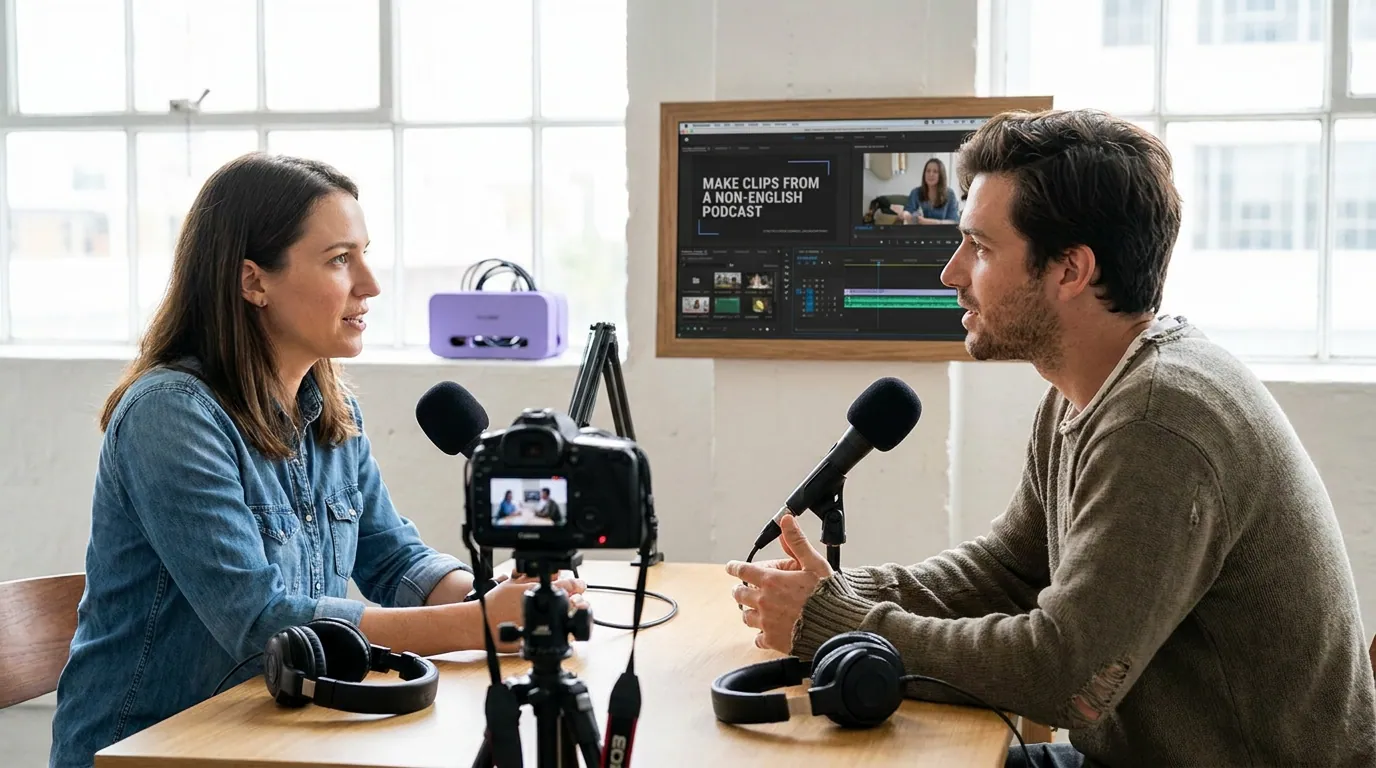
This is the choice that defines a non-English clip, and it has exactly three honest answers. None is universally right; it depends entirely on who you're posting the clip for.
Source-only. Caption in the original language and nothing else. This is the default when your audience speaks the language, it reads as native, it's the least work, and it's the highest fidelity because there's no translation layer to introduce errors. A Spanish show clipping for a Spanish-speaking feed has no reason to translate.
Translated-only. Replace the spoken language with subtitles in the target language, usually English, to break into a market that doesn't speak the original. This buys you the widest new reach, but it's a real tradeoff: you lose the texture for native speakers, and you've stacked a translation model's errors on top of the transcription's. Verify it as its own pass, numbers, proper nouns, idiomatic meaning, never as an unchecked toggle.
Dual subtitles. Stack both: source language on top, translation below (or vice versa). This serves both audiences from one clip and is common on language-learning and cross-cultural content. The cost is screen real estate and reading speed, two caption lines in a vertical frame crowd fast, and translated text usually runs longer than the original. Use a tighter font, give the clip a beat more length, and keep both lines clear of the bottom UI strip.
Step 5: Export native, and keep the caption legible
Style the captions in a heavy sans-serif, large, with a solid background or outline so the text survives over busy footage. For dual subtitles, size both lines to read at arm's length on a phone and check the reading speed, translated text runs longer, so a line that's comfortable in the source language can flash too fast once translated. Sync word-tight, then watch the clip on mute and read it cold before posting.
Burn the captions onto the pixels and export at 1080×1920 for native posting on each platform. Burned-in is the right call here: a non-English clip's caption is part of the design, not an optional track, and baking it in guarantees the right language shows no matter what the viewer's device defaults to.
Common mistakes clipping a non-English podcast
Letting the tool auto-detect the language. The guess is the weakest step in the chain and it fails most on the bilingual shows that most need it right. Set the source language explicitly on every batch.
Translating before the source captions are clean. Translation builds on the transcript, so every uncorrected error in the original compounds. Lock the source captions first, then translate.
Clipping by scrubbing the audio you can't follow. If the language isn't one you process at speed, scrubbing wastes hours. Read the transcript and hunt the five textual tells, question marks, short lines, numbers, speaker density, repeated keywords, instead.
Defaulting to dual subtitles "to be safe." Two caption lines crowd a vertical frame and slow the read. Use dual only when you genuinely serve both audiences; otherwise pick the one track your viewer needs.
Treating translation as free reach. A translated track stacks a second model's errors on a transcription model's. It's worth doing for a new market, but only with a verification pass, numbers, proper nouns, idiomatic meaning. And the payoff is real: clips are how strangers find you, with 42% of podcast listeners discovering new shows through social media (castmagic, vendor-reported and directional). The first three seconds still have to land in the target language for any of that reach to convert.
FAQ
Can you make clips from a podcast that isn't in English? Yes. The clip-detection engine reads energy, pauses, and topic shifts, which work in any language, so finding moments is language-agnostic. The two parts that change are caption accuracy, strong for high-resource languages, weaker for rare ones, and how you find moments, since you skim a transcript instead of listening for cues.
How do I find good moments if I'm reading a transcript, not listening? Scan the transcript for five textual tells: question marks, short declarative lines after long ones, numbers and concrete nouns, dense speaker changes, and keywords that repeat within a 40-second window. These are the same structural signals AI detection uses, made visible in text, so you can clip accurately without relying on audio cues you'd miss.
Should I caption in the original language or translate? Caption source-only when your audience speaks the language, it's highest fidelity and least work. Translate when you're breaking into a new-language market. Run dual subtitles only when you genuinely serve both audiences, since two stacked lines crowd a vertical frame and slow the read.
Do I need separate clips for each language audience? Not always. A source-only clip serves native speakers and a translated-only clip serves a new market, so two versions of one moment cover both cleanly. Dual subtitles serve both from a single clip, but at the cost of a busier frame, choose based on whether your two audiences are large enough to justify the extra production.
Why are names and numbers always wrong in my captions? Proper nouns, numbers, and jargon are rare tokens the model has the least training data for, so they break in every language. Keep a find-and-replace list of your show's recurring names and terms and run it on every batch, and check them again after translation, where they break a second time.