
How to Make an Audiogram From a Podcast Episode

To make an audiogram, pick one 30–60 second moment from the episode, lay it over a still background (a cover, a quote card, or a host headshot), add an animated waveform, and burn in word-by-word captions. Export it vertical for Reels and TikTok, square for the feed, or 16:9 for X. The whole thing is one decision, which segment, followed by three design layers.
That first decision is where most audiograms fail. People grab a "nice quote," paste a waveform under it, and wonder why nobody stops scrolling. An audiogram has no faces and no motion except a bouncing line, so the words and the moment have to carry the entire thing. Below is which moment to pick, how to frame the three layers, the aspect ratio for each platform, and the honest rule for when you should make a video clip instead.
What is an audiogram, in one line?
An audiogram is a short, shareable video built from podcast audio: a static or lightly animated visual with an on-screen waveform and burned-in captions, sized for social feeds. It exists because audio alone can't be posted to TikTok or Reels, and a 40-minute episode can't either. The audiogram is the 45-second, silent-friendly trailer for one moment in your show. For the full definition and history, see what an audiogram is and when to use one.
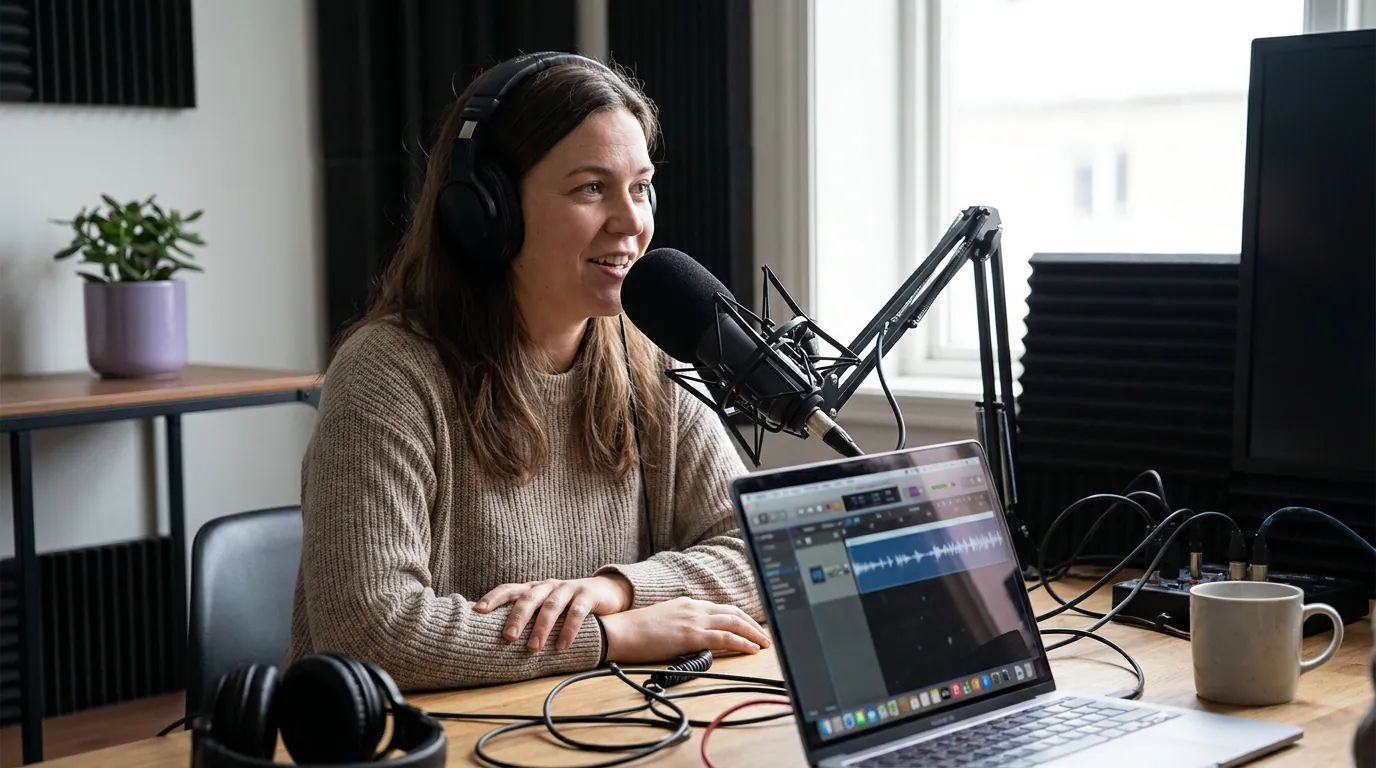
Which 30–60 seconds becomes the audiogram?
Pick a self-contained moment that makes sense to someone who has never heard your show, lands a single idea, and reads well as text. The best audiogram segments are usually a sharp opinion, a surprising number, a short story with a turn, or a one-sentence reframe, not an exchange where two people are still working something out.
Run every candidate through three filters before you commit:
- Does it stand alone? Read the segment's captions with no context. If the first line needs the previous five minutes to make sense, cut a different moment. An audiogram has no setup; the moment is the setup.
- Is there one idea, not three? Forty-five seconds holds exactly one point. If a guest makes a claim, supports it, and pivots, clip only the claim plus its sharpest line of support. Trim the pivot.
- Does it read as well as it sounds? Because the captions carry it on mute, a moment that depends on tone, a laugh, or a pause often falls flat. Say the line out loud, then read it cold. If reading it loses the magic, that moment wants a video clip, not an audiogram.
A 20–40 minute episode usually holds enough 30–90 second moments for a week or two of posts, castmagic frames the workable clip length at 30–90 seconds, and audiograms sit comfortably in that range. Treat any "X clips per episode" count as a directional rule of thumb, not a fixed yield; some episodes give you six strong moments and some give you one.
The three layers, and how to frame each
Every audiogram is the same three layers. Get each one right and the format does its job.
The background (still). Three options, in rough order of how often they work:
- A host headshot or studio still. The most personal and the easiest to brand. One face, framed cleanly, with room for captions in the lower third. Keep it still, a frozen frame is fine; a slowly zooming one is better; a busy collage is worse.
- A quote card. The strongest line in the segment, set large, with the waveform beneath it. This doubles as a shareable quote graphic and works when you have no usable video at all.
- Episode cover art. The safe fallback. It brands the clip but says nothing about this moment, so lean on the captions to do the convincing.
The waveform (the only motion). This is the single thing that tells a scroller "there is audio here, press unmute." Keep it tasteful, a clean bar or line animation, in your brand violet, sitting in the middle or lower third. It is a signal, not the star. A waveform that takes up half the frame is a distraction; one that pulses subtly under the captions is a cue.
The captions (the load-bearing layer). Most social video is watched on mute, Sharethrough found around 75% of people often keep their phone muted even while a video plays, and Digiday reported publishers seeing as high as 85% of Facebook video watched silently back in 2016 (both self-reported and directional, but the direction is not in doubt). So the captions are not an accessibility extra; they are the post. Use word-by-word or short-phrase animated captions, high contrast, large enough to read on a phone held at arm's length, and kept inside the safe zone so platform UI doesn't cover them. The full caption craft is its own job, see captions for audiograms.

The platform-by-platform aspect ratio table
Audiograms get sized wrong more than any other format, because the same file gets cross-posted everywhere without resizing. Match the ratio to the surface. One source file, three exports.
| Platform | Aspect ratio | Notes |
|---|---|---|
| TikTok · Reels · Shorts | 9:16 (vertical) | Full-screen; keep captions out of the bottom UI band |
| Instagram / Facebook feed | 1:1 (square) | Safe in the grid; corners crop in the feed view |
| X (Twitter) · LinkedIn | 16:9 or 1:1 | Landscape reads fine in a timeline; square saves vertical space |
| YouTube (as a Short) | 9:16 | Same as Reels; YouTube also accepts 1:1 but vertical wins Shorts placement |
The principle behind the table: vertical for surfaces people watch full-screen, square for feeds where the clip competes with text posts, landscape only where the timeline is horizontal. When in doubt, make the vertical version first, it is the format most audiograms are actually watched in, and it crops down to square more cleanly than square stretches up to vertical.
The five-step build
Words first, design last. The order matters because the design tool is the slow part, and you do not want to be hunting for a quote inside a design canvas.
- Pick the 30–60 second moment using the three filters above. Note the exact start and end timestamps.
- Set the frame. Choose headshot, quote card, or cover, and place it for the right aspect ratio. Leave the lower third clear for captions.
- Add the captions. Auto-generate them, then read every line and fix names, numbers, and homophones, auto-caption tools still miss those, and a wrong number on screen undoes the whole clip.
- Animate the waveform. Keep it subtle and on-brand. This is a five-second task; don't let it become the project.
- Export per platform using the table. Make the vertical 9:16 first, then derive square and landscape from it.
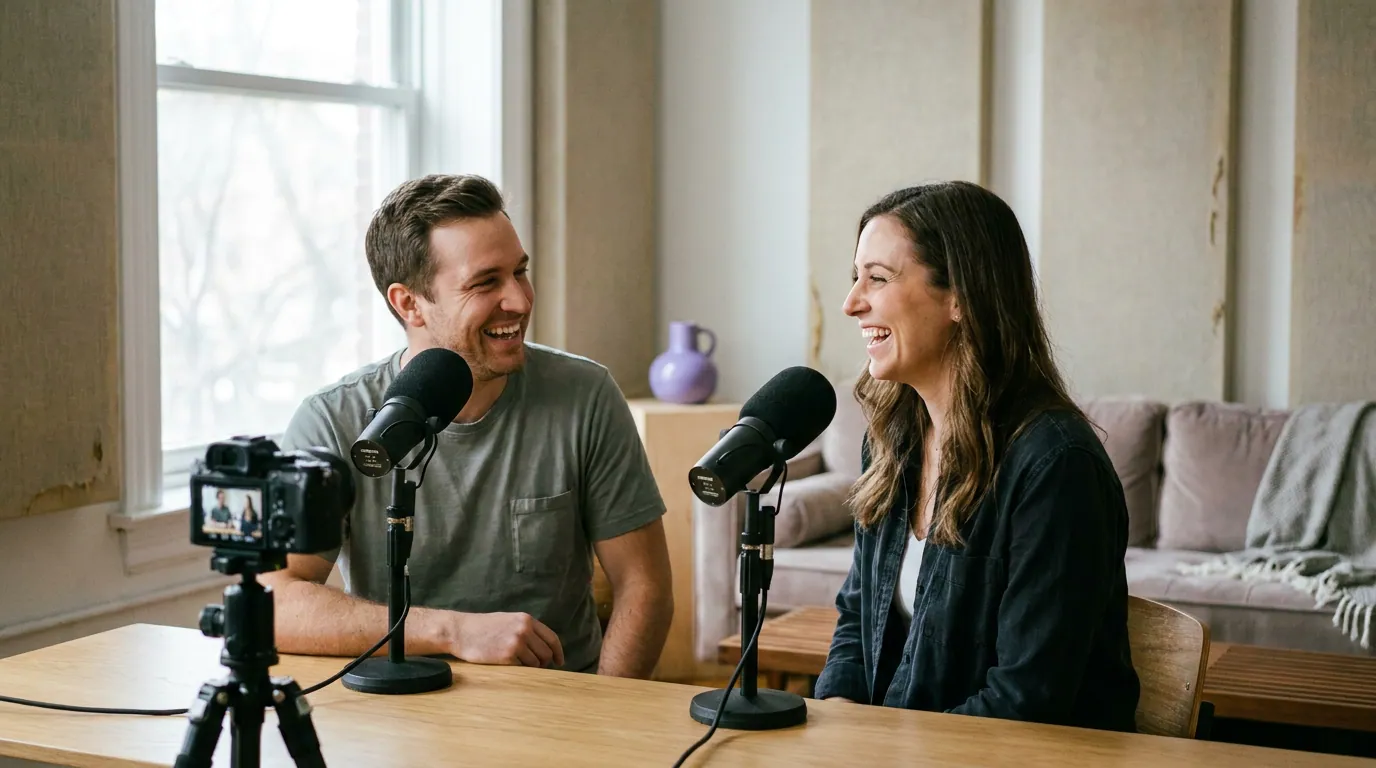
When an audiogram beats a video clip, and when it loses
An audiogram is not a lesser video clip; it is a different tool for a different situation. The rule is simple: an audiogram wins when you have no usable video, and a video clip wins when you do. Audio-only shows, remote interviews with bad camera quality, or a great moment from an episode you never filmed all call for an audiogram. A clean two-camera video conversation almost always performs better as a real clip, because faces and motion stop scrolls that a static frame can't.
This matters because discovery has moved to feeds where video dominates. In a 2025 Coleman Insights / Amplifi Media survey of 1,000 U.S. consumers, 57% said they rely on social media for podcast recommendations, the first time it edged past friends and family (InsideRadio, April 2025). And 53% of new U.S. weekly listeners now say they prefer to watch a podcast, up from 30% in April 2022 (Backlinko). The takeaway is not "audiograms are dead", it's that audiograms are your best move specifically when you can't give people something to watch. Use them deliberately, not as the default.
Common mistakes that kill an audiogram
- The waveform is the whole design. A giant bouncing line over tiny text. Fix: shrink the waveform to a cue and make the captions the largest thing on screen.
- No captions, or wrong captions. Posting an audiogram on mute with no text, or with a misspelled name or number. Fix: caption everything and proofread names and figures by hand.
- The moment needs context. A line that only lands if you heard the last five minutes. Fix: pick a self-contained moment, or add a one-line text hook at the top that supplies the missing setup.
- It's 90 seconds when it should be 30. Stretching one idea past its natural length. Fix: cut to the single point and stop. Shorter audiograms finish more often.
- One file, posted everywhere unresized. A square audiogram squeezed into a vertical feed with black bars. Fix: export per the aspect-ratio table.
A single audiogram rarely moves your subscriber count by itself. It is a discovery and accessibility tool, and it compounds when you post consistently. One per episode, built from your strongest moment, beats a burst of five and then nothing. The audiogram also pairs naturally with the rest of a repurposing system, the same moment can become a slide in an Instagram carousel or a pull-quote in a blog post built from the episode.
FAQ
How long should a podcast audiogram be? Thirty to sixty seconds is the sweet spot, with a hard ceiling around 90. One idea, one moment. Longer audiograms ask a viewer to read captions over a static frame for too long, and finish rate drops. If a moment truly needs more than a minute, it probably wants a video clip with cuts to hold attention.
Do I need video to make an audiogram? No, that's the point of the format. An audiogram is built from audio plus a still background, so it works for audio-only shows or remote interviews with no usable camera. If you do have clean video of the moment, a real video clip will usually outperform an audiogram, so use video when you have it.
What size should an audiogram be? Vertical 9:16 for TikTok, Reels, and Shorts; square 1:1 for the Instagram and Facebook feed; 16:9 or square for X and LinkedIn. Make the vertical version first and derive the others from it, vertical crops down to square more cleanly than square stretches up.
Are captions really necessary on an audiogram? Yes, more than on any other format. An audiogram has no faces and no motion besides the waveform, so on a muted autoplay feed the captions are the only thing communicating. With sound off and no text, an audiogram is just a moving line. Burn the captions in and proofread the names and numbers.
Can I make audiograms automatically? Partly. A clipping tool can auto-pick candidate moments, generate captions, and produce the right aspect ratios in minutes, which removes most of the manual work. You still choose the final moment and proofread the captions, auto-tools miss names, numbers, and homophones, and the moment that "travels" is still a human call.