
Descript vs Riverside for Podcast Workflows


These two tools win at different stages of the same workflow, so "which is better" is the wrong question. Riverside is a recording platform: it captures each remote guest locally on their own device in uncompressed 48kHz audio and up to 4K video, on separate tracks, so a bad connection never wrecks your file. Descript is an editing platform: it transcribes the recording and lets you cut video by deleting text, then cleans the sound with Studio Sound. Getting a clean recording from remote guests is Riverside's job. Editing fast and fixing the audio is Descript's. Plenty of serious podcasters run both, Riverside to record, Descript to edit.
I run clip-quality benchmarks for a living, so I sit downstream of both tools and judge what comes out of each. Each is excellent at its own job, so this stays fair to both. Below: what each platform is built to do, where the recording-versus-editing line actually falls, where feature overlap muddies it, the real three-stage stack, and a rule for which to buy first. Pricing was checked against both vendors' pages on 27 June 2026; SaaS prices and plan names move, so re-verify before you subscribe.
Descript vs Riverside: which one do I need?
Buy Riverside if your bottleneck is capture: recording remote interviews where guest internet is shaky. It records locally on each device, so a dropped call doesn't drop the file, and you get separate uncompressed tracks per participant. Buy Descript if your bottleneck is post: editing by transcript, killing filler words, and rescuing rough audio with Studio Sound.
The two overlap at the edges, but their centers of gravity are recording and editing respectively. Riverside records locally on each guest's device and saves a track each (Riverside Help Center); Descript imports that recording and edits it by text.
Here is the same split as a clean table, with prices verified live. One honesty note up front: Riverside's plan names and hour caps are reported inconsistently across sources. Riverside's own pricing page shows the entry paid tier as Pro at $24/mo billed annually ($29 monthly), 15 recording hours/month (Riverside pricing), while third-party guides describe a cheaper "Standard" tier at ~$19/mo and put Pro at 30 hours (FluxNote, 2026). I use the vendor's own page below; treat it as a live snapshot, not gospel, and confirm on the page before you pay.
| Riverside | Descript | |
|---|---|---|
| Core job | Record (local, multi-track) | Edit (transcript-based) |
| Entry paid plan | $24/mo annual, Pro ($29 monthly) | $16/mo annual, Hobbyist ($24 monthly) |
| Recording quality | Uncompressed 48kHz, up to 4K | Imports files; not a local recorder |
| Audio cleanup | Magic Audio | Studio Sound (class-leading) |
| Editing depth | Light text + timeline edits | Full multitrack editor |
| Built-in clipping | Magic Clips (static captions) | Create Clips via Underlord |
Descript prices per seat and meters AI features by media hours plus a separate AI-credit allowance: Free gives 1 media hour a month with a watermark, Hobbyist 10 hours, Creator 30, Business 40 (descript.com/pricing, checked 27 Jun 2026). Riverside meters by recording hours: Free is 2 hours one-off at 720p with a watermark, and paid tiers raise the cap and add 4K and watermark-free export (riverside.com/pricing).
What is Riverside genuinely great at?
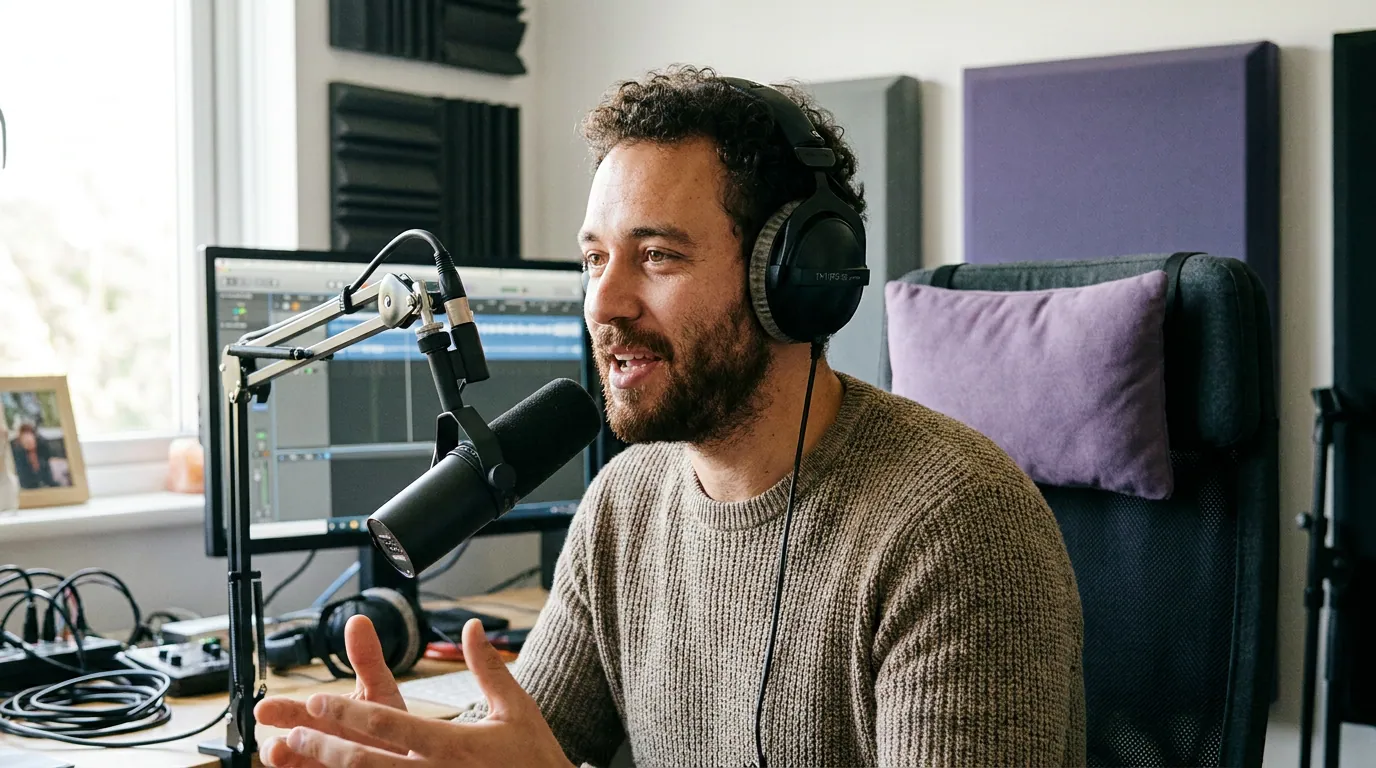
Capture, and it isn't close. Riverside records every participant locally on their own device, so the file is what each person's machine heard, not what survived the internet between you (Riverside Help Center). A guest whose Wi-Fi stutters mid-sentence still lands as clean uncompressed audio in your final tracks. For remote interview shows, that single design choice removes the most common reason a great conversation becomes unusable.
The quality ceiling is high and the tracks are separated. Riverside captures uncompressed 48kHz/24-bit WAV audio and up to 4K video per participant, and every host and guest gets their own isolated audio and video track that syncs to the cloud when the session ends (Riverside Help Center). That isolation is what lets an editor fix one person's levels, kill crosstalk, or noise-reduce a single mic without touching anyone else, the professional standard for remote production. On top of capture, Magic Audio does one-click noise and reverb removal, and Magic Clips generates 9:16 social clips with auto-captions, with the number of clip sets scaling by plan (Blitzcut, 2026).
Where Riverside is not the answer: deep editing. It has trimming, text-based cuts, and AI helpers, but it is not built to be the room where you spend three hours assembling a tight episode. And its Magic Clips captions are functional but stylistically limited, static text, no word-by-word karaoke animation, limited font and color control (Blitzcut, 2026). It captures beautifully; it isn't trying to be your finishing suite.
What is Descript genuinely great at?
Editing speed and audio repair. Descript transcribes your recording, and deleting a sentence in the transcript deletes it from the video, for interview and podcast cleanup, that is faster than scrubbing a timeline, and Descript pioneered the approach. Its Underlord AI co-editor removes filler words, reorganizes scenes, and handles light repurposing, all driven off the transcript (descript.com/pricing). If your slow step is turning two hours of raw conversation into a tight 45-minute episode, this is the tool that compresses that work.
Studio Sound is the other standout. Descript's one-click audio enhancement is the best in this category, turning a rough home recording into something close to a treated-room sound. If your raw audio is rough and you weren't recording locally, Studio Sound can rescue it after the fact, which is exactly the gap Riverside closes earlier in the pipeline. The two tools attack the same enemy (bad sound) from opposite ends: Riverside prevents it at capture, Descript repairs it in post.
The catch for a recording-first buyer is that Descript is not a remote recording platform in Riverside's sense. It can record a screen and a track, but it does not give you the same local-capture-per-guest reliability for shaky-internet interviews. And since its 2025 pricing change, AI features draw on metered media hours plus AI credits, Hobbyist's 10 media hours a month is plenty for one weekly show, but a back-catalogue editing spree hits that wall fast (descript.com/pricing).

So which one "owns" recording vs editing?
Riverside owns recording; Descript owns editing. That is the clean answer, and the feature overlap doesn't change it. Riverside has light editing and Magic Clips; Descript has Create Clips and can capture a basic track. But each is best at the stage its product is designed around, local multi-track capture for Riverside, transcript-based editing and Studio Sound for Descript. Buy each for its center, not its edges.
The overlap mostly matters at two seams. First, audio cleanup: Riverside's Magic Audio and Descript's Studio Sound both clean sound, so if you record locally in Riverside you may not need Descript's repair, and vice versa. Second, clipping: both can spit out social clips, which is where most people get confused about whether they need a separate tool at all. They usually do, and here's why.
Where clipping fits, and why it's usually a third tool
Both platforms clip, but clipping is a side feature for each, not the spine. Riverside's Magic Clips caps the number of clip sets per recording by plan and outputs static captions with limited styling (Blitzcut, 2026). Descript's Create Clips is one tool inside an editor. Both are genuinely convenient if you live in those apps already. The difference shows up at volume and at the distribution step, turning one episode into a large batch of styled, captioned clips and scheduling them across platforms is a different design goal than "produce a few social cuts alongside your recording or edit."
Most modern clippers detect roughly the same moments, so the practical winner is whichever removes the most clicks between a finished episode and posted clips. That's the niche QuickReel sits in: it takes a finished episode, generates a batch of captioned vertical clips, tracks the active speaker so framing follows the conversation, supports 20+ caption languages with animated styles, and schedules posts to up to 30 platforms, every plan includes the scheduler (quickreel.io/pricing). The honest caveat applies to every AI clipper, QuickReel included: a meaningful share of auto-picks need a trimmed entry, a tighter end, or to be dropped, so budget a human review pass before posting. For the wider field, the best AI podcast clip generators, tested runs the same comparison across the clip-first tools.
The real stack: record, edit, distribute
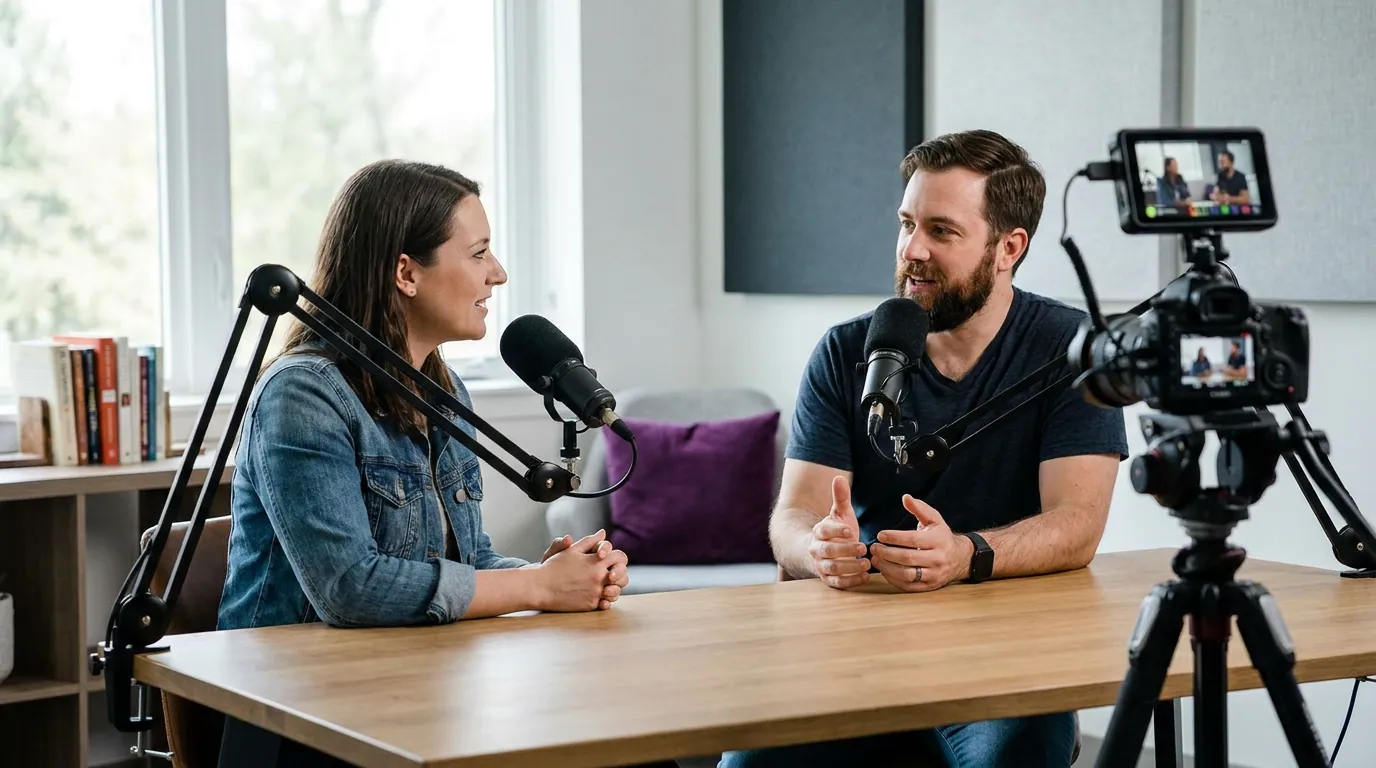
An experienced operator rarely picks one of these and stops. You record in Riverside (clean local tracks from every guest), edit in Descript (cut by transcript, polish with Studio Sound), then clip and schedule with a dedicated tool. Three stages, one specialist each, and you can collapse any two if budget is tight, knowing you're trading some quality for simplicity.
Two common collapses are reasonable. If your guests are reliable and you record in person, you can skip Riverside and capture straight into Descript. If you record in Riverside and only need light cuts, you can skip Descript and edit inside Riverside. The one stage people under-invest in is distribution, they assume the recorder's or editor's built-in clips are enough, then wonder why their clip cadence is the part that always slips.
When to choose each, by your bottleneck
Name the thing slowing you down, then buy that. The decision rule is below.
- Buy Riverside first if you record remote interviews and your raw files keep getting wrecked by guest internet, low resolution, or no per-guest track separation. Local capture is the thing only Riverside (and a couple of direct rivals) does well, and no editor fixes a recording that was never captured cleanly.
- Buy Descript first if your recordings are already fine but the edit is slow, or your audio is rough and you want Studio Sound to rescue it. Its transcript editing is the fastest way to assemble a tight episode, and it's the better choice if you record in person and don't need remote multi-track capture.
- Add a dedicated clipper at the distribution stage once your cadence is the bottleneck. If you've outgrown a clip tool's limits, the best Opus Clip alternatives in 2026 and QuickReel vs Opus Clip run the math on the clip-first field, and QuickReel vs Vizard covers the multilingual angle.
FAQ
Is Descript or Riverside better for recording remote podcasts? Riverside, clearly. It records each participant locally on their own device in uncompressed 48kHz audio and up to 4K video, on separate tracks, so a guest's bad connection doesn't degrade the file (Riverside Help Center). Descript can record a track but isn't built for reliable remote multi-track capture.
Is Descript or Riverside better for editing? Descript. Its transcript-based editor lets you cut video by deleting text, remove filler words with Underlord, and clean audio with class-leading Studio Sound (descript.com/pricing). Riverside has light editing, but it's a recorder first, not a finishing suite.
Do I need both Riverside and Descript? Often, yes, they do different jobs. A common setup is to record in Riverside and edit in Descript. If budget is tight, start with the stage that's slowest: record reliability (Riverside) or edit speed and audio repair (Descript). You can record straight into Descript if your guests are reliable, or edit inside Riverside if you only need light cuts.
Which one makes better social clips? Both make clips, but neither is a clipping-first tool. Riverside's Magic Clips outputs static captions with limited styling and caps clip sets by plan (Blitzcut, 2026); Descript's Create Clips is one feature inside an editor. For high clip volume, animated captions, and scheduling across platforms, a dedicated clipper removes more steps, see the best AI podcast clip generators, tested.
How much do Riverside and Descript cost? Descript starts at $16/mo annual (Hobbyist) and rises to $50/mo annual (Business), metered by media hours plus AI credits (descript.com/pricing). Riverside's own page lists its entry paid tier as Pro at $24/mo annual ($29 monthly), though third-party guides cite a cheaper "Standard" tier near $19, so verify on riverside.com/pricing before paying. Both have free tiers with watermarks.