
Best Cameras for Video Podcasts, by Budget Tier

If you record at a desk or do remote interviews, buy a 4K webcam, the Logitech MX Brio (~$170–$200). If you want an in-studio, depth-of-field look, buy a used Sony ZV-E10 (~$499–$579 body) or a new Sony ZV-E10 II (~$999 body). Below $170, a basic 1080p webcam is fine. But spend on lighting before you spend up a camera tier, it does more for your picture than any sensor upgrade.
Most "best camera for video podcast" lists rank twelve bodies in one flat order, which is no help when your real question is "what's the best camera for the money I have, in the room I have." So this is organized by budget band, with one definitive pick per band, the verified mid-2026 street price, and the honest tradeoff at crossing each line. Two rules run underneath all of it: lighting beats camera spend, and if your camera can shoot 4K, shoot 4K even when you publish 1080p, because that extra resolution is what lets you cut sharp vertical clips out of one wide frame.
The one-pick-per-tier table
| Budget tier | The pick | What it gets you |
|---|---|---|
| Under ~$170 | Logitech C920-class 1080p webcam (~$70) | Plug-and-play 1080p, built-in mic, zero setup, fine for a solo remote show |
| ~$170–$300 | Logitech MX Brio (~$170–$200) | Native 4K30, better low-light, USB-C, no capture card, the value sweet spot |
| ~$300–$700 | Used Sony ZV-E10 (~$499–$579 body) | Interchangeable-lens 4K, shallow depth of field, the "real camera" look |
| $700+ | New Sony ZV-E10 II (~$999 body) | 4K60, 26MP sensor, S-Log/S-Cinetone, far less rolling shutter, room to grow |
Two of these (the webcams) plug straight into a laptop over USB. The two mirrorless picks need extra hardware to behave like a webcam, usually a capture card such as an Elgato, because you can't just plug a mirrorless body into a USB port and expect it to work (The Podcast Consultant). Budget for that before you cross into the mirrorless tiers.
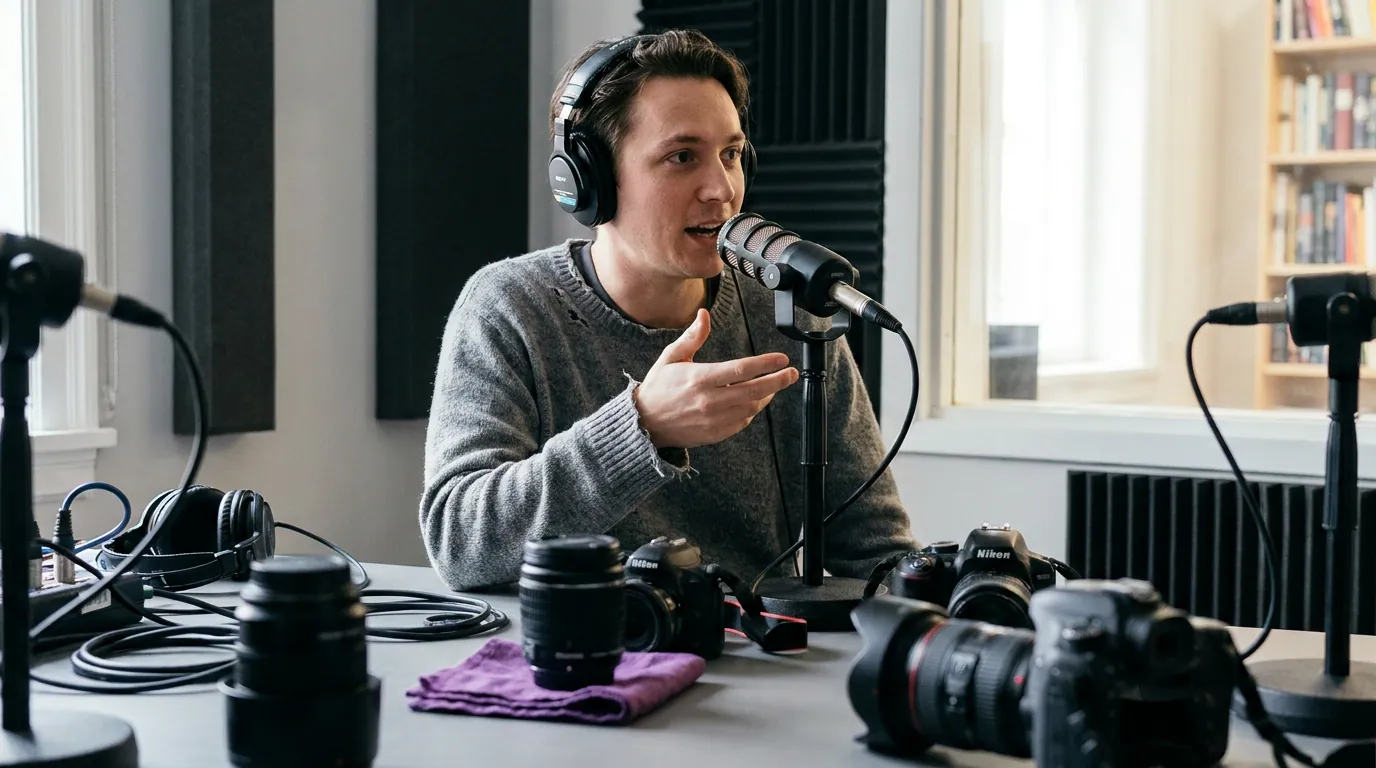
The under-$170 tier: a basic 1080p webcam
A reliable 1080p webcam, the Logitech C920-class is the long-running reference, runs about $70 and is the only entry here that a complete beginner can use the minute it arrives. It clips to your monitor, plugs in over USB, has a built-in mic for scratch audio, and needs no software, no capture card, and no lens. For a solo show or a remote interview where your guest joins on a call, it's genuinely enough.
The honest limit: a small webcam sensor struggles in dim rooms and flattens depth, your background sits in the same focus plane as your face, which reads as "video call," not "studio." That is fixable for almost nothing, and the fix is light, not a new camera (more on that below).
Pros: Cheapest path to on-camera; truly plug-and-play; built-in mic to get started; nothing extra to buy. Cons: Noisy in low light; flat, everything-in-focus look; 1080p only, which limits how much you can crop for vertical clips.
Honest take: for your first season, a 1080p webcam plus one light is all the video you need. Spend the saved money on a real microphone instead, audio is what makes viewers stay or leave. Start with the best podcast mic under $100, tested by use case.
Crossing from $70 to $170: what you gain
You gain 4K resolution and a better sensor, not a different category of device. The MX Brio still clips to your monitor and still plugs in over USB, but the 4K frame gives you real cropping room for clips, and the larger sensor handles a normally lit room far more cleanly. What you give up is about $100 and nothing else: it's the same effortless setup, just better. For most desk-based shows, this is the only upgrade you'll ever need.
The $170–$300 tier: Logitech MX Brio
The Logitech MX Brio is Logitech's flagship consumer webcam and the value sweet spot for any desk-based or remote video podcast. It lists at $199.99 and has sold around $170 on sale in 2026 (Logitech; Tom's Guide). It captures native 4K at 30fps and 1080p at 60fps, connects over USB-C with no capture card, and adds HDR plus AI low-light handling, which is exactly the help a small sensor needs in a real room.
That 4K capture is the one spec that earns its keep on a clip-driven show. You frame a clean head-and-shoulders shot, publish your long episode at 1080p, and still crop a sharp vertical 1080p clip out of the 4K frame for Shorts, Reels, and TikTok, without the mush you'd get cropping a 1080p source. More on that math below.
Pros: Native 4K with real cropping headroom; no capture card; strong low-light for a webcam; one of the cleanest webcam images you can buy (Tom's Guide). Cons: Still a fixed lens and a small sensor, so the shallow, cinematic background blur of a real camera is off the table; premium price for a webcam.
Want AI auto-framing for a standing or co-hosted show instead? The OBSBOT Tiny 2 is a 4K PTZ webcam that pans, tilts, and tracks your face, about $299 at retail, which a reviewer called fair for a pan-tilt-zoom unit but "probably overkill for the average person" (Tom's Guide; B&H). Buy it for movement, not image quality, the MX Brio is the better still-frame.
Crossing from $300 to $700: what you gain, and the homework you take on
This is the most misunderstood jump on the list, so be blunt: moving to a mirrorless camera does not automatically make you sound or look broadcast-grade. It buys one specific thing a webcam physically cannot, a larger sensor and an interchangeable lens, which means real depth of field, the soft blurred background that reads as "studio." But you take on homework. A mirrorless body needs a lens, usually a capture card to act as a webcam, and you now have to manage focus, exposure, and overheating on long sessions. You gain a look; you take on a setup.

The $300–$700 tier: used Sony ZV-E10
The Sony ZV-E10 is the consensus creator camera, and buying it used is the smartest way into "real camera" video. It launched at ~$700 body-only in 2021; in 2026 verified resale listings put it at $499–$579 body in excellent condition (a kit with the 16-50mm lens runs roughly $589–$669) (MPB; B&H). It records 4K, takes interchangeable lenses, has a flip-out screen and a mic input, and gives you the shallow-depth look a webcam can't.
A budget alternative if you want to spend even less: the Panasonic Lumix G7, a 4K Micro Four Thirds body from 2015, sells used for about $284–$314 (MPB). Smaller sensor, older autofocus, but a genuine interchangeable-lens 4K camera for the price of a nice webcam. If you want new with strong autofocus, the Canon EOS R50 lists at $779.99 and has sold around $679 body in 2026 (Canon; Amazon).
Pros: Interchangeable lenses and a large APS-C sensor; real background blur; 4K with proper crop headroom; mic input for good audio; holds resale value. Cons: Used means no warranty and you inherit shutter count; the original ZV-E10 crops in for 4K30 and shows noticeable rolling shutter; needs a lens and a capture card to run as a webcam.
The deeper question at this tier isn't the camera, it's whether your audio keeps up. A great-looking talking head with thin sound still loses viewers. Pair any mirrorless with a real mic before you spend $500 on a body, and if you're deciding how to connect it, the USB vs XLR mic decision is worth ten minutes, a hybrid USB/XLR mic that grows with your show means you never have to choose.
Crossing from $700 to $999: what you gain
You gain headroom, not a different look on day one. The ZV-E10 II adds 4K at 60fps (oversampled from 5.6K, with a slight 1.1x crop), the same 26MP sensor found in Sony's pricier a6700 and FX30, 10-bit S-Log3 and S-Cinetone color for grading, a bigger battery than the original, and far less rolling shutter (DPReview). What you give up is about $400–$500 and, notably, in-body stabilization, the II still relies on digital-only stabilization, so handheld walking shots stay shaky, and it can overheat in long 4K60 sessions (Videomaker). For a seated podcast on a tripod, both limitations barely matter.
The $700+ tier: new Sony ZV-E10 II
The Sony ZV-E10 II is the ceiling for most video podcasts that aren't a funded studio. It lists at $999 body-only ($1,099 with the 16-50mm power zoom) and is a roughly $300 step up over the original (DPReview; B&H). You get the best 4K specs in this class, the lowest rolling shutter, 10-bit 4:2:2 color with roughly 13 stops of measured dynamic range, and the best vlogging autofocus available under $1,000.
Buy it only if you already light and frame well and you've outgrown the original, or if you want a body you won't replace for years. For a brand-new show, it is more camera than your room can show off. A $999 sensor in a dim, untreated space looks worse than a $170 webcam under one good light.
Pros: Class-leading 4K60 (oversampled from 5.6K); large 26MP sensor and 10-bit log color for serious grading; better battery than the original; future-proof. Cons: No in-body stabilization; can overheat in long 4K60 sessions; doubles the cost of the used ZV-E10 for gains a seated show may never use; overkill for a beginner.
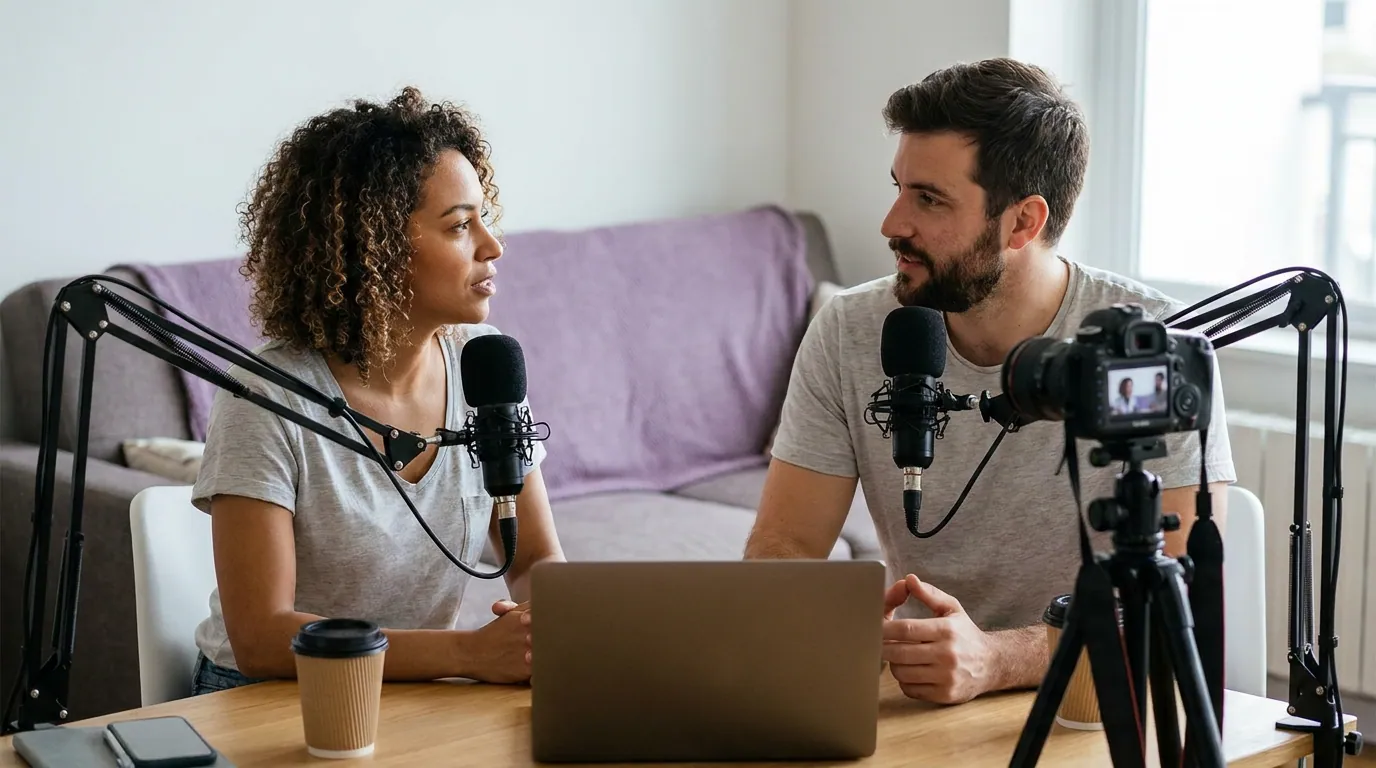
The two rules that matter more than the camera
Rule 1: lighting beats camera spend
The single most useful thing this guide can tell you: a cheaper camera under good light beats a pricier camera under bad light, every time. One key light at a 45-degree angle to your face, a $35 softbox or just a window you face, never one behind you, does more for your picture than jumping a whole camera tier. Good light cuts sensor noise, adds depth, and fixes exposure, which the eye reads as "professional" far more than resolution does. This mirrors the rule we give for audio in the budget mic guide: the gap between a cheap and an expensive setup is smaller than the gap between bad technique in a noisy room and good technique in a treated one (Ausha puts a hobby starter rig at $100–$350 in one-time gear). Light first. Camera second.
Rule 2: shoot 4K even if you publish 1080p
If your camera can shoot 4K, shoot 4K, even when your final episode goes out at 1080p. The reason is clips, not the master file. Podcast discovery in 2026 runs heavily through short-form vertical video; 42% of US weekly podcast listeners use YouTube most often (Cumulus Media / Signal Hill Insights via Backlinko, Oct 2025), and 53% of new US weekly listeners now prefer to watch a podcast, up from 30% in April 2022. When you crop a horizontal frame into a vertical clip, you throw away most of the width, so a 1080p source becomes a soft, low-resolution clip. Start from 4K and the cropped vertical is still full 1080p and sharp.
The cost of 4K is real: bigger files, slower edits, longer uploads, more storage. If that friction stops you from publishing consistently, drop to 1080p, a show that ships beats a show that buffers. But if you plan to post clips, the cropping headroom usually pays for the hassle.
How we picked these
Four criteria, in order: setup simplicity (can a beginner use it today, or does it need a capture card and a lens), image quality in a normally lit room (not a studio), 4K headroom for clipping, and verified mid-2026 street price from manufacturer and major-retailer pages, not list price. We chose one pick per band instead of ranking a dozen bodies, because your budget, and your room, is the actual decision, not a leaderboard.
Across the industry, video is now table stakes: 53% of new US weekly listeners prefer to watch a podcast rather than only listen, and most expert guides land on the same caveat we do, the camera matters less than lighting it well (Backlinko; The Podcast Consultant).
Who should buy what
- Solo, remote, recording at a desk: Logitech MX Brio (~$170–$200). 4K, no capture card, done.
- On the tightest budget: a 1080p webcam (~$70) plus one $35 light. Spend the rest on a mic.
- Want the studio depth-of-field look, value-first: used Sony ZV-E10 (~$499–$579), or a used Panasonic G7 (~$284–$314) to spend less.
- Outgrown the original and want years of headroom: new Sony ZV-E10 II (~$999).
- Standing or co-hosted show that needs auto-framing: OBSBOT Tiny 2 (~$299), for movement over image quality.
Whatever you buy, plan the show before you plan the gear. A repeatable episode structure and a clear call on scripting vs outlining will hold viewers longer than any camera upgrade.
FAQ
What's the best cheap camera for a video podcast? A 4K webcam like the Logitech MX Brio (~$170–$200) for most desk-based shows, or a basic 1080p webcam (~$70) on the tightest budget (Logitech). Both plug in over USB with no capture card. Add one $35 key light and you'll see a bigger jump than spending up a camera tier.
Do I need a mirrorless camera, or is a webcam fine? A webcam is fine, even ideal, for solo and remote shows. Choose mirrorless only when you specifically want shallow depth of field, the blurred-background "studio" look a small webcam sensor can't produce. Remember a mirrorless body needs a lens and usually a capture card to run as a webcam (The Podcast Consultant).
Should I shoot in 4K or 1080p? Shoot 4K if your camera supports it and you plan to post vertical clips, because cropping a 4K frame leaves a sharp 1080p clip while cropping a 1080p frame leaves a soft one. Choose 1080p if file size and edit speed are stopping you from publishing, consistency beats resolution.
Is the Sony ZV-E10 II worth it over the original ZV-E10? For a brand-new show, usually not. The II adds 4K60, a better sensor, log color, and far less rolling shutter, but it costs ~$999 versus ~$499–$579 used and still lacks in-body stabilization (DPReview). On a seated, tripod-mounted podcast, the used original is the better value.
Does the camera or the lighting matter more? Lighting, clearly. A $200 camera under one well-placed key light beats a $2,000 camera under bad light. Good light cuts noise, adds depth, and sets exposure, which the eye reads as "professional" more than resolution does. Light your subject from a 45-degree angle, never from behind.